What Does NetOptimizer Do?
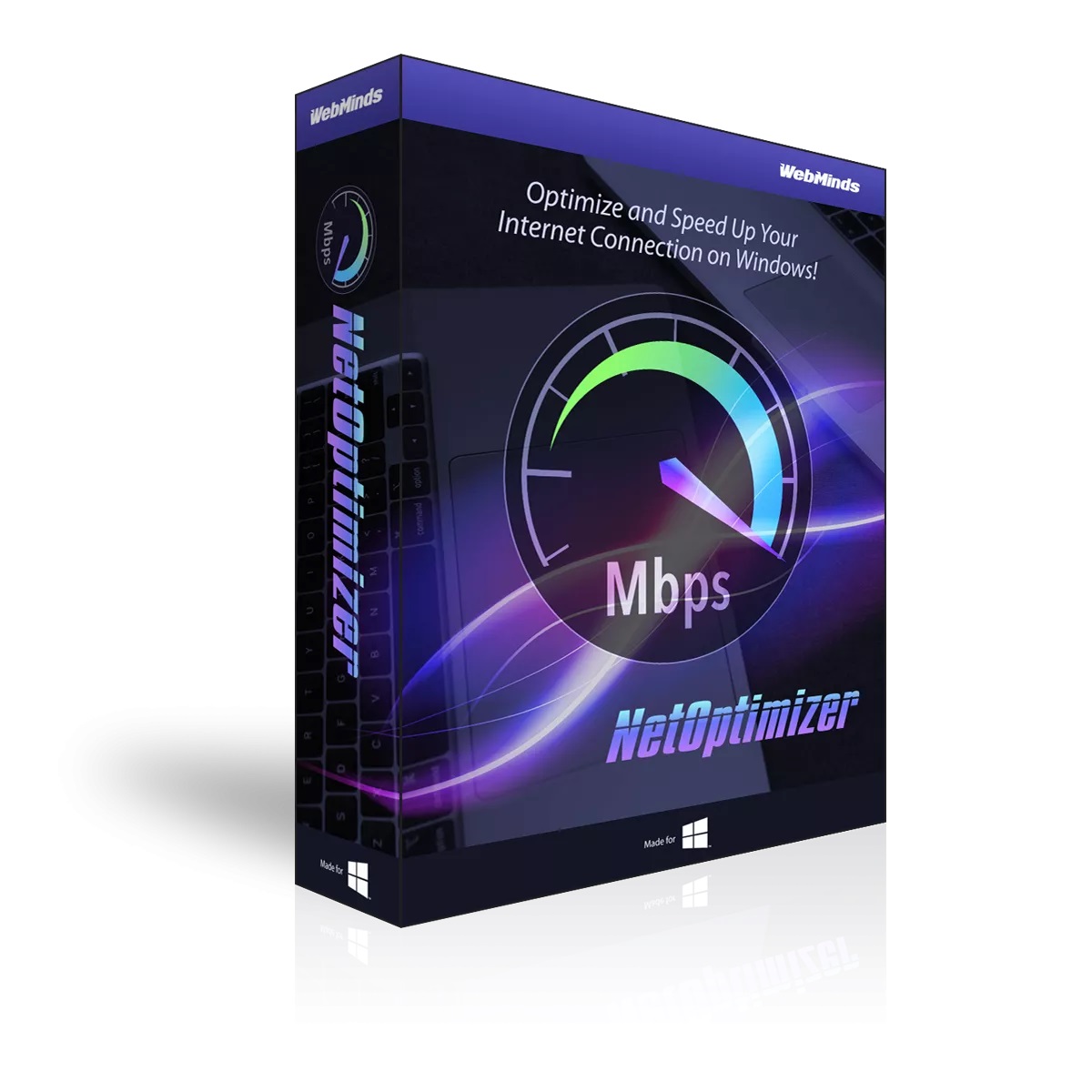
NetOptimizer is a specialized utility designed to maximize internet connection speeds by adjusting parameters within the Windows operating system and network hardware configurations. The software automates the process of fine-tuning network settings that are typically left at factory default values, which may not be optimized for specific user environments or hardware capabilities.
By analyzing the existing connection, the tool identifies bottlenecks and applies technical optimizations to reduce latency. This is particularly beneficial for high-bandwidth tasks such as 4K video streaming and large file transfers, where consistent throughput is necessary. Users can expect improved reliability during real-time communication and faster web page loading times across various browsers by correcting inefficient network configurations.
For online gaming, the software focuses on minimizing packet loss and "ping" times to ensure a more stable connection during competitive play. Additionally, the utility aims to extend the operational life of networking hardware. By streamlining how data is processed and reducing the overall strain on routers and modems, the tool helps prevent device overheating and premature hardware fatigue.
The interface allows users to implement these technical adjustments through an automated process, removing the need for manual registry edits or complex router firmware modifications. This provides a centralized solution for maintaining network health and maximizing performance efficiency without requiring advanced networking knowledge.
Top 5 Reasons To Download NetOptimizer
- Unlocking Hidden Performance Through Deep Optimization: NetOptimizer goes beyond surface-level fixes by fine-tuning internal Windows registry settings and network adapter configurations that are typically hidden from the average user.
- Eliminating Streaming Buffering and Download Bottlenecks: By prioritizing data packets and optimizing your TCP/IP stack, this tool ensures that high-definition video and large file transfers utilize every megabit of your bandwidth.
- Reducing Latency and Ping for Competitive Gaming: For gamers, milliseconds matter. NetOptimizer minimizes "jitter" and lag spikes by streamlining the way your computer communicates with game servers.
- Extending the Lifespan of Your Networking Hardware: Efficient data management reduces the processing strain on your router and modem, preventing overheating and ensuring your hardware remains stable for years to come.
- User-Friendly Automation for Complex Technical Tasks: You don't need to be a network engineer to see results; the software automates complex optimizations that would otherwise take hours of manual, risky configuration.
We have all been there. You pay for a high-speed internet package, the marketing materials promise you lightning-fast downloads, and your service provider insists you are getting the "best possible speeds." Yet, when you actually sit down to work, stream, or play, the reality is often disappointing. Web pages hang for a split second too long, your 4K stream drops to grainy 720p, and your downloads crawl along at a fraction of what you were promised. The truth is that your hardware and your operating system are often not configured to handle your specific connection efficiently right out of the box. This is where a professional-grade tool like NetOptimizer becomes an absolute game-changer. It acts as the digital mechanic for your internet connection, tightening the bolts and tuning the engine to ensure you are getting exactly what you pay for. Here is a deep dive into why you need to jump on this giveaway immediately.
1. Unlocking Hidden Performance Through Deep Optimization
Most users believe that their internet speed is purely a product of the cable coming out of the wall. However, the software side of networking is just as critical. Windows and other operating systems are designed to be "compatible" with a massive range of devices, which means their default settings are often conservative and generic. They aren't "optimized"—they are simply "safe." NetOptimizer changes this dynamic by diving deep into the architecture of your system to find the settings that are holding you back.
When you run NetOptimizer, it analyzes your current configuration and identifies bottlenecks in your registry. The Windows Registry is the heart of your operating system, but it is also a place where many outdated network parameters live. For example, settings like the TCP Receive Window (RWIN) determine how much data your computer can accept before sending an acknowledgment back to the server. If this is set too low, your connection will pause frequently, waiting for these acknowledgments. NetOptimizer intelligently adjusts these values based on your specific hardware, allowing for a much smoother and continuous flow of data.
Furthermore, the tool looks at your network adapter settings. Many network cards have advanced features like interrupt moderation or flow control that can actually hinder performance on high-speed fiber or cable connections. By fine-tuning these buried settings, NetOptimizer ensures that your PC is ready to receive data as fast as your ISP can send it. This isn't just a "tweak"; it is a comprehensive overhaul of your system's communication protocols.
2. Eliminating Streaming Buffering and Download Bottlenecks
In the modern digital landscape, content is king, and content is getting larger. We are moving from 1080p to 4K and even 8K video, while video game file sizes are ballooning past the 100GB mark. There is nothing more frustrating than the dreaded "loading" circle in the middle of a climax in a movie, or waiting six hours for a game update that should have taken twenty minutes. NetOptimizer is specifically designed to tackle these bottlenecks head-on.
The software works by optimizing how your computer handles "packets." Think of your internet data like a series of small boxes being delivered to your house. If the boxes arrive out of order, or if the delivery truck takes a long route, everything slows down. NetOptimizer ensures that the "delivery route" for your data is as direct as possible. It helps manage the way your browser and download managers interact with the web, prioritizing the data that matters most. This results in an immediate and noticeable improvement in "Time to First Byte" (TTFB), which is the speed at which a website starts actually loading after you click a link.
For those who use streaming services, the tool helps maintain a steady bitrate. Buffering usually occurs when the data stream is inconsistent—high speeds one second, followed by a momentary dip the next. By stabilizing your connection through better buffer management, NetOptimizer prevents those dips from interrupting your viewing experience. It allows your system to utilize the full "pipe" of your internet connection, making the "slow internet" excuse a thing of the past.
3. Reducing Latency and Ping for Competitive Gaming
If you are a gamer, you know that raw download speed is only half the battle. You could have a 1Gbps connection, but if your ping is high, you are going to lose every firefight or miss every critical move. Ping, or latency, is the time it takes for a signal to travel from your computer to the server and back. In competitive gaming, high latency results in "rubber-banding," where your character teleports around the screen, or "input lag," where your actions happen a second after you press the button.
NetOptimizer is an essential tool for any serious gamer because it focuses on minimizing the "jitter" and delay in your network stack. It accomplishes this by disabling features like Nagle’s Algorithm, which is a process that bunches small data packets together to save bandwidth. While this is great for sending emails, it is terrible for gaming, where you need every tiny packet of data (like a mouse click) to be sent instantly. By telling your computer to send packets immediately rather than waiting to bunch them, NetOptimizer can significantly shave off those precious milliseconds from your ping.
Moreover, the software helps optimize your DNS (Domain Name System) settings. Many people use the default DNS provided by their ISP, which is often slow and congested. NetOptimizer can help you identify and switch to the fastest possible DNS servers, ensuring that your game client finds the server it needs to connect to with zero hesitation. This creates a more stable, responsive gaming environment that can give you a genuine competitive edge over players using unoptimized systems.
4. Extending the Lifespan of Your Networking Hardware
One of the most overlooked benefits of using NetOptimizer is the physical health of your hardware. Your router and modem are essentially small computers with their own processors and memory. When your network settings are poorly configured, these devices have to work much harder to manage the chaotic flow of data. Incorrectly sized packets, frequent re-transmission of lost data, and inefficient routing cause the CPU inside your router to run at high temperatures. Over time, this heat degrades the internal components, leading to hardware failure or the need for frequent reboots.
By using NetOptimizer, you are essentially making the data flow "cleaner." When your PC is optimized, it sends and receives data in a way that is easier for the router to process. It reduces the number of "dropped" packets that require the router to re-send information. This efficiency means your router doesn't have to work as hard, which keeps it running cooler and more reliably. It is a proactive way to maintain your home network infrastructure.
Think of it like a car engine. If you are driving with the wrong oil and clogged filters, the engine has to work harder to maintain speed, leading to wear and tear. NetOptimizer is the high-performance oil and clean filter for your network. It ensures that every component in the chain, from your network card to your router and your modem, is operating within its most efficient parameters. This not only improves your speed today but protects your investment in expensive networking hardware for the future.
5. User-Friendly Automation for Complex Technical Tasks
Perhaps the most compelling reason to download this giveaway is the sheer simplicity of the tool. If you were to try to perform these optimizations manually, you would need to spend hours researching command-line prompts, navigating the complexities of the Windows Registry, and potentially risking your system's stability. One wrong entry in the registry can lead to a "Blue Screen of Death" or a complete loss of internet connectivity. For the average user, the risk often outweighs the reward.
NetOptimizer removes the risk and the learning curve. It features a streamlined interface designed for both tech enthusiasts and casual users. With a few clicks, the software scans your entire setup and applies the best settings automatically. It takes the collective knowledge of network experts and packages it into a "one-click" solution. You don't need to know what a "MTU size" or a "TTL value" is—the software knows for you.
Furthermore, it provides a safe environment for experimentation. Because the software is designed to be user-friendly, it often includes backup and restore features that allow you to revert to your original settings if you don't see the desired results. This level of professional automation is usually reserved for enterprise-level IT departments, but NetOptimizer brings it to your desktop. It is the ultimate "set it and forget it" tool that continues to provide value long after the initial download.
In conclusion, your internet connection is the lifeblood of your digital life. Whether you are working from home, attending online classes, gaming with friends, or just relaxing with a movie, your connection quality dictates your quality of life in the digital age. Do not settle for the "default" experience. Most people are sitting on a goldmine of untapped speed that their ISP is already providing, but their computer is simply too "cluttered" to use it. NetOptimizer is the key that unlocks that potential.
By downloading this giveaway, you are giving yourself the gift of time. You will spend less time waiting for bars to load, less time frustrated by lag, and less time worrying about your hardware failing. It is a comprehensive, powerful, and incredibly easy-to-use utility that belongs on every PC. Do yourself a favor and optimize your digital world today—you deserve the speed and power that NetOptimizer delivers.
The beauty of this tool is that it adapts to you. Whether you have a modest DSL connection or a cutting-edge 10-Gigabit fiber line, the principles of optimization remain the same. Efficiency is universal. This is your chance to stop complaining about your internet and finally do something about it. Download NetOptimizer, run the scan, and feel the difference for yourself. Your faster, smoother, and more reliable internet journey starts now.

Reviews for NetOptimizer
Click Here to Read Reviews for NetOptimizer >> Click Here to Submit Reviews for NetOptimizer >>