What Does TwistedBrush Blob Studio Do?
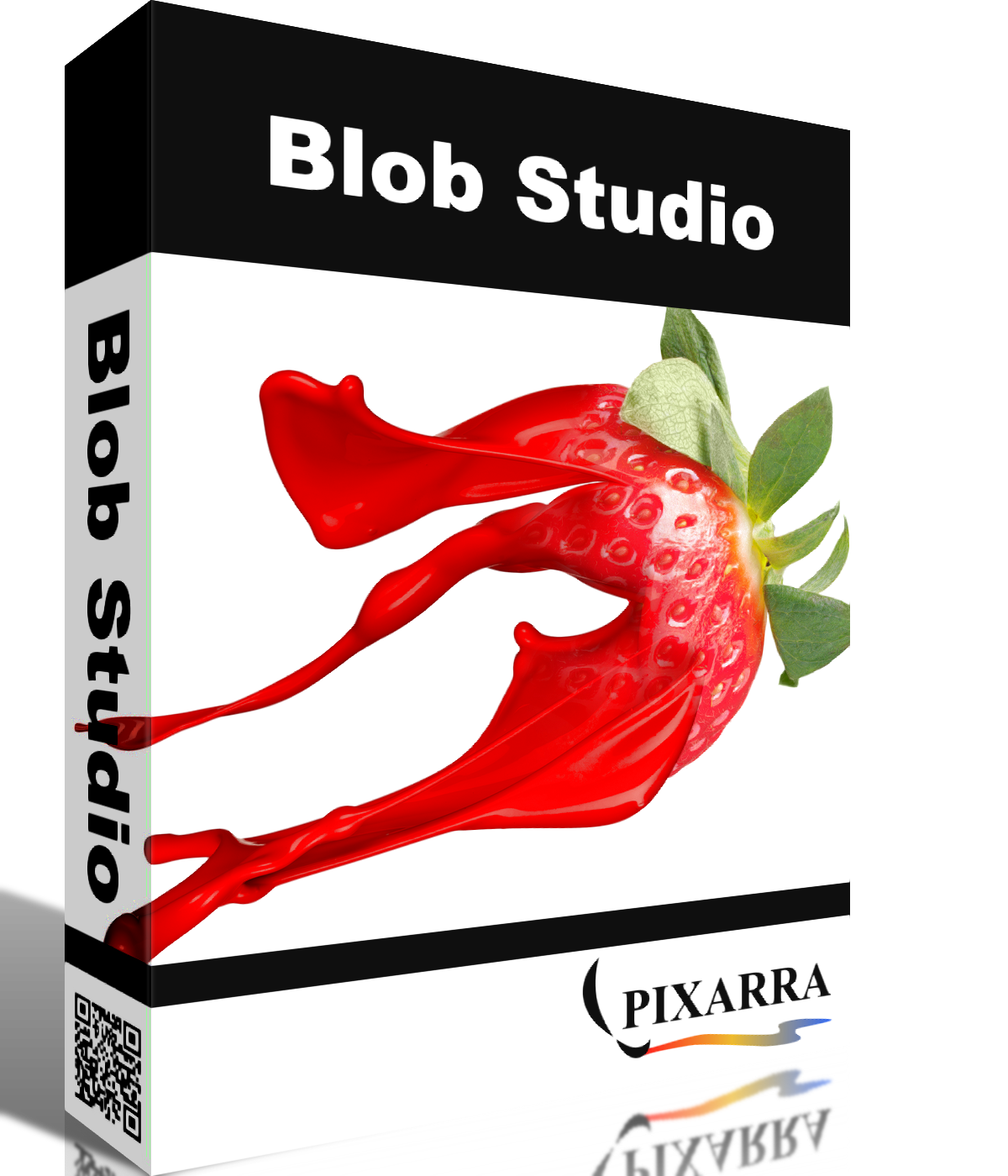
Pixarra's Blob Studio is a specialized digital art application derived from TwistedBrush Pro Studio, optimized for the creation of individual objects. The software features a streamlined interface designed to facilitate a "blob" modeling workflow, where users shape digital material similarly to working with clay. Each brush stroke automatically builds highlights and shading, allowing for the rapid development of three-dimensional forms.
The toolset includes specific brushes for pushing, pulling, smoothing, and subtracting material. Users can paint directly onto these shapes without the need for masking, as the software maintains the object's boundaries. Shaping and material effects, such as metallic finishes, are non-destructive; the core geometry can be refined even after color and textures have been applied.
Key technical specifications and features include:
- 64-bit color painting system for high-fidelity blends.
- Configurable Quick Command and Shortcut panels for workflow customization.
- A sketchbook system that automatically saves work-in-progress.
- Support for layers, symmetry, and up to nine floating reference image panels.
- Compatibility with other Pixarra Studio products and standard image export formats.
Blob Studio is designed for artists who need to generate crisp, shaded assets for use in broader illustrations or third-party art software. The interface includes dark and light themes and features panels that automatically hide to maximize the digital canvas space.
Top 5 Reasons To Download TwistedBrush Blob Studio
- Revolutionary "Digital Clay" Modeling System: Create complex 3D-looking objects using intuitive blob brushes that automatically handle shading and highlights.
- Post-Painting Flexibility: The unique ability to reshape and mold your objects even after you have finished painting and detailing them.
- Professional-Grade 64-Bit Brush Engine: Access the legendary power of Pixarra’s brush system with 64-bit color for the smoothest gradients and blends possible.
- Streamlined, Distraction-Free Interface: A clean, focused workspace featuring auto-hiding panels and a fully customizable Quick Command system.
- Non-Destructive Material Effects: Instantly apply and swap professional finishes like metallic looks across different layers without losing your original work.
If you have ever felt trapped between the steep learning curve of 3D modeling software and the sometimes rigid constraints of traditional 2D illustration tools, you are looking at your new favorite piece of software. Blob Studio is a specialized powerhouse born from the DNA of the famous TwistedBrush Pro Studio, but it has been laser-focused on one specific, incredible task: the creation of individual objects. Whether you are a concept artist, a game asset designer, or a digital hobbyist, this software provides a workflow that feels less like fighting with pixels and more like sculpting with light and color. This giveaway is an absolute must-download for anyone looking to add a unique, high-efficiency tool to their creative arsenal.
1. Revolutionary "Digital Clay" Modeling System
The standout feature that sets Blob Studio apart from every other painting app on the market is the way it handles form. In traditional digital painting, creating a 3D effect requires a deep understanding of light sources, shadows, and manual blending. With the specialized Blob brushes, the software does the heavy lifting for you. When you move your brush across the canvas, you aren't just laying down flat color; you are building up material. Each stroke adds volume, and the software automatically calculates where the highlights and shaded areas should fall.
This "Digital Clay" approach means you can start with a simple stroke and watch it become a rounded, tangible object right before your eyes. But it doesn't stop at simple circles. Using the shaping brushes, you can push and pull the edges of your creation. If you want to tuck in a corner or extend a limb of an object, you simply "massage" the pixels into place. The sensitivity of this process is entirely under your control; by adjusting the opacity of your brush, you change how much force you are applying to the "clay." It is an incredibly tactile experience that feels more organic than any vector pen tool or standard raster brush.
Furthermore, the subtracting brushes allow for a level of detail that is usually reserved for high-end 3D sculpting suites. You can "punch out" holes or remove material to create complex negative spaces. Because the shading is handled dynamically, these new holes and edges look naturally lit from the moment you create them. This makes Blob Studio an ideal tool for creating buttons, jewelry, organic character parts, or complex mechanical components for larger compositions.
2. Post-Painting Flexibility
One of the biggest headaches in digital illustration is the "point of no return." Usually, once you have meticulously painted textures, fine lines, and tiny details onto an object, you are locked into that shape. If you decide the object needs to be slightly wider or more curved, you often have to rely on destructive transformation tools like "liquify" or "warp," which can blur your textures and ruin your hard work. Blob Studio solves this problem with a workflow that feels like magic.
In this application, you can complete your entire painting process—using any of the vast array of painting brushes included in the software—and then decide to change the core shape. Because the "blob" data and the "paint" data are handled with sophisticated intelligence, you can go back with your shaping brushes and continue to mold the object. The paint moves with the form, maintaining its integrity and crispness. This allows for an iterative design process where you can experiment with colors and textures first, and then fine-tune the silhouette later.
This feature is a lifesaver for professional workflows. Imagine designing a character's armor or a specific piece of fruit for a still life. You spend hours getting the texture just right, only to realize the proportions are slightly off. In other software, you might be looking at a significant redo. In Blob Studio, you simply nudge the shape back into place, and your painting follows suit. It removes the fear of making mistakes and encourages true artistic exploration.
3. Professional-Grade 64-Bit Brush Engine
While Blob Studio is designed to be accessible and streamlined, it is built on the shoulders of giants. It utilizes the world’s most powerful and flexible brush engine: the Pixarra brush effects system. This isn't just marketing speak; the engine is capable of simulating an incredible range of media and effects. When you download this, you aren't just getting a simple "blob" tool; you are getting a professional-grade painting suite.
The 64-bit color painting system is a technical marvel that many users might not realize they need until they see it in action. Most standard art programs operate at a lower bit depth, which can lead to "banding" in gradients—those ugly, visible steps between colors in a sunset or a smooth shadow. With 64-bit color, the blends are as smooth as butter. This is essential when working with the automatically shaded blobs, as it ensures that the highlights and shadows transition with photographic realism.
The software also comes packed with specialized ArtSets. These aren't just a few dozen generic brushes; they are curated collections designed specifically to interact with the blob geometry. You have smoothing brushes to refine your surfaces, surface brushes to add texture without altering the silhouette, and a massive collection of traditional-style painting brushes to add character to your work. Best of all, if you are already a user of other Pixarra products, the brushes are compatible, allowing you to bring your favorite custom tools into this specialized environment.
4. Streamlined, Distraction-Free Interface
Modern software has a tendency to become "bloated" with too many buttons, sliders, and menus that you never use. Blob Studio takes the opposite approach. It is part of Pixarra’s "Studio" series, which focuses on providing a clean, fast, and easy workflow. The UI is designed to stay out of your way so that you can focus on the art. For those who enjoy working in late-night sessions, both dark and light themes are available to reduce eye strain.
The Quick Access Panels are a masterclass in UI design. The Color Management and Brush Shortcut panels are always ready when you need them but, brilliantly, they can be set to automatically hide if they get in the way of your brush strokes. If you want a completely empty canvas, a simple tap of the F3 key hides everything, giving you a pure, immersive creative space.
The crown jewel of the interface, however, is the Quick Command Panel. This is a configurable array of buttons that you can place anywhere on your screen. You can resize it, reshape it, and populate it with the commands you use most often. Want a button for a specific layer action right next to your brush? You can put it there. Want to hide it instantly? Hit F4. This panel even exposes some functionality that isn't found in the standard menus, making it a "pro-user" secret weapon. It turns the software into a bespoke tool that is unique to your specific way of working.
5. Non-Destructive Material Effects
The final step in many digital art projects is the application of "finishing touches." In most apps, this involves complex layer masks, blending modes, and external filters. Blob Studio simplifies this with its Material Effects system. Once your object is shaped and painted, you can apply various styles—like a sleek metallic look—to the entire layer with a few clicks.
The real power here is that these effects are non-destructive. This means they don't permanently change the pixels of your painting. You can apply a gold metallic finish, decide it looks too "heavy," and immediately switch it to a different material or turn it off entirely to go back to your original paintwork. Because different layers can have different styles, you can build up complex objects made of multiple materials—imagine a wooden chest with iron bands and a gold lock, each on its own layer with its own specific material effect.
This system works in perfect harmony with the Layers panel. The layer system in Blob Studio is designed for speed. There is no scrolling through endless menus to add a layer; a single click does it. You can drag to rearrange them and right-click for advanced options. By combining simple layer management with powerful, non-destructive effects, you can produce professional-quality assets in a fraction of the time it would take in a more generalized art program.
Beyond these top five reasons, Blob Studio is filled with "quality of life" features that show it was designed by artists, for artists. The Sketchbook system is a perfect example. It automatically saves your work as you go, meaning you never have to worry about a crash or a power flicker wiping out hours of progress. You can flip through the pages of your digital sketchbook with the Page Up and Page Down keys, making it feel like a real physical portfolio of your ideas.
For those who need accuracy, the software includes tracing paper support and up to nine floating reference image panels. You can pin your reference photos right next to your canvas, ensuring your proportions and colors are spot-on. There is also a robust Symmetry tool that works with all the blob brushes, allowing you to create perfectly mirrored characters or mechanical parts instantly.
In conclusion, Blob Studio is more than just another painting app. It is a specialized factory for your imagination. It takes the most difficult parts of 3D modeling and 2D illustration and merges them into a single, fluid workflow that anyone can master. Whether you want to create crisp, clean illustrations or complex, textured objects for other projects, this software provides the tools to do it faster and more intuitively than ever before. Do not miss out on this giveaway—your digital toolkit will thank you, and your art will reflect the professional edge that only Pixarra's engine can provide.
The combination of the 64-bit color system, the unique blob brushes, and the intelligent UI makes this a standout product in a crowded market. It’s rare to find a tool that actually changes how you think about creating objects, but Blob Studio does exactly that. By treating your digital canvas like a piece of malleable clay, it opens up creative doors that you didn't even know were closed. Download it today, experiment with the material effects, and start sculpting your next masterpiece.

Reviews for TwistedBrush Blob Studio
Click Here to Read Reviews for TwistedBrush Blob Studio >> Click Here to Submit Reviews for TwistedBrush Blob Studio >>