What Does HotBlocks Mobile Flowcharts Do?
HotBlocks Flowcharts is a digital design library developed to assist in the creation of mobile user experience (UX) prototypes. The kit contains 120 pre-designed mobile screens categorized into seven distinct functional groups. These templates are intended to help designers map out user flows and application architectures during the initial phases of product development.
The software is built with an emphasis on customization efficiency. It utilizes shared styles, symbols, and text styles, allowing users to modify global elements across a project simultaneously. This structure ensures that wireframes remain consistent as they are scaled or adjusted. The files are fully layered and feature organized symbols to maintain a clean workspace within professional design environments.
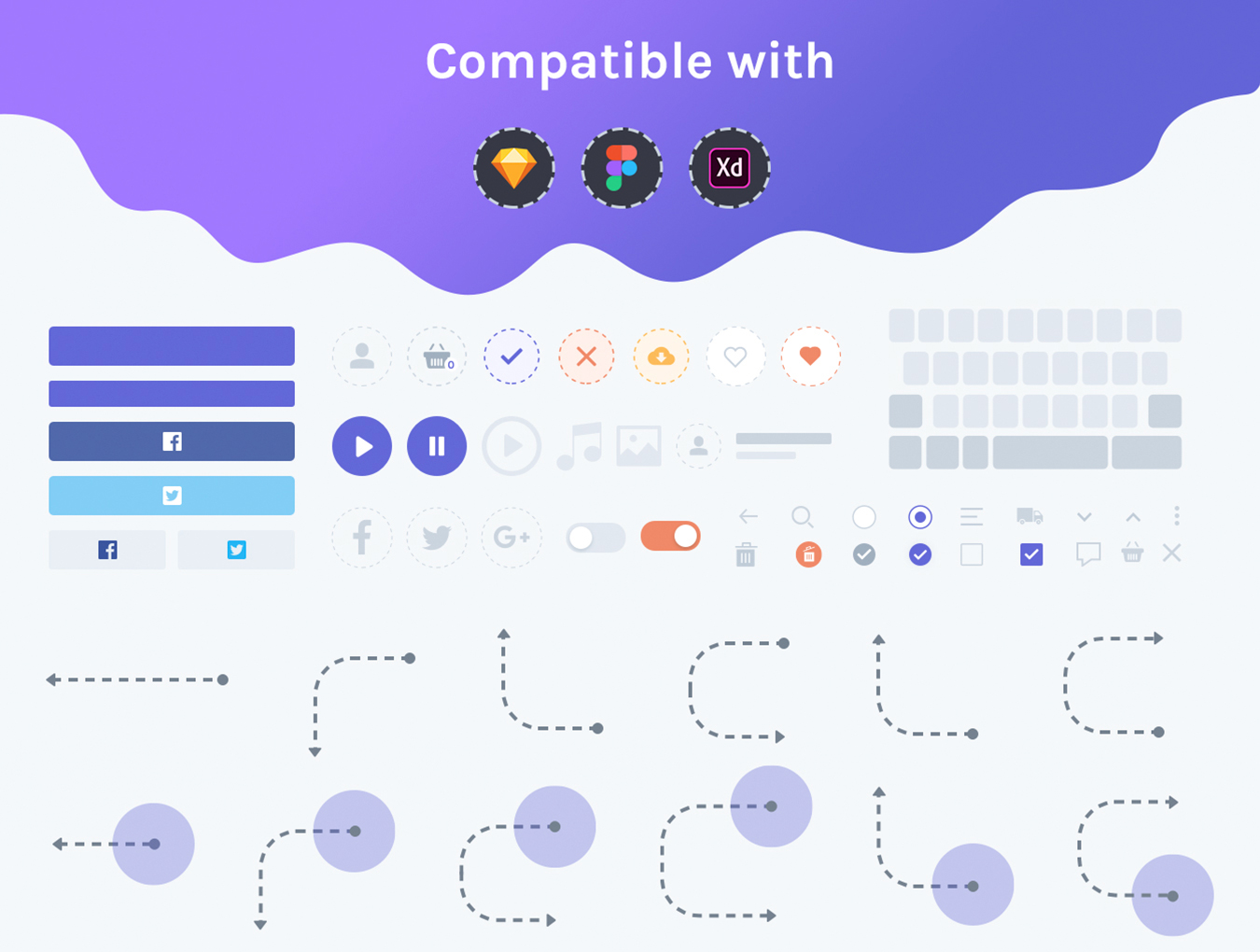
Compatibility is a key feature of this library, as it supports the three primary industry-standard design tools: Sketch, Figma, and Adobe XD. This cross-platform support enables seamless integration into existing workflows regardless of a team's preferred software ecosystem.
Technical specifications for this kit include:
- 120 Mobile Screens: A diverse range of layouts for various app functions.
- Light Theme: This specific version is rendered in a light user interface style.
- Seven Categories: Organized blocks to speed up the flowcharting process.
- Fully Layered: Every element remains editable for precise control.
- Clean Symbols: Optimized components for rapid prototyping.
Designers should note that while the kit is highly customizable, the Dark theme is not included in this specific offering. The library serves as a foundational tool for building high-fidelity mobile app prototypes and presenting structured user journeys to clients.
Top 5 Reasons To Download HotBlocks Mobile Flowcharts
- Unrivaled Library Breadth with 120 Ready-to-Use Screens
- Universal Compatibility Across Sketch, Figma, and Adobe XD
- Deep-Level Customization through Shared Symbols and Text Styles
- Strategic Categorization for Holistic User Experience Mapping
- Clean, Production-Ready Layering and Organization
If you have ever spent a late night staring at a blank canvas in Figma or Sketch, wondering how you are going to map out an entire mobile application by morning, then you already know the struggle of the modern UI/UX designer. The blank-page syndrome is real, and in the fast-paced world of digital product design, time is the most expensive commodity you have. This is exactly why the HotBlocks Flowcharts giveaway is not just another design asset; it is a fundamental shift in how you can approach your prototyping workflow. As a reviewer who has seen thousands of UI kits come and go, I can tell you that this library stands out because it focuses on the "flow," not just the "pixels."
When we talk about UX prototyping, we are talking about the logic, the journey, and the friction points of a user’s experience. HotBlocks provides the architecture for that journey. It is a massive collection of 120 mobile screens that allows you to stop worrying about the size of a button and start worrying about how a user gets from point A to point B. Let’s dive deep into the five reasons why you absolutely need to add this to your design arsenal immediately.
1. Unrivaled Library Breadth with 120 Ready-to-Use Screens
The first and most obvious reason to jump on this giveaway is the sheer volume of content. We aren’t talking about a dozen screens or a handful of generic layouts. HotBlocks delivers 120 unique mobile screens. To put that in perspective, a standard MVP (Minimum Viable Product) for a mobile app usually requires between 15 and 30 screens. With this library, you are essentially getting enough components to build four or five entire applications from scratch without ever repeating a layout.
The 120 screens are not just variations of the same thing; they are carefully crafted wireframes that represent the most common and effective design patterns in the mobile industry today. Whether you are building a social media feed, a complex e-commerce checkout, or a simple onboarding sequence, the work has already been done for you. This allows you to "think in systems" rather than "think in screens." Instead of spending three hours designing a login page, a "forgot password" page, and a "registration" page, you simply pull those blocks from the HotBlocks library and move on to the more complex parts of your app’s logic. This level of breadth is a massive productivity multiplier that can turn a week-long project into a two-day project.
2. Universal Compatibility Across Sketch, Figma, and Adobe XD
One of the biggest frustrations in the design community is the fragmentation of tools. You might be a Figma power user, but your client’s in-house team uses Adobe XD. Or perhaps you’re a die-hard Sketch fan, but you need to collaborate with a freelancer who prefers Figma. Often, when you find a great UI kit, it’s locked into a single ecosystem, forcing you to use "converter" tools that inevitably break your layers and symbols.
HotBlocks Flowcharts solves this by being universally compatible. This giveaway includes native files for Sketch, Figma, and Adobe XD. This is a huge win for versatility. It means you can download this kit and know with 100% certainty that it will work with your preferred stack. But more importantly, it makes you a more flexible designer. You can hand off files to different teams without worrying about compatibility issues. The developers get clean files, the stakeholders can view them in the software they are comfortable with, and you don’t have to waste time troubleshooting broken vectors or missing styles. This cross-platform support is a testament to the quality of the product—it wasn't just made for one group of designers; it was made for the entire industry.
3. Deep-Level Customization through Shared Symbols and Text Styles
The biggest fear most designers have when using a pre-made kit is that their work will look "generic." We’ve all seen apps that look like they were pulled straight from a basic template. However, HotBlocks is built with professional-grade customization at its core. It utilizes the power of shared styles and symbols (or components, depending on your software of choice) to ensure that you can make these 120 screens your own in a matter of clicks.
Imagine you have built out a 50-screen prototype using HotBlocks. Your client decides they want to change the primary brand color from blue to a vibrant orange and change the typeface from a sans-serif to a sleek modern serif. In a poorly constructed kit, you would have to manually update 50 screens. In HotBlocks Flowcharts, you simply update the Shared Text Styles and the Master Symbols, and the changes ripple through the entire document instantly. This is "Atomic Design" in practice. The kit is built on a foundation of reusable elements, meaning you can maintain brand consistency across a massive project with almost zero manual effort. This feature alone makes it a professional-grade tool rather than just a collection of drawings. It allows you to create mobile apps that your clients will adore because they look and feel bespoke, even though they were built on a highly efficient foundation.
4. Strategic Categorization for Holistic User Experience Mapping
A pile of 120 screens would be overwhelming if they weren't organized properly. HotBlocks excels here by splitting the library into seven distinct categories. This isn't just for neatness; it's for UX strategy. When you are designing an app, you aren't just making "screens"; you are building "flows." By categorizing the screens, HotBlocks allows you to focus on the specific needs of different phases of the user journey.
The seven categories ensure that you have coverage for every touchpoint. You’ll find dedicated sections for onboarding (where first impressions are made), profiles (where user data is managed), e-commerce (where conversions happen), and social elements (where engagement lives). This categorization acts as a checklist for your UX. When you are building your flowchart, you can look at the categories and realize, "Oh, I haven't accounted for the empty state of the shopping cart," or "I need a more robust settings menu." Having these categories at your fingertips ensures that your prototypes are holistic and comprehensive. You aren't just designing the "happy path"; you are designing the edge cases and the secondary flows that make a mobile app feel professional and polished. This structured approach is what separates a junior designer from a senior UX architect.
5. Clean, Production-Ready Layering and Organization
There is nothing worse than opening a downloaded file only to find "Layer 1," "Layer 1 copy," and "Group 542." It’s a nightmare for you, and it’s a nightmare for the developers who eventually have to build the app. One of the standout features of HotBlocks is its fully layered and organized clean symbols. The creators of this kit clearly understand the handoff process.
Every screen in this library is meticulously organized. Layers are named logically, groups are nested sensibly, and symbols are curated to be intuitive. When you download this giveaway, you aren't just getting the visual assets; you are getting a masterclass in file organization. This level of cleanliness is vital for two reasons. First, it makes your own editing process faster because you can actually find the elements you need to change. Second, it makes you look incredibly professional when you share your working files. When a developer opens a Figma file and sees perfectly named layers and a clean symbol library, their respect for the designer goes through the roof. It reduces friction during the development phase and ensures that the final product looks exactly like your prototype. Using HotBlocks teaches you the discipline of clean design, which is a skill that will serve you throughout your entire career.
A Quick Note on Themes: It is important to mention that this specific giveaway features a crisp, professional Light Theme. This is the gold standard for UX prototyping because it allows the focus to remain on the structure and content without the distractions of heavy styling. While the full bundle at the official store includes a dark theme, the light theme provided here is the perfect canvas for your initial flows. It’s clean, it’s high-contrast, and it’s universally accessible, making it the ideal starting point for any client presentation.
In conclusion, the HotBlocks Flowcharts library is a rare find in the world of design giveaways. It bridges the gap between high-level UX thinking and low-level UI execution. By providing 120 screens across 7 categories, and ensuring compatibility with Sketch, Figma, and XD, it removes the technical barriers that often slow designers down. The reliance on shared styles and symbols means you aren't just downloading a static kit; you are downloading a living design system that can be molded to fit any brand or any project. Whether you are a seasoned pro looking to speed up your workflow or a beginner looking for a professional foundation to learn from, this is a download you cannot afford to miss. It’s time to stop building from scratch and start building with HotBlocks. Your clients—and your sanity—will thank you.

Reviews for HotBlocks Mobile Flowcharts
Click Here to Read Reviews for HotBlocks Mobile Flowcharts >> Click Here to Submit Reviews for HotBlocks Mobile Flowcharts >>