

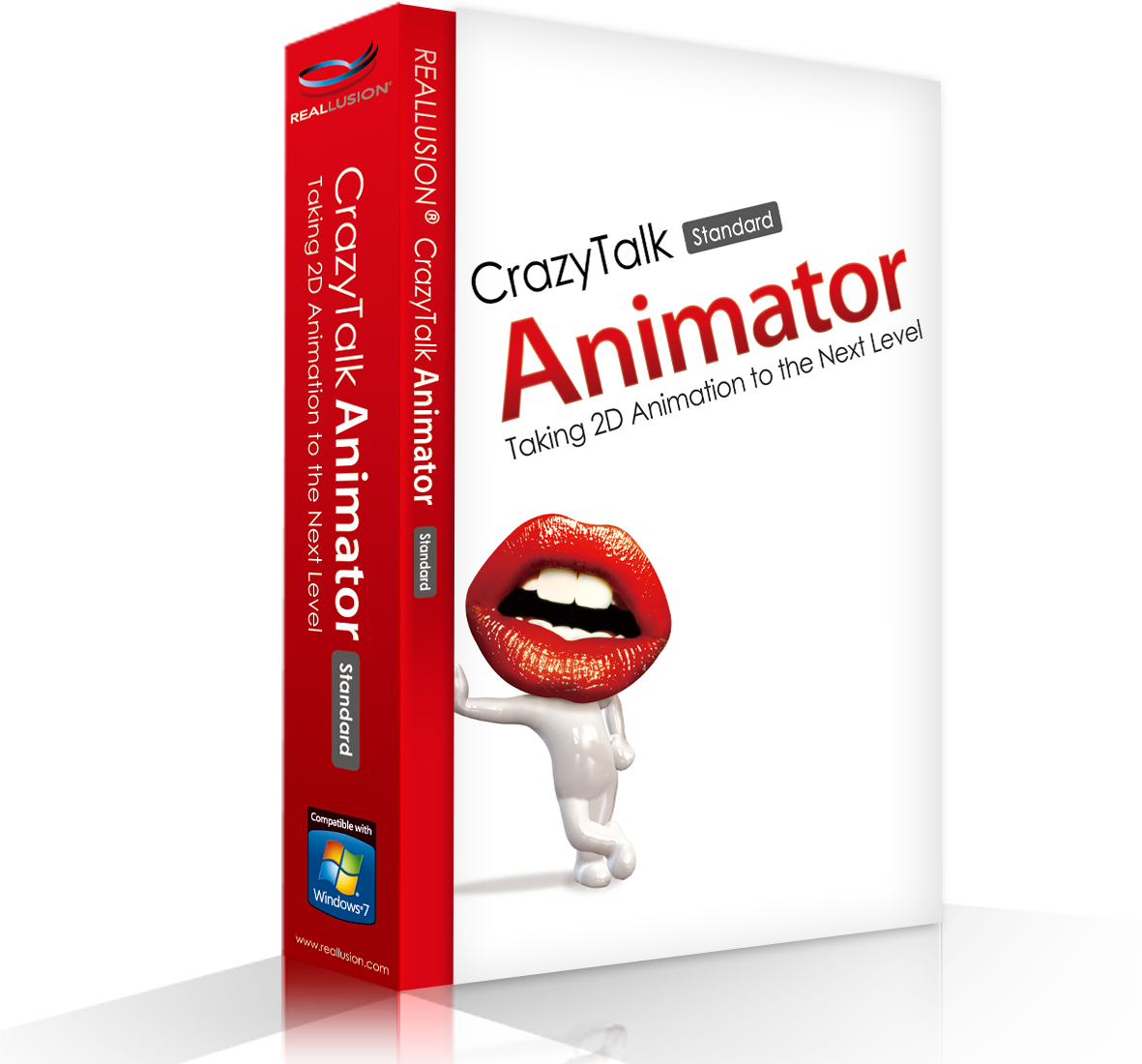
CrazyTalk Animator is a revolutionary animation suite with all the necessary tools to easily create pro-level animation. CrazyTalk Animator’s stage is a 3D layered 2D studio where you can drag and drop actors, props, scenery and images or video directly to the stage for scene setup. Create actors from any photo or illustration and CrazyTalk Animator’s innovative Actor Creator wizard. Bring actors to life with automatic facial animation and innovative puppeteering motion. Drag-and-drop to build sets with scenery and props. Film and direct all the action with camera and time-line tracks for complete 2D animation.
Official Product Description
Overview
What Does CrazyTalk Animator Do?
CrazyTalk Animator is a 2D animation suite designed to streamline professional production through a 3D layered environment. Users interact with a virtual stage where they can drag and drop assets including actors, props, and scenery. The software supports the integration of external images and video directly into the scene setup, allowing for complex multi-layered compositions within a 2D workspace.
Central to the platform is the Actor Creator wizard, which enables the conversion of photos or illustrations into functional 2D characters. Once generated, these actors utilize automatic facial animation and manual puppeteering tools for movement. This system bypasses traditional frame-by-frame methods, focusing instead on real-time motion capture simulation and automated lip-syncing.
For scene management, the software provides a timeline-based interface to coordinate motion and timing. Users have access to dedicated camera tracks to simulate cinematic movements and depth within the 3D-layered stage. The drag-and-drop workflow extends to set building, where modular scenery and props are organized to define the environment. These tools collectively provide a structured pipeline for producing complete 2D animated sequences.
Top 5 Reasons To Download CrazyTalk Animator
If you have ever dreamt of bringing your creative visions to life through the power of animation but felt held back by the steep learning curve of traditional software, your search ends today. We are looking at an absolute powerhouse in the creative industry that bridges the gap between amateur enthusiasm and professional execution. This isn't just another tool; it is a complete revolution for digital storytellers. Here are the top five reasons why you need to grab this giveaway of CrazyTalk Animator right now:
- The Revolutionary 3D Layered 2D Studio: Experience a stage where your 2D assets exist in a 3D space, allowing for depth, parallax, and complex scene setups that were previously impossible in simple 2D suites.
- The Innovative Actor Creator Wizard: Transform any photograph or static illustration into a fully rigged, living, breathing character in a matter of minutes, democratizing the art of character design.
- Automated Facial Animation and Puppeteering: Say goodbye to tedious frame-by-frame lip-syncing and movement. Use your mouse to "play" your characters like a digital puppet master for organic, lifelike motion.
- Seamless Drag-and-Drop Scene Construction: Build entire worlds by simply dragging props, scenery, and media onto your stage, turning the complex task of set design into a fun, intuitive process.
- Complete Cinematic Control with Timeline Mastery: Direct your projects with the precision of a Hollywood filmmaker using dedicated camera tracks and a professional-grade timeline for total creative oversight.
Now, let us dive deep into why these features make CrazyTalk Animator the absolute must-have download for any aspiring creator, marketer, or hobbyist.
1. A Paradigm Shift: The 3D Layered 2D Studio
One of the biggest hurdles in 2D animation has always been the lack of depth. Traditional 2D software often feels flat, requiring complex workarounds to simulate perspective or movement through a space. CrazyTalk Animator completely shatters this limitation with its 3D layered stage. Imagine taking your favorite 2D drawings and placing them on a stage where they can actually move behind or in front of one another with true spatial awareness.
When you download this software, you are not just getting a drawing board; you are getting a virtual film set. This multidimensional approach allows you to manipulate the Z-axis, which is the secret sauce for creating that professional "parallax" effect seen in high-end productions. As your camera pans across a scene, items in the foreground move faster than items in the background, instantly giving your animation a sense of scale and realism that is incredibly difficult to achieve elsewhere.
This environment is designed for efficiency. You can drag and drop images or videos directly onto this stage, and the software treats them as layers within a three-dimensional environment. Whether you are building a bustling city street or a quiet interior, the ability to move actors and props through 3D space while maintaining their 2D aesthetic is a total game-changer. It allows for a level of visual storytelling that is usually reserved for studios with massive budgets and years of technical expertise.
2. The Magic of the Actor Creator Wizard
Let’s be honest: not everyone is a master illustrator. One of the most intimidating aspects of animation is the "blank page" problem—the need to design, draw, and rig a character from scratch. CrazyTalk Animator removes this barrier entirely with its Actor Creator wizard. This tool is nothing short of magical for the average user. You can take a simple photograph of a friend, a pet, or even a sketch you made on a napkin, and the wizard will guide you through the process of turning it into an animatable actor.
The wizard uses sophisticated algorithms to help you map out the facial features and joint points of your image. Within minutes, your static photo has a bone structure, a mouth that can talk, and eyes that can blink. This means you can put yourself in your animations, or create a digital version of a brand mascot without needing to hire a professional rigger. It opens up a world of possibilities for personalized content, from unique birthday greetings to corporate training videos that feature real members of the staff as animated guides.
Furthermore, this isn't just limited to realistic photos. If you are an artist who prefers a specific style—whether it’s watercolor, vector art, or charcoal—you can bring those specific illustrations into the wizard. The software preserves the integrity of your art style while giving it the "skeleton" it needs to move. This flexibility ensures that your work always looks unique and tailored to your specific creative voice, rather than looking like "cookie-cutter" clip-art animation.
3. Bringing Characters to Life with Puppeteering
Traditional animation requires an immense amount of patience, as you manually move every limb and facial muscle for every single frame. For many, this is where the fun stops and the "work" begins. CrazyTalk Animator changes the workflow by introducing innovative puppeteering motion. Instead of being a technician who inputs coordinates, you become a performer.
The facial animation system is particularly impressive. The software can take an audio file—your voice or a professional voiceover—and automatically synchronize the character's mouth movements. But it goes further than just lip-syncing. Using the puppeteering panel, you can use your mouse to control the character's expressions in real-time. Want them to look surprised? Move the mouse up. Want them to look sad? Move it down. You can literally record these movements as you "perform" along with the audio track.
This "human-centric" approach to motion makes the characters feel much more organic. Humans don't move in perfectly linear paths, and by using a mouse to drive the motion, you inject a natural "jitter" and flow that feels authentic. This is the difference between a character that looks like a robot and one that feels like a living entity. For anyone who wants to produce high volumes of content quickly—like YouTubers or social media influencers—this feature is the ultimate time-saver. You can produce minutes of high-quality character acting in the time it would usually take to animate a few seconds.
4. Drag-and-Drop World Building
In many animation suites, setting the scene is just as tedious as animating the characters. You have to worry about file formats, resolutions, and complex anchoring. CrazyTalk Animator streamlines this by treating scene setup like a digital collage. The drag-and-drop interface is so intuitive that even a child could start building a cinematic world within minutes of opening the app.
The software comes with a vast array of built-in props and scenery, but the real power lies in how it handles external media. If you find a beautiful background image or a specific prop you want to use, you just pull it from your folder and drop it onto the stage. Once it’s there, you can easily resize, rotate, and position it within the 3D layers we discussed earlier. This allows for rapid prototyping of ideas. You can try out different layouts, swap out backgrounds, and move furniture around your virtual set until everything looks exactly right.
This ease of use extends to video as well. You can drop video files directly into the background, allowing your animated characters to interact with real-world footage. This "mixed media" capability is incredibly trendy right now and is a fantastic way to create high-impact marketing materials. Because the interface is so visual and tactile, the barrier between your imagination and the screen is virtually eliminated. You spend less time wrestling with menus and more time being creative.
5. Professional Cinematic Control
Finally, we have to talk about the "Director's Chair" experience. A great animation isn't just about moving characters; it's about how you frame them. CrazyTalk Animator provides a full suite of filmmaking tools, including camera and timeline tracks, that give you the power of a professional editor. This is where your project moves from being a simple clip to a full-blown production.
The timeline is the brain of the operation. It gives you a bird's-eye view of every single element in your scene. You can see exactly when an actor starts talking, when a prop moves, and when the camera zooms in. The level of granularity here is perfect for those who want to fine-tune their work. You can stretch out motions to make them slower and more dramatic, or bunch them up for high-energy action sequences. Everything is non-destructive, meaning you can experiment without fear of "breaking" your project.
The camera tracks are equally impressive. You can set up multiple camera angles and switch between them, or create smooth, sweeping cinematic pans that follow your characters as they walk through the 3D-layered environment. This adds a level of sophistication that is often missing in 2D animation. By mastering the camera, you can guide the viewer’s eye, build tension, and tell a much more compelling story. It transforms the software from a simple animation tool into a comprehensive digital film studio.
Conclusion: Why You Can't Pass This Up
In the modern digital landscape, video is king. Whether you are trying to grow a brand, educate an audience, or simply express yourself artistically, the ability to create high-quality animation is one of the most valuable skills you can have. However, the technical barriers have traditionally been too high for most people. CrazyTalk Animator changes that narrative entirely.
By combining the 3D-layered stage, the ingenious Actor Creator, the intuitive puppeteering system, the easy drag-and-drop world building, and professional-grade cinematic controls, this software offers a package that is truly unrivaled. It is rare to find a tool that is this powerful yet this accessible. It caters to the pro who needs to speed up their workflow, but it is also welcoming to the beginner who has never animated a single frame in their life.
This giveaway is a golden opportunity. You are getting a suite of tools that allows you to turn photos into actors, drawings into movies, and ideas into reality. There is no longer a reason to say "I wish I could animate that." With CrazyTalk Animator, you actually can. The interface is ready, the actors are waiting for your direction, and the stage is set. Do not let this chance to download such a revolutionary piece of software pass you by. It is time to step into the director's chair and start creating the animations you’ve always wanted to make.
Download it now, explore the features, and watch as your static images transform into a vibrant, moving world. The only limit is your imagination, and with CrazyTalk Animator, even that limit is about to be pushed further than you ever thought possible. Happy animating!
Reviews for CrazyTalk Animator
Click Here to Read Reviews for CrazyTalk Animator >> Click Here to Submit Reviews for CrazyTalk Animator >>