What Does MSTech Swift Gadget Do?
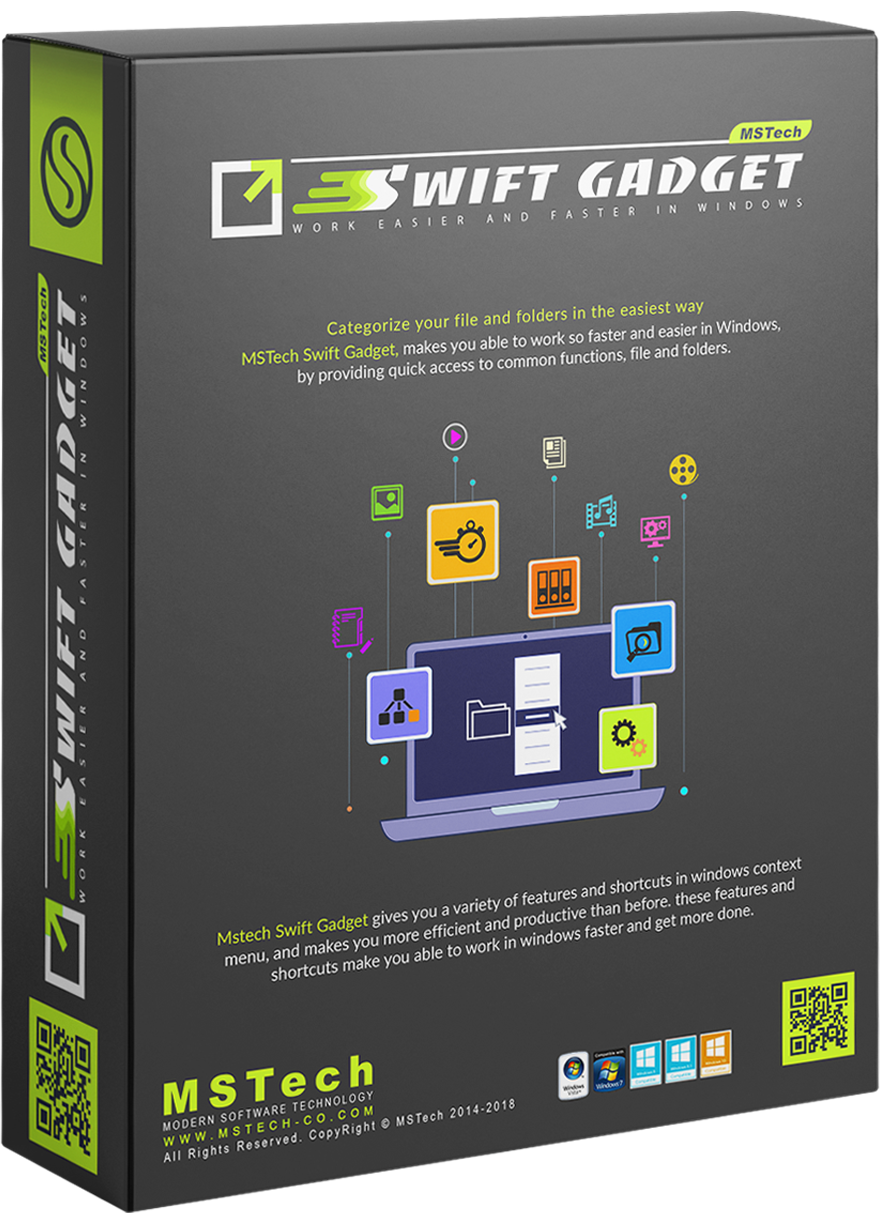
MSTech Swift Gadget is a comprehensive Windows utility pack designed to consolidate the functionality of over ten separate software tools into a single system extension. The software serves as a centralized organizational hub, providing users with streamlined access to their most frequently used files, folders, and applications directly within the operating system environment.
The utility primarily focuses on media management and file automation. It includes built-in search capabilities specifically calibrated for the rapid location and retrieval of music, videos, and images stored across local drives. A core feature of the package is its auto-categorization engine, which automatically sorts files and photographs into structured directories based on specific file types and metadata, reducing the need for manual manual sorting.
Key features provided in this software bundle include:
- Quick Access: Direct shortcuts to frequently used software and system directories.
- Automation: Tools for the automated organization of files and image libraries.
- Media Search: Enhanced indexing for quick retrieval of various media formats.
- System Integration: Features that embed directly into the Windows Shell for seamless operation.
By integrating these diverse capabilities into a unified interface, the tool aims to minimize the operational steps required for daily computing tasks. MSTech Swift Gadget functions as an all-in-one productivity suite for users seeking to optimize their desktop environment and improve workflow efficiency through system-wide organization.
Top 5 Reasons To Download MSTech Swift Gadget
1. The Ultimate All-in-One Productivity Powerhouse: MSTech Swift Gadget consolidates the functionality of more than ten different specialized software tools into a single, lightweight package, eliminating the need for a cluttered system full of disparate applications.
2. Revolutionary Intelligent File Categorization: Say goodbye to digital chaos with an automated system that intelligently identifies, sorts, and organizes your files and photos into logical directories without you having to lift a finger.
3. Lightning-Fast Quick Access Integration: This tool creates a seamless bridge between you and your data, providing immediate access to your most frequently used folders, software, and documents through a highly optimized interface that outperforms standard Windows navigation.
4. Comprehensive Multimedia Management: Swift Gadget offers specialized search and organization capabilities specifically designed for music, videos, and images, making it the perfect companion for creators and media enthusiasts who struggle to manage large libraries.
5. Maximum Efficiency with Minimal System Impact: Designed as a high-performance Windows Tool Pack, it allows you to get more done with significantly less effort while maintaining a tiny resource footprint that won't slow down your computer.
1. The Ultimate All-in-One Productivity Powerhouse
In the modern world of computing, we are often told that there is an "app for everything." While this is true, it has led to a phenomenon known as "software bloat," where our desktops are littered with icons and our system resources are drained by dozens of background processes all trying to do one specific thing. This is where MSTech Swift Gadget changes the game. Imagine taking ten of your most-used utility programs—the ones you use for file renaming, searching, organizing, and system tweaking—and fusing them into one elegant, cohesive unit. This isn't just a simple utility; it is a comprehensive Windows Tool Pack that redefines how you interact with your operating system.
As a tech reviewer, I’ve seen countless "all-in-one" solutions that are jacks of all trades but masters of none. However, Swift Gadget is different. It provides a level of integration that you usually only see in native operating system updates. By downloading this giveaway, you are essentially upgrading your version of Windows with a suite of professional-grade extensions. You no longer need a separate tool for batch file operations, a different one for desktop management, and yet another for file searching. Everything is contained within a single interface, designed with a unified logic that makes learning the software nearly instantaneous. This consolidation means fewer updates to manage, fewer background services eating up your RAM, and a much cleaner digital workspace.
The "10-in-1" promise is not just marketing hyperbole; it represents a fundamental shift in user experience. When your tools talk to each other, you save time. For instance, finding a file and then immediately performing a complex categorization or move command is a single, fluid motion in Swift Gadget. In a standard setup, you might have to find the file in Explorer, open a third-party organizer, and then manually drag and drop. Swift Gadget removes those "friction points," allowing you to stay in the zone and focus on the work that actually matters.
2. Revolutionary Intelligent File Categorization
We have all been there: the Downloads folder that has become a black hole of unidentifiable PDFs, random JPEG images, ZIP files from three years ago, and installer programs you’ve already used. Manually cleaning this up is a soul-crushing task that most of us put off indefinitely. MSTech Swift Gadget introduces a level of automation that feels like having a personal digital librarian living inside your hard drive. Its auto-categorization feature is perhaps its most impressive "superpower."
Using advanced file-type recognition and organizational logic, Swift Gadget can scan your cluttered directories and instantly sort files into their rightful places. It doesn't just look at extensions; it understands the context of your data. If you have hundreds of photos from a vacation mixed in with work documents and music files, Swift Gadget can separate them into dedicated folders for pictures, documents, and media. This is especially vital for creative professionals who deal with thousands of assets daily. By automating the sorting process, you aren't just cleaning your drive; you are reclaiming hours of your life that would otherwise be spent on tedious administrative work.
Furthermore, the Intelligent File Categorization isn't a "one-size-fits-all" rigid system. It is designed to work with your workflow. Whether you are trying to organize a massive collection of research papers or simply want your desktop to look presentable for a screen-sharing meeting, this tool provides the flexibility to handle it. It turns a chaotic file system into a structured environment where everything is exactly where you expect it to be. This level of organization has a psychological benefit as well—a clean computer leads to a clear mind, reducing the "digital anxiety" that comes from looking at a messy screen.
3. Lightning-Fast Quick Access Integration
Speed is the currency of the digital age. If you have to click through five different subfolders to reach the document you’re working on, you’re losing momentum. Windows has a built-in "Quick Access" feature, but let’s be honest: it’s limited and often becomes just another cluttered list. MSTech Swift Gadget takes the concept of quick access and supercharges it, creating a truly Swift experience that feels like an extension of your own thoughts.
The software allows you to pin and prioritize your most frequently used folders, files, and even specific software applications in a way that is far more intuitive than the native OS. It integrates directly into the Windows shell, meaning it is always there when you need it but stays out of the way when you don’t. Think of it as a "command center" for your PC. Instead of digging through the Start Menu or the deep recesses of the C: drive, you have a curated list of your essential tools and data available at a moment's notice. This is a game-changer for power users who juggle multiple projects simultaneously.
What sets this apart from basic shortcuts is the intelligence behind the access. Swift Gadget monitors your habits and makes it easier to reach the items you actually use, rather than just what you pinned six months ago. It bridges the gap between the user and the file system. When you download this giveaway, you are essentially installing a fast-pass for your entire computer. Every second saved by not having to navigate through a labyrinth of folders adds up to significant productivity gains over the course of a week. It’s about reducing the "travel time" of your mouse and the cognitive load of remembering where you saved that one specific file.
4. Comprehensive Multimedia Management
Most of us use our computers for more than just spreadsheets and emails; they are our entertainment hubs. We have gigabytes, if not terabytes, of music, videos, and photos. Managing these libraries is notoriously difficult, as media files often have cryptic names or missing metadata. MSTech Swift Gadget includes a specialized toolset specifically for the media enthusiast. It provides a robust search and access system that treats your media with the importance it deserves.
Searching for a specific video or a particular song in a massive directory can be a nightmare using standard Windows search, which often feels sluggish and imprecise. Swift Gadget’s media-centric search is optimized for speed and accuracy. It allows you to filter through your collections with ease, giving you a visual and organized way to browse your content. Whether you are a videographer looking for a specific b-roll clip or a music lover trying to find an obscure track, the Swift Gadget interface makes the process painless.
Moreover, the integration extends to how you interact with these files. You can preview, move, and organize your media assets without needing to open multiple heavy applications. It’s an "all-access pass" to your digital life. For anyone who has ever felt overwhelmed by a growing library of digital memories or professional media assets, this feature alone makes the software worth the download. It transforms your computer from a storage locker into a curated gallery, where your favorite content is always just a click away.
5. Maximum Efficiency with Minimal System Impact
The biggest fear any Windows user has when installing a "tool pack" or "extension" is that it will slow down their machine. We’ve all installed "optimizers" that ended up causing more lag than they solved. This is where the developers of MSTech Swift Gadget have truly excelled. They have built a robust, high-performance tool that follows the philosophy of "getting more done with less effort"—and that applies to your CPU as well as your workflow.
Swift Gadget is remarkably lightweight. It is designed to be a handy and useful software that sits quietly in the background, ready to spring into action when called upon. It doesn't hog your memory or spike your processor usage. This efficiency is a testament to its professional coding and its focus on being a true Windows extension rather than a bloated standalone suite. It enhances the Windows experience without overriding the things that already work well. It’s the "surgical" approach to system enhancement—adding exactly what is missing without any unnecessary fluff.
By downloading this giveaway, you are investing in a long-term productivity partner. The software is designed to streamline your daily tasks, from the moment you boot up your PC to the moment you shut it down. By reducing the number of steps required for common tasks—renaming, moving, searching, and launching—Swift Gadget reduces physical and mental fatigue. You’ll find yourself finishing your work faster and with fewer mistakes because the tool handles the "grunt work" of file management for you. In the style of a true tech reviewer, I can say that this is the kind of software that you don't realize you need until you use it for a day, and then you can't imagine going back to a "naked" version of Windows without it.
In conclusion, the MSTech Swift Gadget giveaway is an opportunity you shouldn't pass up. It is a rare example of a utility that actually delivers on its promises, providing a massive boost to your organizational capabilities and overall system efficiency. Whether you are a student trying to keep your assignments in order, a professional managing complex projects, or a casual user who just wants a cleaner desktop, this tool pack is the solution you’ve been looking for. Download it, let it organize your digital life, and start experiencing a faster, more productive way to use your PC today.
Summary of Benefits:
- Unified Interface: Replaces multiple apps with one efficient tool.
- Automated Sorting: Cleans up your folders instantly.
- Instant Navigation: Custom quick access to what matters most.
- Media Optimization: Better handling of photos, videos, and music.
- Lightweight Build: Won't slow down your computer.
Don't wait until your computer is a complete mess to take action. Use this giveaway to get ahead of the clutter and turn your Windows experience into a streamlined, high-performance machine. It’s time to get more done with less effort!

Reviews for MSTech Swift Gadget
Click Here to Read Reviews for MSTech Swift Gadget >> Click Here to Submit Reviews for MSTech Swift Gadget >>