What Does Aiarty Video Enhancer [with AI] Do?
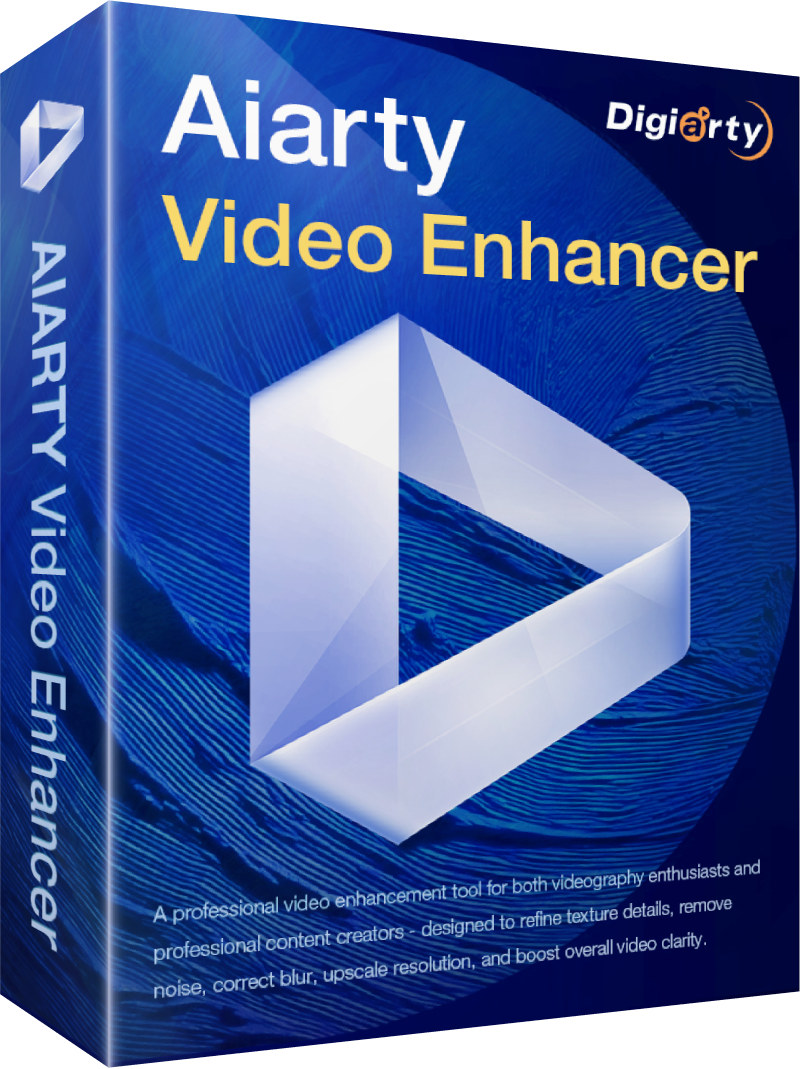
Aiarty Video Enhancer is an AI-driven desktop application designed to automate the restoration and upscaling of low-quality video footage. Utilizing GPU-optimized hybrid AI models, the software combines Diffusion and GAN technologies to address common visual issues such as blur, grain, and compression artifacts without requiring manual editing skills.
The tool allows users to upscale videos from resolutions as low as 480p to 4K. Key capabilities include:
- Denoising and Deblurring: Removes high-ISO noise and motion blur while sharpening specific subjects like faces and objects.
- Detail Generation: Uses generative AI to reconstruct fine textures such as hair, skin, and foliage for a more lifelike appearance.
- AI Frame Interpolation: Increases frame rates to 60 or 120fps for smoother playback or slow-motion effects.
- Deinterlacing: Fixes scan lines typical of legacy VHS and DV recordings to produce progressive, flicker-free video.
The software features three specialized models: moDetail-HQ v2 for fine-grained textures, Smooth-HQ v2 for general vlogs and lifestyle clips, and superVideo vHQ for low-light or heavily compressed footage. Beyond visuals, the application includes audio noise reduction to eliminate hiss and hum, providing a comprehensive solution for modernizing archival content or refining digital recordings.
Top 5 Reasons To Download Aiarty Video Enhancer [with AI]
- Unrivaled 4K Upscaling: Effortlessly transform blurry, low-resolution 480p or 720p footage into crystal-clear 4K masterpieces without the usual digital artifacts.
- Generative AI Texture Recovery: Unlike standard sharpeners, Aiarty uses advanced generative models to reconstruct fine details like hair, skin pores, and fabric textures for a truly lifelike look.
- Silky-Smooth Frame Interpolation: Eliminate stuttering and jitter by boosting frame rates to 60 or 120fps, making every movement look fluid and professional.
- The Ultimate Rescue Kit for Bad Footage: From grainy low-light shots and noisy security footage to interlaced VHS rips, this tool fixes the "unfixable" with dedicated AI models.
- Turbo-Charged GPU Performance: Forget waiting days for a render; the software is fully optimized for modern hardware, delivering high-speed processing right on your desktop.
Let’s be honest for a second: we are all sitting on a goldmine of terrible-quality video. Whether it is those precious family memories captured on a flip phone fifteen years ago, a low-bitrate download that looks like it was filmed through a screen door, or a masterpiece you shot last week that unfortunately suffered from poor lighting and "the shakes," we all have footage we wish looked better. In the past, fixing these issues required a degree in digital signal processing or a Hollywood-sized budget for manual restoration. But the game has changed. We are living in the era of generative artificial intelligence, and Aiarty Video Enhancer is the tool that puts that power directly into your hands.
This is not just another video converter. This is a comprehensive, AI-driven restoration suite designed to breathe new life into every pixel of your library. If you have been looking for a reason to finally clean up your archives, this giveaway is your golden ticket. Here is a deep dive into why you need to download this software right now.
1. Unrivaled 4K Upscaling for the Modern Screen
We live in a world of high-definition displays. Whether you are looking at your smartphone, your tablet, or that massive 65-inch 4K TV in your living room, low-resolution content has nowhere to hide. When you try to play an old 480p DVD rip or a 720p YouTube download on a modern screen, it looks blocky, blurry, and frankly, disappointing. Traditional upscaling—the kind built into your TV or basic video players—simply stretches the existing pixels. This results in "jaggies," blurriness, and a lack of definition.
Aiarty Video Enhancer takes a completely different approach. It doesn't just stretch the video; it reimagines it. By using deep learning models trained on millions of high-quality images and videos, the software analyzes the low-resolution input and predicts what the missing pixels should look like. The result is a jump from 480p to 1080p or even 4K that looks native. Lines become sharp, edges become defined, and the "fuzz" that usually accompanies upscaled video is completely eliminated. If you want your old memories to look like they were shot yesterday, this upscaling engine is the most powerful tool in your arsenal.
2. Generative AI Texture Recovery: Seeing is Believing
The biggest problem with most video "enhancers" is that they make everything look like plastic. If you turn up the sharpness too high on a standard editor, skin starts to look like orange peel, and hair turns into a solid, unappealing mass. This is where Aiarty separates itself from the pack. It utilizes "Natural Detail Generation," a sophisticated process that leverages Diffusion and GAN (Generative Adversarial Networks) to actually reconstruct textures that were lost to compression or low-quality sensors.
Imagine a close-up shot of a person. In a low-quality video, you might lose the individual strands of hair, the texture of their clothing, or the subtle pores on their skin. Aiarty’s moDetail-HQ v2 model is specifically engineered to identify these elements and "draw" them back in with stunning accuracy. It understands what human skin should look like and what the fibers of a sweater should look like. It can even enhance outdoor foliage, making every leaf and blade of grass pop with realistic detail. This isn't just "sharpening"; it is reconstruction. It creates a level of authenticity that was previously impossible in consumer-grade software.
3. Silky-Smooth Frame Interpolation
Resolution is only half the battle when it comes to video quality. The other half is motion. We have all seen videos that look "choppy" or "stuttery," especially those shot at low frame rates like 24fps or 30fps with a fast shutter speed. Furthermore, old web videos or security clips often have even lower frame rates, making them look like a slideshow. This is where AI Frame Interpolation comes into play.
Aiarty doesn't just double the frames; it intelligently calculates the motion between existing frames and creates entirely new, intermediate frames to fill the gaps. You can take a standard 30fps clip and transform it into a 60fps or even 120fps masterpiece. This makes everything look incredibly fluid and "lifelike." It is particularly effective for sports footage, action scenes, or panning shots where camera shake is more apparent at lower frame rates. Additionally, this feature allows you to create stunning slow-motion effects from footage that wasn't originally shot for slow-mo. By generating those extra frames, you can slow down a clip without the stuttering effect that usually ruins the vibe.
4. The Ultimate Rescue Kit for "Unusable" Footage
As a tech reviewer, I see a lot of "broken" video. Sometimes the issue is noise—that "grainy" look you get when filming in a dark room or using a cheap sensor. Other times, it is compression artifacts—those ugly little blocks and color bands that appear when a video has been compressed too many times for the web. And for those of us with older archives, we have to deal with interlacing—those horizontal lines that appear during movement in old DV or VHS recordings.
Aiarty Video Enhancer acts as a Swiss Army knife for these specific disasters. It features three distinct AI models tailored for different scenarios:
- Smooth-HQ v2: This is your "daily driver." It provides natural restoration for general-purpose scenes, focusing on removing blur and noise while maintaining a faithful look. It’s perfect for vlogs and lifestyle clips that just need a professional polish.
- superVideo vHQ: This is the "heavy lifter." If you have a video that is heavily compressed, shot in near-darkness, or is incredibly grainy, this model is designed to tackle those extremes. It is the best choice for archival content or security footage where clarity is a matter of necessity.
- Deinterlacing and Audio Cleaning: Beyond the visuals, the software handles the technical "old school" problems. It can convert interlaced scan lines into progressive, flicker-free video. It even includes audio noise reduction to clean up the hiss and hum that often plagues old microphone recordings.
Basically, if you have a video that you thought was too far gone to ever watch again, Aiarty is the tool that can likely save it.
5. Turbo-Charged GPU Performance
One of the biggest hurdles with AI video processing is the sheer computational power required. Many AI tools are cloud-based, meaning you have to upload your private videos to a server, pay a monthly subscription or per-minute fee, and wait hours for the result to be mailed back to you. This is not only slow but also raises significant privacy concerns.
Aiarty is a desktop-first application. It is GPU-optimized, meaning it leverages the power of your graphics card (NVIDIA, AMD, or Intel) to perform these complex calculations locally on your machine. This "turbo speed" means you can process videos much faster than CPU-only software. Because it runs locally, your data never leaves your computer, and you aren't at the mercy of your internet upload speed. It is built for efficiency, allowing you to queue up multiple videos and let the AI work its magic while you grab a coffee. For power users who want to enhance hundreds of clips, this performance boost is the difference between a project taking a weekend or taking a month.
Why This Giveaway is a Game-Changer
High-end AI video tools are usually hidden behind expensive subscription walls or require high-level technical knowledge to operate. Aiarty Video Enhancer breaks that mold by offering a "one-click" philosophy. You don't need to be a professional colorist or a video editor to get these results. You simply import your video, choose your model, and let the AI do the heavy lifting.
Think about the possibilities. You could take your parents' old wedding video and turn it into a 4K experience. You could take your first grainy YouTube uploads and remaster them for a modern audience. You could take shaky, low-light footage of your kids' first steps and turn it into a clear, bright memory that looks like it was filmed on a modern flagship smartphone.
The tech reviewer in me is constantly looking for tools that provide real value without the fluff. Aiarty Video Enhancer delivers exactly that. It addresses the most common frustrations we have with digital video—blur, noise, low resolution, and stutter—and solves them using the most advanced technology available today. The fact that it is optimized for speed and works on your local hardware makes it a top-tier recommendation for anyone from casual hobbyists to content creators.
Don't let your memories stay blurry. This giveaway is a rare opportunity to get your hands on a premium piece of software that can fundamentally change the way you view your video collection. Whether you are looking to polish professional content or simply preserve family history, Aiarty provides the tools to make it happen. Download it, run your toughest, grainiest video through it, and prepare to be impressed. The jump in quality isn't just a minor improvement; it is a total transformation.
In conclusion, if you care about the quality of your video content, there is no reason to pass this up. With its combination of powerful generative AI, versatile models for every situation, and high-speed performance, Aiarty Video Enhancer is currently one of the most exciting tools in the AI space. It is time to stop settling for "good enough" and start demanding "crystal clear." Grab this giveaway and see what your videos are truly capable of looking like.

Reviews for Aiarty Video Enhancer [with AI]
Click Here to Read Reviews for Aiarty Video Enhancer [with AI] >> Click Here to Submit Reviews for Aiarty Video Enhancer [with AI] >>