What Does Ashampoo Home Design 11 Do?
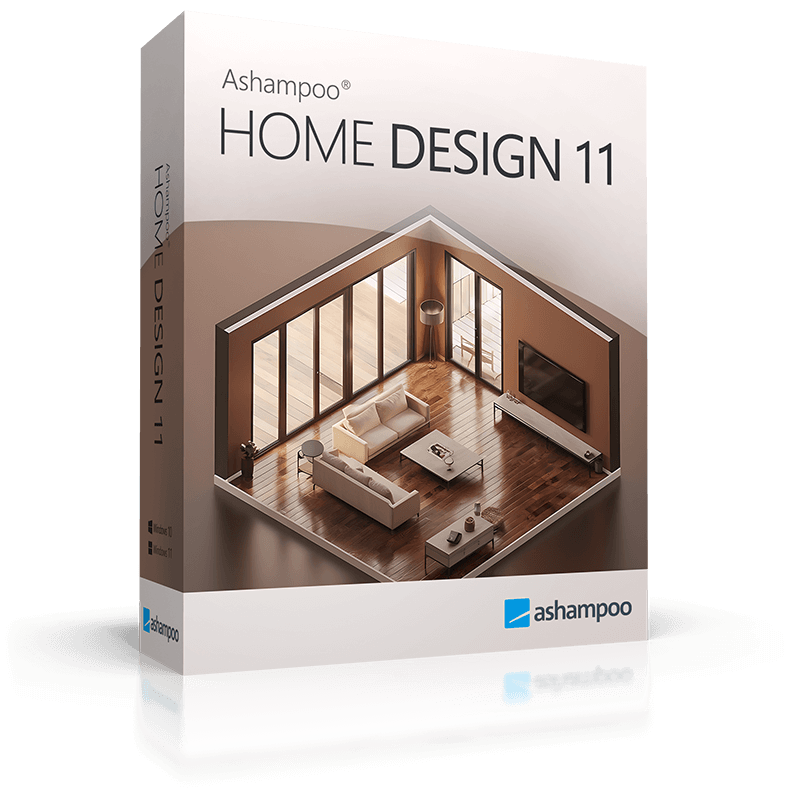
Ashampoo Home Design 11 is a dedicated 2D/3D planning suite designed for residential architecture, remodeling, and interior layout. The software allows users to build detailed digital models of living spaces, utilizing a comprehensive catalog of furniture, plants, and decorative elements. It supports the import of external 3D objects in SketchUp and Collada formats, providing access to millions of additional manufacturer-specific and neutral models.
The application includes specialized assistants for technical planning, such as a photovoltaic system designer. This tool automates rooftop solar configurations by recognizing roof surfaces and allowing users to define module spacing and types. To ensure precision, the software handles all complex calculations for angles, areas, and volumes automatically, reducing the risk of manual mathematical errors during the design phase.
Visual feedback is provided through a realistic 3D preview mode that incorporates lighting and shadow simulations for accurate spatial representation. For structural design, the latest version introduces expanded door options, including sliding and folding doors, as well as support for asymmetric wall openings. The user interface utilizes a categorized ribbon layout to streamline access to tools, while optimized system resource management ensures stability during intensive rendering and animation tasks on the PC.
Top 5 Reasons To Download Ashampoo Home Design 11
- Pro-Grade 3D Visualization and Real-Time Rendering: Experience your dream home in a photorealistic environment before a single brick is laid.
- Infinite Customization with SketchUp and Collada Integration: Access millions of 3D objects from external catalogs to furnish your space with surgical precision.
- Smart Photovoltaic Planning: Future-proof your home with built-in tools for designing and calculating solar power installations in minutes.
- Automated Mathematical Precision: Say goodbye to manual geometry; the software handles all complex calculations for areas, volumes, and angles instantly.
- Intuitive Ribbon Interface and Modern Architectural Tools: A streamlined workflow that combines the power of professional CAD software with the ease of use of a modern app.
Let’s be honest: we have all been there. You are standing in the middle of your living room, staring at a blank wall, trying to imagine what it would look like if you knocked it down to create an open-concept kitchen. Or perhaps you are looking at your roof, wondering if those solar panels you’ve been eyeing would actually fit or if they would just look like an eyesore. Traditionally, these "what-if" scenarios required either a very expensive architect, a stack of graph paper, or a massive leap of faith that usually ended in a "oops, that doesn't fit" moment. But we are in the golden age of home computing, and Ashampoo Home Design 11 is the tool that bridges the gap between your imagination and reality. This isn't just another piece of software; it is a full-scale architectural suite that fits on your hard drive. If you have been looking for a reason to finally take control of your living space, this giveaway is your golden ticket. Let’s dive deep into why this is a mandatory download for anyone who cares about their home.
1. Pro-Grade 3D Visualization and Real-Time Rendering
The most significant hurdle in any home improvement project isn't the cost or the labor; it’s the failure of imagination. It is incredibly difficult for the average person to look at a 2D floor plan—a series of black lines on a white background—and "feel" what it will be like to walk through that room. This is where Ashampoo Home Design 11 completely changes the game. The software features a high-performance 3D preview engine that allows you to take a virtual tour of your project at any stage of the planning process.
But this isn't just some low-poly, video-game-style graphics from the early 2000s. We are talking about realistic 3D previews that include sophisticated lighting and shadow simulations. Why does this matter? Because light dictates the mood of a home. With this software, you can see how the afternoon sun will hit your new bay window or whether that dark navy blue paint you like will make your hallway feel like a cave. You can toggle between views instantly, moving from a bird's-eye "dollhouse" perspective to a first-person walk-through. This level of visual feedback is crucial for making accurate design decisions. It allows you to spot mistakes—like a door that opens into a kitchen island or a window that is blocked by a cabinet—before you spend a single cent on materials. When you download this, you aren't just getting a drawing tool; you are getting a time machine that lets you see the future of your home.
Furthermore, the rendering engine is optimized for modern hardware. You don't need a NASA supercomputer to run these simulations. Ashampoo has polished the resource usage so that even complex animations and detailed textures load quickly and smoothly. This means you can experiment on the fly. Don't like the hardwood floor? Swap it for marble in one click and see the reflection of the ceiling lights on the new surface instantly. That is the kind of power that used to be reserved for professional design firms, and now it is sitting right on your desktop.
2. Infinite Customization with SketchUp and Collada Integration
One of the biggest frustrations with entry-level home design apps is the "limited catalog" problem. You open the furniture menu and find three types of chairs, two beds, and a generic plant. It’s impossible to design a home that feels like yours when you are forced to use generic assets. Ashampoo Home Design 11 solves this problem by tearing down the walls of its own catalog. While it comes pre-loaded with a massive selection of furniture, décor, and plants, its real strength lies in its ability to import external 3D objects.
The software supports both SketchUp and Collada formats. If you aren't familiar with these, they are the industry standards for 3D modeling. This means you have access to the 3D Warehouse, a digital library containing millions—yes, millions—of models. Want the exact model of a high-end designer sofa? It’s probably available for download. Need to see how a specific brand of refrigerator will fit in your nook? You can find the exact dimensions and model online and drop it straight into your Ashampoo project. This transforms the software from a simple planner into a high-fidelity staging tool.
This feature is a dream for interior designers and DIY enthusiasts alike. You can move beyond "placeholders" and start using the actual items you intend to buy. You can even import manufacturer-specific models to ensure that the scale and aesthetic are 100% accurate. By the time you finish your virtual layout, you have more than a plan; you have a shopping list. The flexibility here cannot be overstated. Whether you are going for a minimalist Scandinavian look or a cluttered, cozy Victorian vibe, the ability to import virtually any object in the world ensures that your virtual home is a perfect reflection of your personality.
3. Smart Photovoltaic Planning
In today’s world, designing a home isn't just about aesthetics; it is about efficiency and sustainability. With energy costs fluctuating and the push for green energy growing, many homeowners are looking at solar power. However, planning a solar installation is notoriously difficult. How many panels do you need? Where should they go? How will they look on your specific roof pitch? Usually, you’d have to wait for a contractor to come out and give you an estimate, but Ashampoo Home Design 11 puts that power in your hands with its built-in Photovoltaic assistants.
This is one of the most "tech-forward" features I have seen in a home design suite. The software includes specialized wizards that help you plan rooftop installations in a matter of minutes. You don't have to manually draw every panel; you simply select the module types, define the spacing, and use the automatic roof-side recognition. By clicking on a roof surface, the software understands the orientation and slope, allowing it to place the system accurately within the project. It handles the configuration so you can focus on the results.
Beyond the technical placement, seeing the photovoltaic system in a 3D environment is incredibly helpful for the "curb appeal" factor. You can see exactly how the panels will alter the silhouette of your house. For many homeowners, the visual impact of solar panels is a major concern. By visualizing it beforehand, you can find a layout that maximizes energy production while maintaining the visual integrity of your architecture. This is "smart home" planning in the truest sense, and it's a feature that makes this software feel remarkably modern and essential.
4. Automated Mathematical Precision
Design is an art, but construction is a science. One of the most tedious parts of planning a renovation is the math. You have to calculate the square footage of the walls to know how much paint to buy. You have to calculate the volume of a room for HVAC considerations. You have to ensure that every angle is perfect so that your roof meets your walls correctly. If you get these numbers wrong on paper, you end up with wasted money and frustrated contractors. Ashampoo Home Design 11 acts as your digital mathematician, handling all the heavy lifting in the background.
As you draw your walls and place your windows, the software is constantly calculating areas, lengths, volumes, and angles. If you move a wall six inches to the left, every measurement associated with that room updates in real-time. You don't have to pull out a calculator or worry about Pythagorean theorems; the software ensures that your model is mathematically sound. This precision is what separates a "sketch" from a "blueprint."
For the serious DIYer, this is a massive time-saver. Imagine being able to instantly know exactly how many square meters of tile you need for a bathroom floor, or the precise angle required for a complex roof join. The software provides a level of accuracy that is difficult to achieve by hand, especially for those of us who haven't looked at a geometry textbook since high school. It eliminates the "human error" factor from the planning phase, which is perhaps the most valuable insurance policy you can have when starting a construction project. When you use this software, you aren't just guessing; you are calculating.
5. Intuitive Ribbon Interface and Modern Architectural Tools
The "pro" in "professional software" often scares people away because they assume the learning curve will be a mountain they can't climb. We’ve all opened a program only to be met with a confusing wall of icons that looks like a cockpit of a fighter jet. Ashampoo Home Design 11 takes a different approach. It uses a streamlined ribbon interface, similar to what you find in modern office suites. All the tools are logically grouped into categories like "Architecture," "Furnishings," and "Surfaces." This makes navigation feel familiar and intuitive from the moment you open the app.
But don't let the ease of use fool you; the depth of the tools is impressive. For instance, the latest version features significantly expanded door models. It might sound like a small detail, but in modern architecture, the door is a statement. This software includes sliding doors, folding doors, and even doors with asymmetric wall openings. These are the kinds of details that define modern, high-end floor plans. If you want a wall that completely opens up to a patio via folding glass doors, you can model that accurately here.
The software also simplifies complex architectural elements like stairs and roofs. Designing a staircase that is both functional and code-compliant is a nightmare by hand, but here, it is a guided process. You choose the style, set the parameters, and the software generates the structure. This balance between user-friendliness and technical depth is what makes Ashampoo Home Design 11 stand out. It is powerful enough for an architect to use for a preliminary draft, yet accessible enough for a homeowner to use for a weekend kitchen redesign. It respects your time by keeping the tools you need within reach and hiding the complexity behind a clean, modern UI.
The Bottom Line: Whether you are planning a complete new build, a simple room renovation, or just want to play around with the "what-if" scenarios of your dream house, Ashampoo Home Design 11 is a powerhouse. It removes the stress of visualization, the boredom of manual calculation, and the limitations of generic design. In the world of tech giveaways, this is a rare find—a truly useful, professional-grade tool that empowers you to become the architect of your own life. Do not let this opportunity pass you by; download it, start a new project, and see just how beautiful your ideas can look in 3D. Your dream home is already there, waiting for you to build it on your screen.

Reviews for Ashampoo Home Design 11
Click Here to Read Reviews for Ashampoo Home Design 11 >> Click Here to Submit Reviews for Ashampoo Home Design 11 >>