What Does 360 Total Security Premium Do?
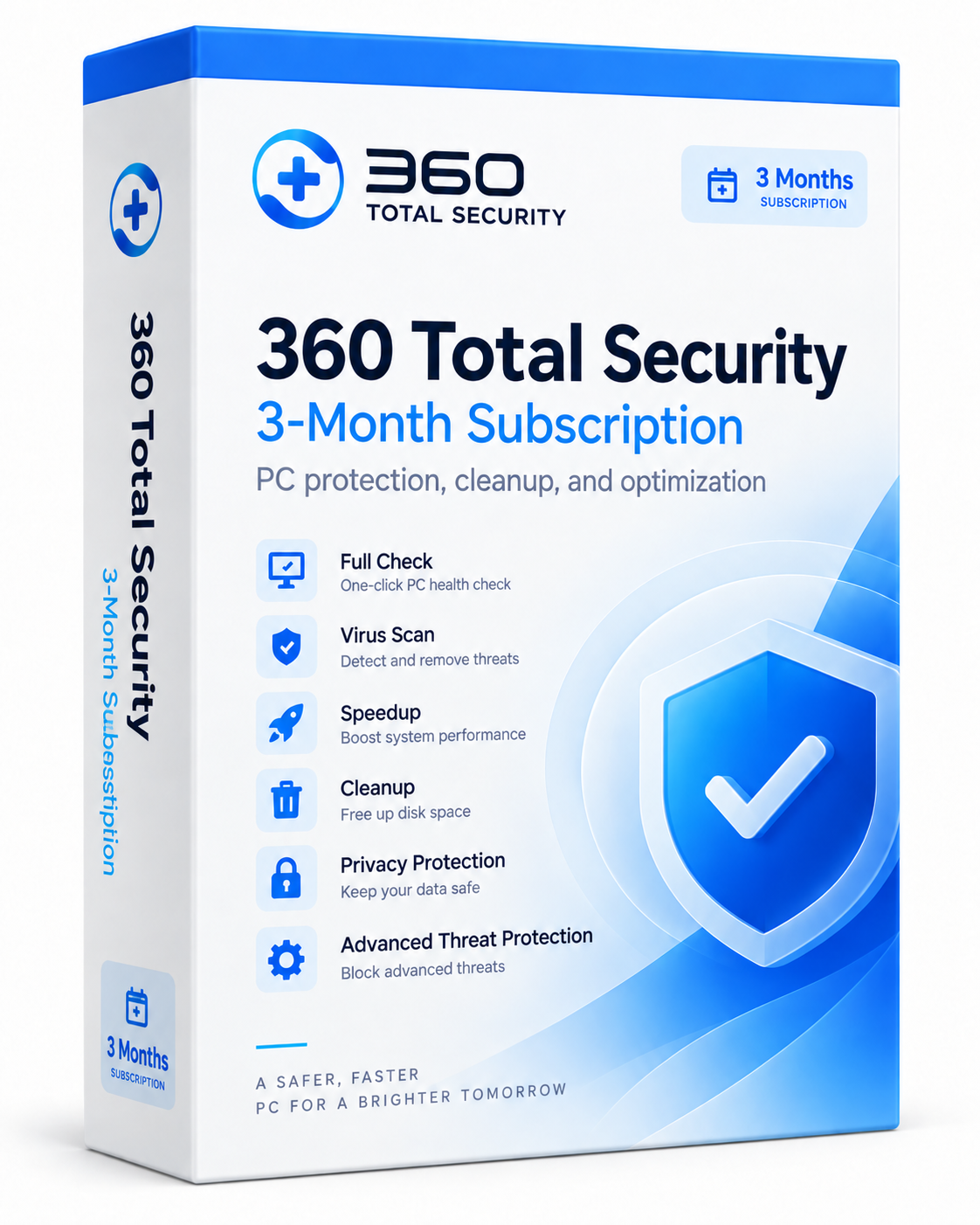
360 Total Security Premium is a comprehensive security and maintenance suite designed for Windows environments. Utilizing 360's proprietary security engine alongside cloud-assisted protection, the software provides real-time antivirus defense and specialized ransomware blocking. It monitors system activity to detect threats while safeguarding users against phishing attempts, malicious websites, and dangerous downloads during web browsing.
Beyond security, the application integrates several optimization tools within a single interface. The Full Check dashboard allows users to manage security, disk cleanup, and performance tuning simultaneously. Optimization features include removing junk files and browser traces, managing startup applications to improve boot times, and applying repairs to identified system vulnerabilities.
This giveaway offers a full one-year Premium subscription for one Windows PC. To activate, users must install the software and enter the provided license key in the Account Center. The subscription requires no credit card and includes access to product updates and email-based technical support for the duration of the year.
Top 5 Reasons To Download 360 Total Security Premium
Every seasoned Windows user understands the delicate balancing act required to keep a computer running at peak performance while remaining shielded against an increasingly hostile web. Between zero-day exploits, evasive ransomware variants, background bloatware, and the inevitable buildup of digital clutter, your operating system is constantly fighting an uphill battle. For years, the standard advice was to cobble together a fragmented toolkit: install one standalone antivirus app, download a secondary anti-malware scanner, run an aggressive registry and disk cleaner, and manually tweak your startup entries using complex built-in tools. However, running an assortment of competing utilities often introduces more system drag, software conflicts, and headaches than it solves.
Enter 360 Total Security Premium. This unified suite consolidates real-time antivirus protection, multi-layered ransomware shields, internet safety filters, disk cleanup routines, and startup accelerators into a single, cohesive dashboard. If you have been searching for a zero-cost way to completely overhaul your machine's defenses and speed without taking on another expensive recurring software subscription, this current giveaway is an absolute goldmine. Below, you will find the top five reasons why you should jump on this promotion immediately.
- Formidable Multi-Layered Defense: Powered by a proprietary security engine and cloud-assisted heuristics to instantly detect malicious files, phishing attempts, and ransomware behavior.
- True All-in-One Convergence: Eliminates software bloat by bundling an antivirus, firewall companion, junk cleaner, and startup optimizer into a single lightweight program.
- Noticeable Performance Restoration: Reclaims precious storage capacity and trims sluggish Windows boot times through deep system and browser cache purging.
- Frictionless One-Click Diagnostics: Offers the intuitive Full Check routine and guided system repair tools that diagnose and repair complex issues in seconds.
- Uncompromised Premium Access for a Full Year: Gives you 365 days of complete, commercial-grade security, official software updates, and technical support without requiring any credit card information.
1. Formidable Multi-Layered Defense Against Modern Cyber Threats
At the beating heart of any security software lies its detection capability. In today's threat landscape, traditional signature-based detection is simply not enough. Cybercriminals deploy polymorphous malware, obfuscated scripts, and targeted zero-day exploits designed to bypass legacy antivirus software. 360 Total Security Premium meets this challenge head-on by utilizing 360's proprietary, self-developed security engine alongside rapid cloud-assisted protection technologies. This architecture enables the software to analyze suspicious file behaviors in real time, comparing digital fingerprints against constantly updated global threat databases to neutralize dangers before they can embed themselves into your system files.
One of the suite's most critical features is its proactive ransomware defense. Ransomware remains one of the most devastating digital threats facing everyday consumers and professionals alike. A single accidental click on an infected attachment can result in all your personal photos, tax records, and creative projects being locked behind unbreakable military-grade encryption. 360 Total Security Premium does not wait for a known signature to trigger an alert; instead, it proactively monitors critical system directories and flags unauthorized, rapid file encryption routines. By intercepting these hostile processes early, it ensures your invaluable data remains untouched and safe from extortion.
Furthermore, web-based protection is deeply woven into the utility's fabric. Modern web browsing frequently exposes users to deceptive phishing domains that masquerade as banking institutions, social networks, or legitimate software portals. The real-time web guard actively inspects incoming network traffic, blocks access to fraudulent destinations, and intercepts malicious drive-by payloads before they even finish downloading to your hard drive. Whether you are shopping online, checking your email, or browsing unfamiliar forums, the program works quietly in the background to insulate your operating system from digital hazards without bogging down your network bandwidth.
2. True All-in-One Convergence: Say Goodbye to Software Clutter
A chronic issue that tech reviewers frequently observe on user machines is software redundancies. Many people mistakenly believe that stacking multiple free security and maintenance tools will make their computer twice as safe. In reality, having two or three active background scanners running simultaneously generates resource contention. These programs scan the exact same files at the exact same time, creating massive memory spikes, heating up CPU cores, and turning an otherwise capable computer into an unresponsive brick. Furthermore, managing three distinct interfaces, multiple system tray icons, and conflicting update schedules is an unnecessary nuisance.
360 Total Security Premium completely solves this dilemma through intelligent convergence. It brings every tool you need under one single roof: real-time virus protection, firewall-level network shielding, web safety filters, deep junk removal, startup optimization, and system diagnostics. Because all these utilities originate from a single, unified codebase, they operate in perfect harmony. The background scanner does not clash with the system cleaner; the startup manager coordinates effortlessly with the active monitor. You get the benefits of a full utility suite while consuming only a fraction of the system overhead that multiple independent apps would require.
For budget-conscious tech enthusiasts or anyone managing computers for family members, this centralized design is a breath of fresh air. Instead of educating someone on how to run a separate antivirus scan, how to clear browser caches through another third-party tool, and how to track down rogue registry errors through a manual utility, you can point them to one polished, intuitive hub. It streamlines device administration into a predictable, stress-free routine that preserves your system resources for what truly matters: your productivity, your creative applications, and your gaming sessions.
3. Noticeable Performance Restoration: Startup Speedup and Deep Cleanup
No matter how powerful your PC was on the day you unboxed it, the passage of time is rarely kind to Windows installations. Applications routinely leave behind temporary work files, installers fail to clean up their unpackaged archives, crash dumps accumulate silently, and modern web browsers amass gigabytes of cached images, cookies, and tracking traces. Over several months, this digital residue does more than just consume valuable solid-state drive space; it can actively degrade system responsiveness, slow down search indexing, and lengthen file access times.
The integrated cleanup modules in 360 Total Security Premium are designed to penetrate deeper than the standard, surface-level tools built into Windows. With a few clicks, the suite sweeps through obscure system directories, application caches, residual installation files, and internet activity traces. Reclaiming ten, twenty, or even fifty gigabytes of wasted storage is not uncommon, especially on systems that have not undergone regular maintenance. This makes the software especially valuable for users operating on laptops with compact SSDs, where every gigabyte of free space directly impacts drive health and write longevity.
Just as impressive is the suite's Startup Speedup component. Every time you install a new utility, communication tool, or hardware driver, there is a strong chance it secretly inserts itself into your Windows boot sequence. While each individual program might only add two or three seconds to your startup time, the compounding effect can quickly leave you staring at a spinning wheel for minutes every time you boot your computer. 360 Total Security Premium audits these background services, startup programs, and scheduled tasks, providing clear recommendations on what can be safely disabled or delayed. By pruning unnecessary boot items, your PC reclaims that crisp, out-of-the-box responsiveness every time you hit the power switch.
4. Frictionless One-Click Diagnostics with the Full Check Workflow
Power users often enjoy spending an afternoon navigating advanced administrative menus, reviewing event logs, and fine-tuning individual background services. However, the vast majority of computer owners simply want their machine to work reliably, safely, and quickly without requiring a computer science degree to configure basic settings. This is where 360 Total Security Premium's signature Full Check workflow shines as an exceptional user-friendly feature.
The Full Check routine acts as an all-inclusive health inspection for your entire Windows environment. When you trigger this scan, the software does not merely look for malicious files; it conducts a simultaneous diagnostic review covering security status, virus presence, leftover junk files, boot-time bottlenecks, and system stability vulnerabilities. Instead of forcing you to navigate through five different tabs to launch five separate scans, you sit back and let the suite assess your system holistically. Once the scan is complete, the dashboard presents a transparent, color-coded summary of its findings.
What elevates this feature above competing tools is the guided repair functionality. Rather than giving you cryptic error codes or leaving you to guess which registry entries or services are safe to modify, 360 Total Security Premium provides safe, actionable solutions. You can resolve every detected problem—from wiping isolated tracking cookies to repairing broken system configurations and updating outdated critical modules—with a single confirmation click. This eliminates the anxiety and hesitation that often prevents average users from maintaining their PCs, transforming complex system maintenance into an effortless, five-minute task.
5. Uncompromised Premium Access for a Full Year at Zero Cost
Let's be completely candid: the software landscape has shifted heavily toward aggressive subscription monetization. Consumers are constantly asked to pay monthly or annual fees for basic utilities, and many modern software promotions come with deceptive catches, such as requiring upfront payment information or automatically converting into expensive recurring billings the moment a trial ends. It is entirely understandable why users are naturally skeptical of giveaways that sound too good to be true.
This SharewareOnSale giveaway for 360 Total Security Premium is the gold standard of digital software promotions because it comes with zero hidden strings attached. You receive a genuine, full-featured one-year commercial license for your Windows PC, and you are not required to input a credit card, PayPal account, or any other billing details to activate it. You simply install the dedicated package, open the application, head into the Account Center, and enter your unique giveaway license key to instantly unlock the full suite of Premium features.
Because this giveaway grants authentic Premium status rather than a crippled trial, you are entitled to official software updates and email-based technical support throughout your active 365-day subscription. You will receive all the ongoing heuristic engine improvements, definition updates, and maintenance patches that paying customers receive. Gaining an entire year of premium real-time security, automated cleaning tools, and boot-time acceleration without spending a single penny is an unbeatable proposition. There is simply no rational reason to pass up an upgrade of this caliber when the barrier to entry is completely non-existent.
Why You Should Act Now
In the tech reviewing space, we evaluate dozens of security suites and maintenance utilities every year. Many programs promise comprehensive coverage but end up overwhelming systems with bloat, nagging users with relentless pop-ups, or delivering underwhelming virus detection rates. 360 Total Security Premium strikes a sensible, well-engineered balance: it packages a multi-engine security core with legitimately useful disk cleaning and performance tools, wrapped inside a dashboard that anyone can navigate with confidence.
Whether you are looking to revitalize an aging desktop that has grown sluggish, protect a family member's laptop from malicious phishing traps, or replace an expensive antivirus subscription that is about to renew, this software checks every box. Between the proactive ransomware shield, the one-click Full Check workflow, and the peace of mind that comes with active cloud-assisted heuristics, this suite offers genuine, practical value to any Windows household.
Giveaways of this caliber do not stay active forever. High-tier licenses that require no credit card information and deliver 12 full months of continuous protection are rare opportunities in the modern software landscape. Take a few minutes out of your day, claim your license key, install 360 Total Security Premium, and give your Windows PC the robust protection and deep performance tune-up it truly deserves.

Reviews for 360 Total Security Premium
Click Here to Read Reviews for 360 Total Security Premium >> Click Here to Submit Reviews for 360 Total Security Premium >>