What Does LeakCheck Do?
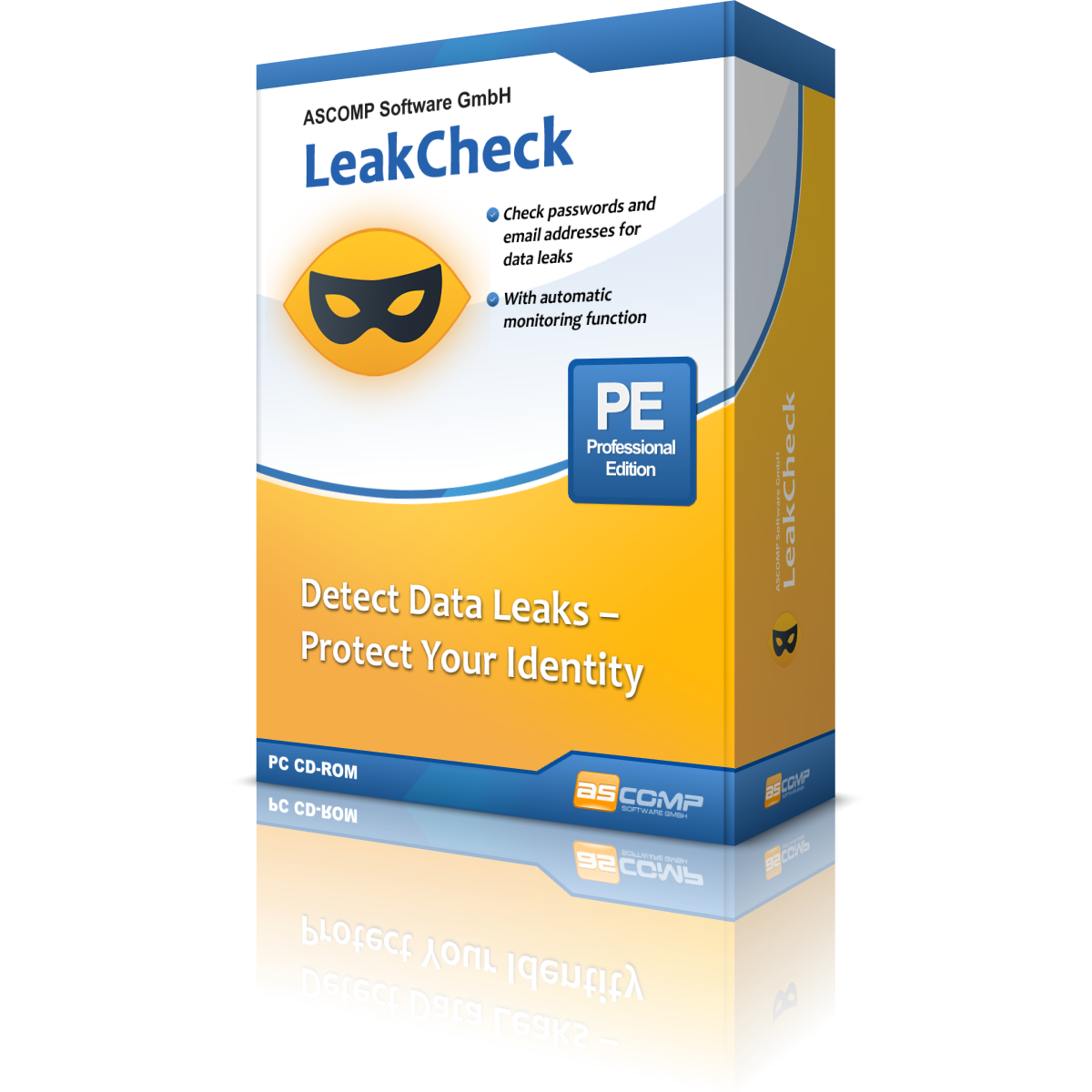
LeakCheck is a Windows-based security utility designed to cross-reference user credentials against known data breach databases. It functions as a local dashboard for monitoring email addresses and passwords without compromising privacy through external exposure. The software allows users to identify whether their digital identity has been compromised in historical or recent security incidents.
The application utilizes k-anonymity to verify passwords securely. Instead of transmitting plain-text credentials, it sends anonymized hash fragments to the Have I Been Pwned API. This technical approach ensures that sensitive data remains encrypted and resides strictly on the user's local hardware. All stored information is further protected via the Windows Data Protection API (DPAPI), linking the encrypted data to the specific Windows user account.
Key features available to users include:
- Bulk Credential Verification: Check multiple sets of passwords and emails simultaneously to identify vulnerabilities.
- Continuous Email Monitoring: Maintain a dedicated list of accounts to scan for new exposures with a single click.
- Detailed Breach Reports: Access metadata regarding detected leaks, including the title and date of the breach.
- Security Dashboard: View a visual summary of account status to distinguish between safe and compromised entries.
By using LeakCheck, individuals can proactively manage their digital footprint and receive alerts to update vulnerable passwords before they are exploited by malicious actors.
Top 5 Reasons To Download LeakCheck
Before we dive into the deep end of the digital threat landscape, let is lay out exactly why this software is a mandatory addition to your cybersecurity toolkit. Here are the top five reasons you need to download LeakCheck for Windows today:
- Absolute Privacy via Local K-Anonymity Scanning: Your sensitive plain-text passwords never leave your local machine, ensuring complete anonymity during breach checks.
- Continuous, Hands-Free Background Monitoring: The software alerts you the absolute second a new data breach threatens your accounts, allowing for instant, proactive defense.
- Military-Grade Local Encryption (Windows DPAPI): Your monitored emails and data are saved exclusively on your PC, locked down with your personal Windows user account credentials.
- A Streamlined, Intuitive Security Dashboard: You do not need a degree in ethical hacking to use this; the visual interface instantly highlights secure versus compromised accounts.
- Unbeatable Premium Value for Zero Cost: This giveaway grants you access to top-tier, local identity protection tools completely free for private use.
Every single day, we wake up to news of another massive corporate data breach. Millions of email addresses, passwords, credit card numbers, and personal details are spilled onto dark web marketplaces. For the average internet user, staying ahead of these leaks feels like trying to sweep up sand in a hurricane. You might think your passwords are secure, but if a service you registered for five years ago gets hacked, your credentials are now in the hands of bad actors who use automated scripts to try those same logins on Amazon, PayPal, and Google.
As a tech reviewer, I test dozens of security suites every year. Most of them are bloated, overpriced, and constantly beg you to upload your sensitive data to their cloud servers. That is why discovering LeakCheck for Windows felt like a breath of fresh air. It is a lightweight, incredibly smart, and hyper-secure Windows utility that acts as an early warning system for your digital identity. Let is break down the top five reasons why this particular giveaway is something you absolutely must download right now.
1. Absolute Privacy via Local K-Anonymity Scanning
When you use an online tool to check if your password has been leaked, you are taking a massive leap of faith. You are typing your highly sensitive credentials into a web form and hitting submit. How do you know that website is not logging your input? How do you know the connection is truly secure? With LeakCheck, those anxieties are completely eliminated thanks to a cryptographic process called k-anonymity.
LeakCheck does not send your raw passwords to the internet. Instead, when you input a password to check its integrity, the software hashes it locally on your computer using a secure mathematical algorithm. It then takes only the first five characters of that hash and sends them to the highly respected Have I Been Pwned API database. The remote database searches for all known leaked hashes that begin with those exact five characters and sends that list of partial matches back to your computer. Finally, LeakCheck performs the final match locally on your PC.
This means the remote server never knows what your actual password is, nor does it even know the full hash of your password. It only knows a tiny, non-identifying fragment. This local-first approach ensures that your passwords remain entirely yours. You get the benefit of a massive, up-to-date cloud database of billions of leaked credentials, combined with the impenetrable security of local, zero-knowledge processing.
2. Continuous, Hands-Free Background Monitoring
Manual security checks are great, but let is be honest: you are not going to remember to scan your fifteen different email addresses every single week. Security is only effective when it is consistent, and consistency requires automation. This is where the true power of the LeakCheck Professional Edition features come into play.
With this software, you can set up a dedicated monitoring list of your primary email addresses, work accounts, and usernames. Once configured, LeakCheck can run silently in the background of your Windows operating system. It consumes negligible system resources, so you will not even notice it is there while gaming, working, or streaming movies.
The moment a new data breach is indexed anywhere in the world that matches an email address on your watch list, LeakCheck springs into action. It launches a desktop notification, showing you the exact name of the compromised service, the date of the breach, and what specific types of data were exposed. This early warning system allows you to change your passwords immediately, hours or even days before the breach becomes mainstream news. By the time hackers try to exploit the leaked database, your credentials will have already been changed to something safe.
3. Military-Grade Local Encryption (Windows DPAPI)
Many password managers and identity monitors store your database of watched emails and accounts in their proprietary cloud storage. While they claim to use end-to-end encryption, cloud storage is always a honeypot target for sophisticated hackers. If their cloud servers are breached, your metadata could be exposed.
LeakCheck bypasses this risk entirely by keeping your data on your local hard drive. It utilizes the Windows Data Protection API (DPAPI) to encrypt your configuration files and monitoring lists. DPAPI is a native cryptographic system built into Windows that uses your unique user account credentials as the encryption key. This means your monitoring list can only be decrypted and read when you are actively logged into your specific Windows user profile.
If someone steals your computer, pulls out your hard drive, and tries to read the LeakCheck database files, they will see nothing but unreadable, scrambled gibberish. Because the encryption keys are tied dynamically to your Windows operating system login, your local security is virtually unbreakable from the outside. Your digital footprint remains localized, encrypted, and entirely under your physical control.
4. A Streamlined, Intuitive Security Dashboard
Many cybersecurity tools are designed by command-line purists who seem to think that software should be as difficult to navigate as possible. They present you with complex terminal screens, confusing configuration files, and cryptic error codes. LeakCheck takes the exact opposite approach by delivering a clean, modern, and highly visual dashboard.
From the moment you launch the application, you are greeted with a beautifully organized interface that categorizes your digital health. Your monitored email addresses are color-coded: green for safe, uncompromised entries, and red for accounts that have been identified in past data breaches. With a single glance, you can identify which of your accounts are at risk.
Furthermore, the dashboard does not just tell you that you were breached; it tells you how. It details the specific categories of data that were leaked in each incident, such as whether your physical address, phone number, IP address, or security questions were exposed. This granular level of information is incredibly valuable. If only an old, unused password was leaked, you can rest easy; but if your active phone number and security answers were leaked, you know exactly what security measures you need to take next.
5. Unbeatable Premium Value for Zero Cost
In the modern software market, everything has been turned into a monthly subscription. You want to secure your identity? That will be fifteen dollars a month. You want background monitoring? That is another tier. Over time, these small subscription fees stack up, costing you hundreds of dollars a year for tools that you might only use occasionally.
That is why this giveaway is such an extraordinary opportunity. LeakCheck is completely free for private, non-commercial use. You get access to essential, high-grade identity protection without inputting a credit card, signing up for a recurring billing plan, or dealing with annoying upsell pop-ups. It is rare to find software of this caliber that respects both your privacy and your wallet.
By downloading this giveaway, you are claiming a premium security tool that empowers you to take control of your digital defense. You get the peace of mind that comes with enterprise-grade scanning algorithms, local data encryption, and background monitoring, all wrapped up in a package that costs you absolutely nothing. It is a genuine win-win for anyone who values their digital privacy.
Conclusion: Why You Should Click Download Right Now
Cybersecurity is no longer optional. It is a fundamental necessity of modern life. Every time you log into a forum, shop online, or sign up for a newsletter, you are leaving a digital breadcrumb. If those breadcrumbs are not monitored, they can easily lead malicious actors straight to your bank accounts, your private messages, and your identity.
LeakCheck for Windows offers an elegant, highly secure, and incredibly simple solution to this massive problem. By keeping your data local, utilizing the brilliant cryptography of k-anonymity, protecting your database with Windows DPAPI, and providing automated background alerts, it stands head and shoulders above cloud-dependent alternatives. Do not wait for your identity to be stolen before you decide to act. Download LeakCheck today, run your first scan, and take the first decisive step toward securing your digital future.

Reviews for LeakCheck
Click Here to Read Reviews for LeakCheck >> Click Here to Submit Reviews for LeakCheck >>