What Does Battle of the Windows 10 Browsers Do?
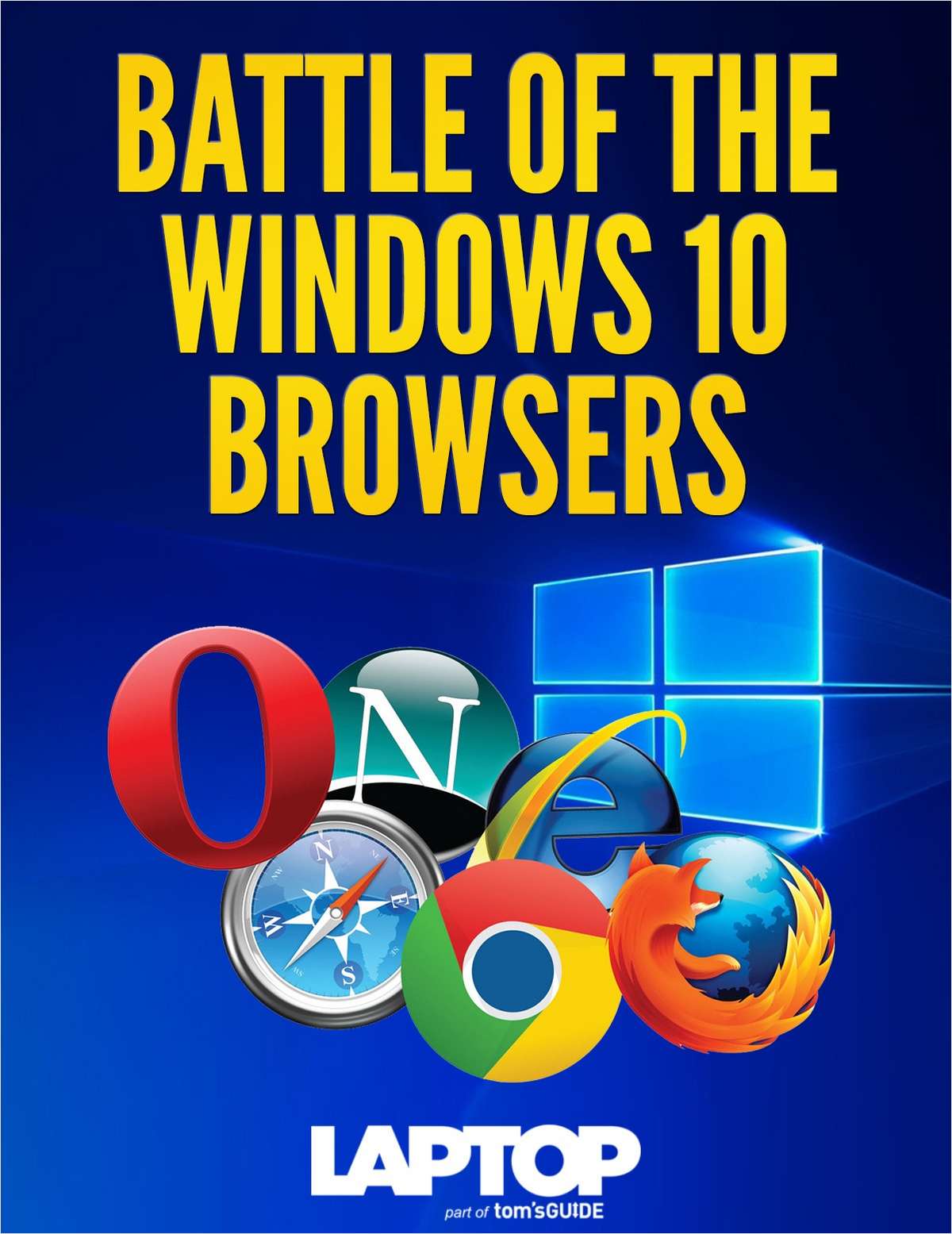
Internet Explorer has experienced a steady decline in market share as users increasingly migrate toward Chrome and Firefox. In response, Microsoft introduced Edge with the release of Windows 10, aiming to regain its position in the browser landscape. This comparison guide evaluates whether Microsoft’s newcomer can effectively compete with established industry giants by analyzing technical benchmarks and user experience across three platforms.
This resource allows you to examine how these browsers handle modern web demands. The testing focuses on several critical metrics to determine which software provides the most efficient internet experience. Key evaluation areas include:
- Speed and performance: Real-world loading times and processing efficiency.
- Layout and ease of use: Interface design, navigation logic, and general extensibility.
- Standards support: Compliance with modern web protocols and rendering accuracy.
- Special features: Unique tools such as Edge’s Cortana integration and native markup capabilities.
By reviewing this data, users can identify which browser offers the best performance and stability for their specific workflow. The guide provides a factual breakdown of how Edge's proprietary features stack up against the extensive plugin ecosystems of Firefox and Chrome. This technical overview serves as a performance audit to help users choose the fastest and most reliable gateway to the web.
Top 5 Reasons To Download Battle of the Windows 10 Browsers
- Unrivaled Speed and Performance Benchmarks: Microsoft Edge is built on a streamlined engine that consistently outpaces the competition in raw rendering speed and low memory consumption.
- Deep Integration with Cortana: The built-in virtual assistant provides contextual information, price comparisons, and instant answers without you ever having to leave the page you are viewing.
- Revolutionary Web Note and Markup Tools: Edge allows users to write, draw, and highlight directly on live webpages, turning the entire internet into a collaborative canvas.
- A Minimalist, Focused User Experience: With a clutter-free interface and the powerful Reading View, the browser prioritizes content over complex menus and distracting toolbars.
- Modern Standards and Robust Security: By shedding the legacy baggage of older browsers, Edge offers superior support for modern web standards and advanced sandboxing to keep your data safe.
For decades, the browser wars have been dominated by the same few names. We all remember the era when Internet Explorer sat on the throne, followed by the massive migration to the customizable world of Firefox, and finally, the juggernaut that is Google Chrome. But times are changing. The tech landscape is shifting, and Microsoft has finally delivered the answer we have all been waiting for. If you have been looking for a reason to ditch your current setup and embrace something that feels truly "next-gen," look no further. This isn't just a minor update; it is a complete reimagining of what it means to surf the web. Here is an in-depth look at why Microsoft Edge is the browser you need to download today.
1. Unrivaled Speed and Performance Benchmarks
We live in an age where every millisecond counts. If a webpage takes longer than three seconds to load, our patience wears thin. For years, users flocked to Chrome because it felt snappier than the aging Internet Explorer. However, the tables have turned. One of the most compelling reasons to download Microsoft Edge is its sheer, unadulterated speed. During extensive testing against both Chrome and Firefox, Edge has proven itself to be a lightweight champion that punches far above its weight class.
The secret lies in the EdgeHTML engine. Unlike older browsers that are weighed down by decades of legacy code meant to support ancient websites, Edge was built from the ground up to be lean and mean. It handles JavaScript—the backbone of modern interactive sites—with incredible efficiency. Whether you are streaming high-definition video, playing complex web-based games, or managing twenty open tabs for a research project, Edge maintains a level of fluidity that the competition simply struggles to match.
Performance isn't just about how fast a page loads; it is also about how the browser treats your hardware. Chrome has notoriously become a "memory hog," eating up gigabytes of RAM and draining laptop batteries at an alarming rate. Edge, conversely, is optimized specifically for the Windows environment. It manages system resources intelligently, ensuring that your CPU isn't working overtime just to display a news article. For laptop users, this translates to significantly better battery life, allowing you to browse longer without hunting for a power outlet. It is rare to see a browser that is both faster and more efficient, but Microsoft has managed to strike that perfect balance.
2. Deep Integration with Cortana
Imagine you are browsing a menu for a new Italian restaurant, and you suddenly realize you don't know the directions or the hours of operation. In a standard browser, you would have to open a new tab, search for the restaurant, and sift through the results. With Edge, those days are over. The integration of Cortana, Microsoft’s intelligent virtual assistant, transforms the browser from a passive window into an active participant in your workflow.
Cortana sits quietly in the background, ready to assist whenever she detects that she can be of use. When you visit the website of a business, a small icon appears in the address bar. With one click, Cortana slides out a sidebar containing the address, phone number, hours, and even Yelp reviews. It is seamless, non-intrusive, and incredibly helpful. This is "contextual browsing," and it represents the future of how we interact with information.
But Cortana goes even further than just local business info. If you are shopping for a new pair of headphones, she can automatically find coupons and discount codes for the site you are visiting, saving you money without any extra effort on your part. If you encounter a word or a concept you don't understand, you can simply highlight the text, right-click, and select "Ask Cortana." A sidebar pops up with definitions, Wikipedia entries, and related images, allowing you to stay focused on the article you were reading. This level of AI integration is something that Chrome and Firefox have yet to replicate with this much elegance and system-level cohesion.
3. Revolutionary Web Note and Markup Tools
One of the standout features that truly sets Edge apart from every other browser on the market is its native markup capability. We have all been in a situation where we wanted to highlight a specific paragraph on a webpage or circle a particular image to show a friend or colleague. Usually, this involves taking a screenshot, opening an image editor, drawing on it, saving it, and then sending it. Edge eliminates that entire multi-step process with its Web Note feature.
With a single click, the browser freezes the page and presents you with a set of digital ink tools. If you have a touchscreen or a stylus, you can literally write on the internet just like you would on a piece of paper. You can circle items, underline key sentences, or even leave "sticky notes" on specific parts of the page. Even if you only have a mouse, the tools are intuitive and easy to use. This makes Edge an indispensable tool for students, researchers, and professional collaborators.
Once you have finished marking up the page, the "save" and "share" options are built right in. You can save your annotated page directly to OneNote, your Favorites, or your Reading List. You can also send it via email or social media instantly. This transforms the web from a static, read-only environment into a workspace where you can manipulate and organize information in real-time. It is the kind of feature you didn't know you needed until you used it, and once you do, you will wonder how you ever managed without it.
4. A Minimalist, Focused User Experience
Modern web browsers have a tendency to become cluttered. Between extensions, bookmarks bars, and complex settings menus, the actual content of the website can sometimes feel buried. Edge takes a different approach by embracing a minimalist design philosophy. The interface is clean, sharp, and out of the way, which is exactly what a browser should be.
One of the best manifestations of this design philosophy is the Reading View. Have you ever tried to read a long-form article only to be bombarded by flashing ads, auto-playing videos, and "recommended" links that have nothing to do with the topic? With Edge, you can click the small book icon in the address bar to enter a distraction-free environment. All the clutter is stripped away, leaving only the text and the relevant images in a beautifully typeset layout that looks like a high-end digital magazine. You can even adjust the background color and font size to suit your personal comfort. It makes long-form reading on the web a joy rather than a chore.
Furthermore, Edge introduces the "Hub," a centralized location for your Favorites, Reading List, History, and Downloads. Instead of having these items scattered across different menus and windows, the Hub keeps everything neatly organized in one place that is easily accessible but tucked away when you don't need it. This streamlined organization helps you maintain a clear headspace, allowing you to focus on the task at hand rather than managing the browser itself. The layout is modern, intuitive, and feels perfectly at home in the Windows 10 ecosystem.
5. Modern Standards and Robust Security
Finally, we have to talk about the technical foundation of the browser. For years, Internet Explorer was criticized for its lack of support for modern web standards, which forced developers to write special code just to make websites work correctly. Microsoft Edge has completely broken away from that legacy. It is built for the modern web, with full support for the latest HTML5 and CSS standards. This means that websites look and function exactly as their designers intended, with smoother animations and better interactivity.
Security is another area where Edge shines. Because it is a Universal Windows App, it runs in a "sandbox" container. This means that even if you happen to land on a malicious website, the browser is isolated from the rest of your operating system. A piece of malware on a webpage cannot break out of the browser to access your personal files or sensitive data. This is a massive leap forward in security compared to the browsers of old.
Edge also incorporates Microsoft SmartScreen technology, which proactively checks the sites you visit against a frequently updated list of reported phishing and malware sites. If a site looks suspicious, Edge will warn you before you even have a chance to enter your information. Additionally, because Edge does not support legacy technologies like ActiveX or VBScript—which were frequently exploited by hackers—it is inherently more secure than its predecessors. When you download Edge, you aren't just getting a faster browser; you are getting a much safer one.
The Verdict: If you have been sticking with Chrome or Firefox out of habit, it is time to try something new. Microsoft Edge is not the Internet Explorer of the past. It is a high-performance, feature-rich, and incredibly secure tool that has been engineered for the way we use the internet today. From the intelligent assistance of Cortana to the creative freedom of Web Notes, it offers a suite of tools that the competition simply cannot match. It is faster, it is cleaner, and it is ready for the future. Don't wait—download this giveaway and experience the web the way it was meant to be seen.
In conclusion, the browser is the most important piece of software on your computer. It is your window to the world, your office, and your entertainment center. You deserve a tool that enhances that experience rather than hindering it. Edge delivers on every front, providing a level of integration and performance that makes it the clear choice for any Windows user. Whether you are a power user looking for the best benchmarks or a casual browser who wants a clean, safe environment, Edge is the answer. Give it a try, and you will see exactly why the tech world is buzzing about this newcomer.
By focusing on speed, user-centric features, and modern security, Microsoft has reclaimed its position at the forefront of web technology. This browser is a testament to what can happen when a company listens to user feedback and builds a product from the ground up with a clear vision. It is more than just a replacement for what came before; it is a bold step forward that sets a new standard for everyone else. Download it now and take control of your internet experience.

Reviews for Battle of the Windows 10 Browsers
Click Here to Read Reviews for Battle of the Windows 10 Browsers >> Click Here to Submit Reviews for Battle of the Windows 10 Browsers >>