What Does Ashampoo WinOptimizer 26 Do?
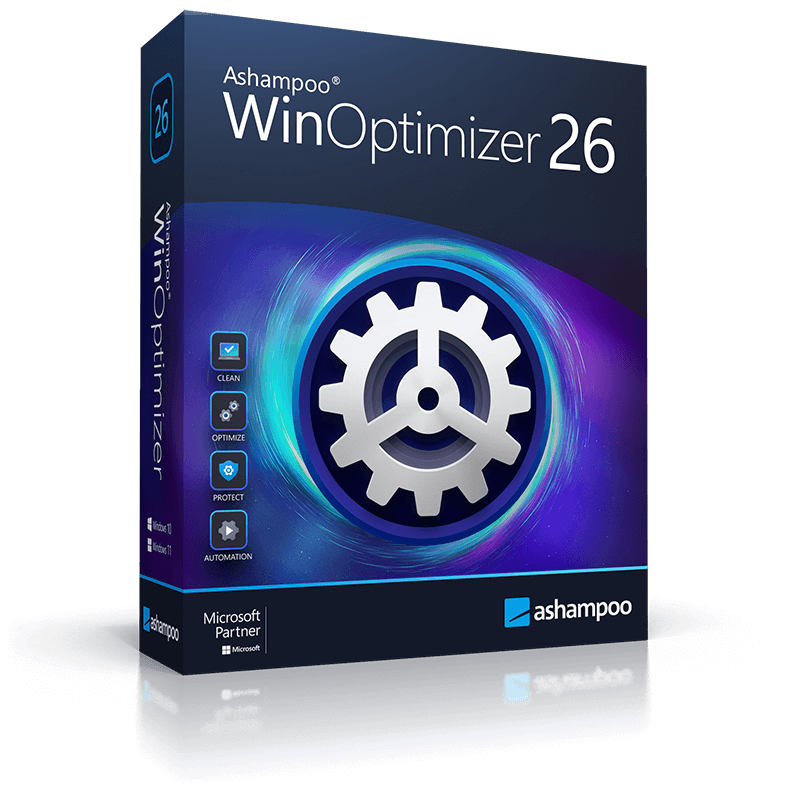
Ashampoo WinOptimizer 26 is an optimization suite for Windows PCs that integrates over 30 feature modules designed to enhance performance and system stability. The software focuses on three core functions: boosting processing speed, resolving system errors, and reclaiming disk space through the removal of file clutter.
The latest version introduces refined search algorithms for its cleaning modules, facilitating faster identification of redundant data. Users can deploy a one-click optimization tool powered by four specialized cleaning engines. For more granular control, the Tuning Assistant provides tailored configuration options based on specific hardware and usage needs, while the Privacy Traces Cleaner identifies and deletes sensitive personal information stored on the drive.
The suite also includes several specialized tools for system management and monitoring:
- Enhanced system analysis with improved visual clarity and data depth.
- UnInstall Manager 2, which facilitates the removal of native Windows applications.
- An updated SSD wizard providing detailed hardware handling and performance reporting.
- Program notifications integrated directly into the Windows Notification Center.
- High-speed cleaning modules utilizing updated search logic for increased efficiency.
This software aims to consolidate various system maintenance tasks into a single interface, addressing both superficial file accumulation and deeper system configuration issues to maintain long-term PC health.
Top 5 Reasons To Download Ashampoo WinOptimizer 26
Before we dive into the nitty-gritty details of why this software is a must-have for your digital arsenal, here are the top five reasons why you need to grab Ashampoo WinOptimizer 26 right now:
- The Intelligent Tuning Assistant: A personalized optimization experience that tailors Windows to your specific needs, whether you are a hardcore gamer or an office power user.
- Comprehensive Privacy Traces Cleaner: Advanced protection that hunts down and eliminates sensitive data trails left behind by your browser and system.
- Next-Generation UnInstall Manager 2: A complete overhaul of the uninstallation process that removes stubborn Windows apps and cleans up every single leftover file.
- Enhanced One-Click Optimization: A set of four ultra-fast, powerful cleaners powered by brand-new search algorithms for immediate performance gains.
- Deep System Analysis and Visual Clarity: A modernized dashboard that provides in-depth technical information presented with stunning visual transparency.
If you have been using Windows for more than a few months, you already know the "slowdown" is real. It starts with a slightly longer boot time, then it progresses to a few stutters when opening Chrome, and before you know it, your high-end machine feels like it is running through waist-deep mud. This is not just a hardware issue; it is the inevitable accumulation of digital "rot." Registry errors, temporary file bloat, background telemetry, and fragmented data are the silent killers of productivity. This is why a professional-grade optimization suite is not just a luxury—it is a necessity. Ashampoo WinOptimizer 26 is the latest iteration of a legendary toolset, and this giveaway is your golden ticket to a faster, cleaner, and more private PC.
As a tech reviewer who has seen hundreds of "utility" apps come and go, I can tell you that very few actually deliver on their promises. Most are "bloatware" in their own right. However, Ashampoo has spent decades refining their suite, and version 26 is arguably their most sophisticated release to date. Let us break down exactly why you should stop what you are doing and get this software installed.
1. The Intelligent Tuning Assistant
Most optimization tools are dangerous because they take a "sledgehammer" approach to a "scalpel" problem. They offer a single "Fix All" button that might disable services you actually need. Ashampoo WinOptimizer 26 changes the game with its Tuning Assistant. This is not just a scanner; it is an interactive consultant that asks you questions about how you actually use your computer. Are you someone who values maximum visual flair with animations and transparency? Or are you a competitive gamer who wants every single CPU cycle dedicated to frame rates? Perhaps you use your machine purely for office work and want the most stable, quiet environment possible.
The Tuning Assistant guides you through a series of questions and then generates a custom optimization profile. It explains exactly what each setting does, so you are never left in the dark. It can disable unnecessary background telemetry, adjust Windows indexing, and tweak visual effects in a way that is individually tailored to your hardware and workflow. This level of customization ensures that you get the performance boost you want without sacrificing the features you rely on. It is the smartest way to optimize a PC I have ever seen in a consumer-grade application.
2. Comprehensive Privacy Traces Cleaner
In today's digital landscape, privacy is not just a buzzword; it is a battleground. Every time you browse the web, open a file, or even just search for a document in your Start menu, Windows and your browsers are creating "traces." These are small breadcrumbs of data that, when pieced together, can reveal a frightening amount of information about your habits, your identity, and your sensitive accounts. The Privacy Traces Cleaner in WinOptimizer 26 is specifically designed to find and destroy these hidden data points.
While many tools just clear your browser history, this module goes much deeper. It looks for temporary files, cookies, and tracking tokens that other cleaners miss. It scans for system-level traces that Windows creates in its various logs. What makes this version particularly impressive is the speed. Thanks to new search algorithms, the Privacy Traces Cleaner can scan your entire drive in a fraction of the time it took previous versions. If you care about your digital footprint, this feature alone makes the download worth it. It provides peace of mind, knowing that your private data stays private.
3. Next-Generation UnInstall Manager 2
We have all been there: you install a program, decide you do not like it, and run the standard Windows uninstaller. You think it is gone, but it is not. Windows is notorious for leaving behind "orphaned" files, empty folders, and—most annoyingly—bloated registry keys. Over time, these remnants pile up, causing system instability and wasting valuable disk space. Even worse are those pre-installed "Windows Apps" or "Bloatware" that the OS makes it incredibly difficult to remove.
The UnInstall Manager 2 is a massive upgrade in version 26. It does not just trigger the default uninstaller; it monitors the process and performs a "deep scan" immediately after the main program is gone. It hunts down every last trace of the software. It also gives you a much better interface for managing your apps, allowing you to see exactly which programs are taking up the most space or which ones were recently installed. The ability to purge "stubborn" apps that refuse to leave your system is a godsend for anyone who likes to keep a lean, mean machine. It puts you back in control of your storage.
4. Enhanced One-Click Optimization
While I love diving into the advanced settings, sometimes you just want a quick "oil change" for your PC. The One-Click Optimizer is the flagship feature of the Ashampoo suite, and in version 26, it has been supercharged. It combines four powerful cleaning modules into a single, lightning-fast operation: Internet Cleaner, Drive Cleaner, Registry Optimizer, and the aforementioned Privacy Traces Cleaner.
What sets this apart from the competition is the new search algorithms. In previous years, scanning a 1TB SSD could take several minutes. With WinOptimizer 26, it is nearly instantaneous. The software is more efficient at identifying what is actually "junk" and what is a critical system file, reducing the risk of false positives to near zero. It also integrates perfectly with the Windows Notification Center. Instead of having a clunky pop-up window, the app gives you subtle, modern notifications about the status of your optimization. It feels like a native part of Windows 11, working in the background to keep your system snappy without being intrusive. It is the ultimate "set it and forget it" tool for the busy user.
5. Deep System Analysis and Visual Clarity
Knowledge is power, and WinOptimizer 26 gives you a staggering amount of it. The System Analysis module has been completely revamped to provide more in-depth information than ever before. If you are a hardware enthusiast, you will love the level of detail provided about your CPU, RAM, and Disk health. But even if you are not a "techie," the new visual presentation makes this data easy to understand. Using clean charts, icons, and progress bars, the software shows you exactly where your bottlenecks are.
One of my favorite sub-features here is the SSD Wizard. SSDs are different from traditional hard drives; they do not need defragmentation, but they do need "TRIM" commands and proper wear-leveling management to ensure they last for years. The SSD Wizard has been updated with new handling and more details to ensure your expensive NVMe or SATA SSD stays healthy and fast. Between the visual dashboard and the specialized hardware wizards, you are getting a professional diagnostic suite that would normally cost a fortune on its own. It tells you why your computer is slow, and then gives you the tools to fix it.
The Conclusion: Why You Need This Now
The reality of modern computing is that Windows is an incredibly complex operating system that tries to be everything to everyone. In doing so, it collects a massive amount of baggage. Ashampoo WinOptimizer 26 is the "digital concierge" that cleans up after Windows, ensuring that your hardware performs at its peak potential. It is not just about clearing out a few gigabytes of space—though it does that exceptionally well. It is about the smoothness of the experience. It is about the browser that opens instantly, the game that does not stutter, and the peace of mind that comes with knowing your private information is not being stored in some obscure temp folder.
With over 30 feature modules, we have only scratched the surface of what this software can do. From managing your startup items to encrypting sensitive files, it is a Swiss Army knife for PC maintenance. Because this is a giveaway, there is absolutely zero risk in trying it out. You are getting a premium, polished, and powerful utility suite for free. In the world of tech, it is rare to find a tool that is this comprehensive without being overwhelming. Ashampoo has struck the perfect balance between professional-grade power and user-friendly simplicity.
In my years of reviewing software, I have found that the users who are happiest with their computers are the ones who take a proactive approach to maintenance. They do not wait for the "Blue Screen of Death" to happen; they prevent it. They do not wait for their hard drive to fill up; they manage it. They do not wait for their privacy to be compromised; they protect it. Ashampoo WinOptimizer 26 is the best tool for that proactive lifestyle. Do your PC a favor—download this giveaway, run that first scan, and feel the difference of a truly optimized machine. Your hardware will thank you, and your productivity will soar.
Don't let your PC rot under the weight of unnecessary files and outdated settings. Embrace the power of the new search algorithms, the precision of the Tuning Assistant, and the thoroughness of UnInstall Manager 2. This is the definitive version of WinOptimizer, and it is ready to make your Windows experience feel like new again. Get it now, before the giveaway ends, and take back control of your digital life.

Reviews for Ashampoo WinOptimizer 26
Click Here to Read Reviews for Ashampoo WinOptimizer 26 >> Click Here to Submit Reviews for Ashampoo WinOptimizer 26 >>