What Does BLACK & WHITE Projects 6 Pro Do?
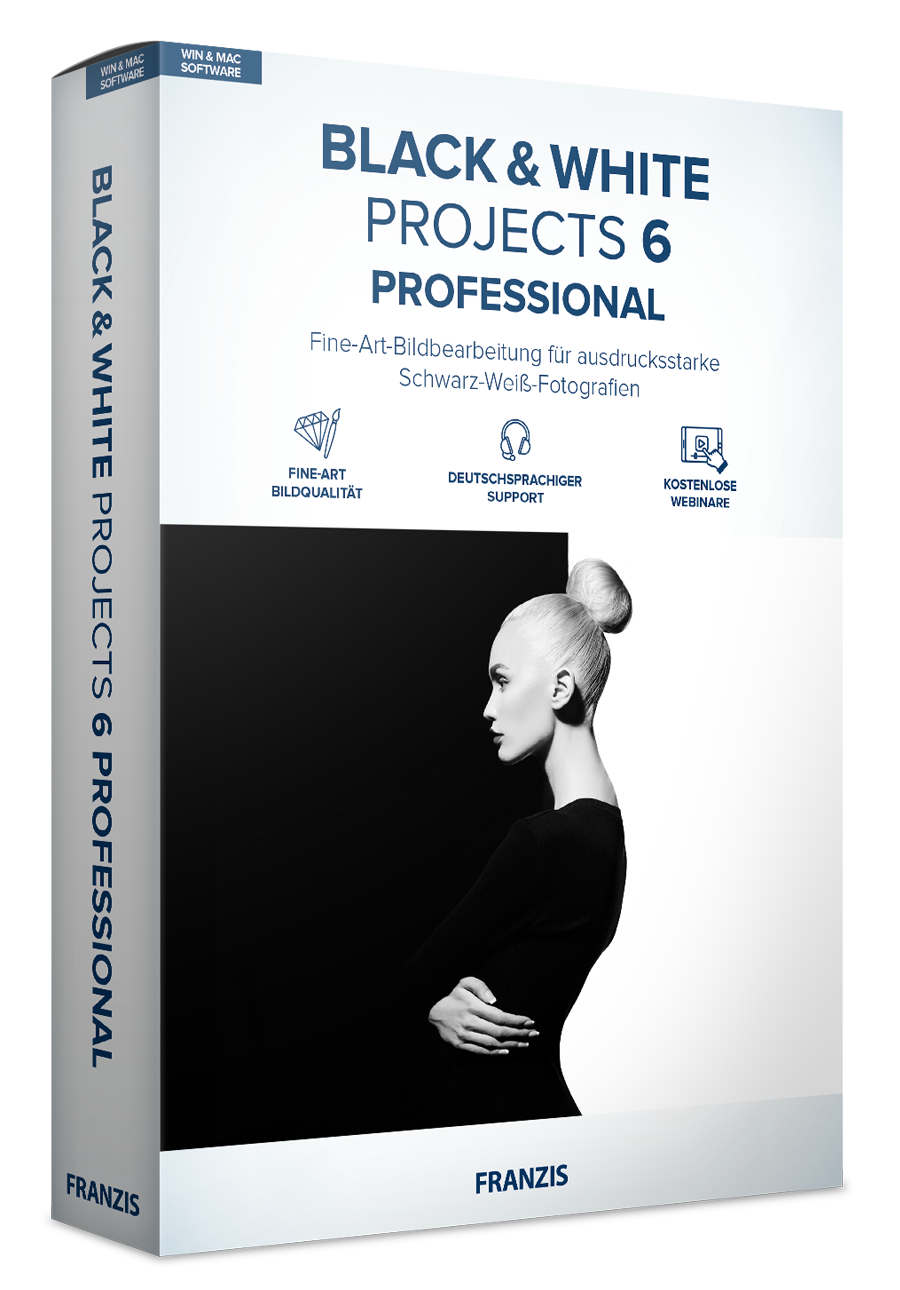
BLACK & WHITE projects 6 professional is a dedicated software suite designed for high-end monochrome image processing. Aimed at fine art photographers, the tool focuses on converting standard color images into black and white compositions while maintaining high image fidelity. The software functions as both a standalone application and as a plug-in for Adobe Photoshop and Lightroom, allowing it to integrate into various digital post-processing workflows.
The interface provides 184 pre-configured image templates that serve as starting points for individual creative styles. Key technical additions in this version include a suite of light effects, such as light bokeh, light frames, and light spots, which simulate optical characteristics in a digital environment. Furthermore, the software introduces dedicated categories for Light FX and street photography to streamline the editing process for specific subjects.
In terms of functionality, the program emphasizes a workflow that ensures image quality is not compromised during the conversion process. Users can manipulate tonal values and contrast through specialized tools designed specifically for the black and white medium, rather than relying on generic desaturation filters. This giveaway provides a comprehensive toolkit for users looking to master the nuances of monochrome photography through a modern, professional interface.
Top 5 Reasons To Download BLACK & WHITE Projects 6 Pro
If you are looking to elevate your photography to a professional, fine-art level, look no further than BLACK & WHITE projects 6 professional. This software is a powerhouse designed specifically for those who understand that monochrome photography is not just about removing color, but about mastering light, shadow, and texture. Here are the top five reasons why you need to download this giveaway today:
- A Massive Library of 184 Professional Presets: Instant inspiration with nearly 200 handcrafted image ideas to suit any photographic style.
- Innovative New Light FX and Bokeh Tools: Transform flat images with realistic light bokeh, light frames, and specific light spots for a cinematic feel.
- High-End Image Quality Without Compromise: Advanced processing engines ensure your monochrome conversions maintain the highest fidelity and detail.
- Seamless Workflow Integration: Works perfectly as a stand-alone application or as a professional plug-in for Adobe Photoshop and Lightroom.
- Specialized Street Photography and Fine Art Categories: Dedicated tools and presets designed specifically for the unique challenges of street and gallery-style photography.
1. A Massive Library of 184 Professional Presets
When you first open BLACK & WHITE projects 6 professional, the sheer volume of creative potential is staggering. One of the biggest hurdles in digital photography is the "blank canvas" syndrome—where you have a great shot but aren't quite sure which direction to take the edit. This software solves that instantly by providing 184 unique image ideas. These aren't just basic filters you might find on a mobile app; these are complex, multi-layered presets developed by professional photographers to emulate specific film stocks, lighting conditions, and artistic movements.
The beauty of these presets lies in their variety. Whether you are working on a gritty urban landscape, a soft and ethereal bridal portrait, or a high-contrast architectural study, there is a preset that serves as the perfect starting point. Using these presets allows you to explore styles you might not have considered, such as the deep, rich blacks of low-key photography or the airy, dreamlike quality of high-key edits. Because the software is designed for "professional" output, these presets respect the histograms of your images, ensuring that you don't lose detail in the highlights or shadows while you experiment.
Furthermore, these 184 presets are fully customizable. For the tech-savvy reviewer and the professional artist alike, a preset is rarely the final stop. It is a foundation. Once you find a look that resonates with your vision, you can dive into the granular settings to tweak the spectral sensitivity, adjust the silver grain emulation, or refine the tonal curves. This combination of "instant results" and "infinite control" is exactly why this software is a must-download for anyone serious about their portfolio.
2. Innovative New Light FX and Bokeh Tools
In the world of black and white photography, light is your only language. Without color to guide the viewer’s eye, the interplay of brightness and darkness becomes the narrative. The latest iteration of this software introduces some of the most impressive light manipulation tools I have seen in a dedicated monochrome suite. Specifically, the new light bokeh, light frames, and light spots features allow you to add a layer of atmospheric depth that is usually only possible with expensive lenses or hours of manual masking in Photoshop.
The light bokeh tool is particularly impressive. In monochrome, bokeh takes on a structural quality; it becomes a series of shapes and textures that can frame a subject beautifully. By being able to digitally enhance or create bokeh, you can rescue images shot with a narrow aperture or add a sense of romance and "dreaminess" to a scene. The light spots tool allows for surgical precision—you can direct the viewer's attention by placing "virtual" lights within the frame, simulating the effect of a spotlight or a stray beam of sun peeking through a window.
Then there are the light frames. These aren't the tacky digital borders you remember from the early 2000s. These are sophisticated vignettes and light-leak emulations that give your work a tangibility. They make digital files feel like they were developed in a physical darkroom. When you combine these light effects with the specialized "Light FX" preset category, you gain the ability to create mood and atmosphere that feels organic rather than artificial. For the artist looking to move beyond simple documentation and into the realm of "fine art," these tools are indispensable.
3. High-End Image Quality Without Compromise
As a tech reviewer, I often see software that prioritizes "cool effects" over actual image integrity. BLACK & WHITE projects 6 professional is the exception. It is built on a high-end processing engine that treats your pixels with the respect they deserve. When converting a color image to black and white, many generic programs simply desaturate the image, which often leads to a flat, muddy result with significant digital noise. This software, however, uses complex algorithms to map color values to luminance levels, allowing for a much richer tonal range.
The phrase "image quality without compromises" isn't just marketing jargon here. The software handles 16-bit and even 32-bit images, ensuring that the transitions between grey tones are smooth and free of banding. This is especially important for professional photographers who intend to print their work. In a large-scale print, the difference between a cheap B&W conversion and a "projects-software" conversion is night and day. The blacks are deep and "inky" without being crushed, and the highlights retain the subtle textures of clouds, skin, or fabric.
Additionally, the software includes advanced noise reduction and sharpening tools that are specifically tuned for monochrome. Sharpness in black and white feels different than in color; it's more about edge contrast and "bite." This tool understands that distinction. It allows you to emphasize the grit of a stone wall or the fine lines of a weathered face without introducing the ugly artifacts often seen in lesser software. If you want your digital photos to have the "soul" of traditional film photography while maintaining the precision of modern sensors, this is the tool for the job.
4. Seamless Workflow Integration
One of the biggest pain points for photographers is having to jump between different programs and disrupt their "flow." Fortunately, BLACK & WHITE projects 6 professional is designed to fit into your existing ecosystem. While it works brilliantly as a stand-alone application—which is great for those who want a dedicated workspace away from the distractions of a general editor—it also functions as a fully integrated plug-in for Adobe Photoshop and Lightroom.
For Lightroom users, this means you can manage your library as usual, and when you identify a shot that has "monochrome potential," you can send it directly to the B&W engine with a single click. Once you have crafted your masterpiece, the result is saved back into your Lightroom catalog. For Photoshop power users, the plugin functionality allows you to use the software as a filter layer. This is a game-changer for non-destructive editing. You can apply a complex B&W conversion, and then use Photoshop’s masking tools to blend it with other layers or adjustments.
The "Familiar to use" aspect mentioned in the description is also worth highlighting. The interface is intuitive, following the logical progression of a professional edit: from global adjustments to local refinements and finally to finishing touches. This means there is a very shallow learning curve. You don't need to spend weeks watching tutorials to get "amazing results." You can download the giveaway, install it, and within ten minutes, you will be producing images that look like they took hours to edit. This efficiency is a massive draw for both hobbyists and pros who would rather spend their time shooting than sitting behind a monitor.
5. Specialized Street Photo and Fine Art Optimization
Black and white photography is often called the "supreme discipline" because it is the foundation of the medium's history. Two areas where monochrome truly shines are Street Photography and Fine Art. This software honors that legacy by providing dedicated categories and tools specifically for these genres. The new "Street Photos" preset category is a standout feature, offering looks that emphasize the high-contrast, candid nature of life in the city.
In street photography, you often deal with unpredictable lighting—harsh midday sun, deep shadows under awnings, or the glow of neon signs at night. The specialized street presets in this software are designed to embrace these "imperfections" and turn them into stylistic choices. They help you find the rhythm in the chaos of a busy street corner, emphasizing shapes and silhouettes over distracting color clutter. If you are a fan of the classic street photographers like Henri Cartier-Bresson or Fan Ho, you will find the tools here to emulate that timeless aesthetic.
For the fine-art photographer, the software offers a level of control that feels like working in a digital darkroom. The ability to manipulate the "spectral sensitivity" allows you to decide exactly how different colors in the original image (like a blue sky or a red apple) are translated into shades of grey. This is the modern version of using physical glass filters on a film camera. Want a dark, moody sky? Adjust the blue sensitivity. Want skin tones to glow? Adjust the orange and red channels. This level of intentionality is what separates a "snapshot" from a "work of art." By downloading this software, you are giving yourself the tools to master the most respected discipline in the photographic world.
In conclusion, BLACK & WHITE projects 6 professional is more than just a converter; it is a dedicated creative suite that understands the nuances of monochrome art. From its vast library of presets to its high-end light effects and professional workflow integration, it offers everything a photographer needs to create "masterful works of art." This giveaway is a rare opportunity to add a high-end, professional tool to your kit for free. Whether you are a seasoned pro or just starting your journey into the expressive power of black and white, this is a download you cannot afford to miss. It’s time to stop taking pictures and start creating art.

Reviews for BLACK & WHITE Projects 6 Pro
Click Here to Read Reviews for BLACK & WHITE Projects 6 Pro >> Click Here to Submit Reviews for BLACK & WHITE Projects 6 Pro >>