What Does Guardian Of Data Professional Do?
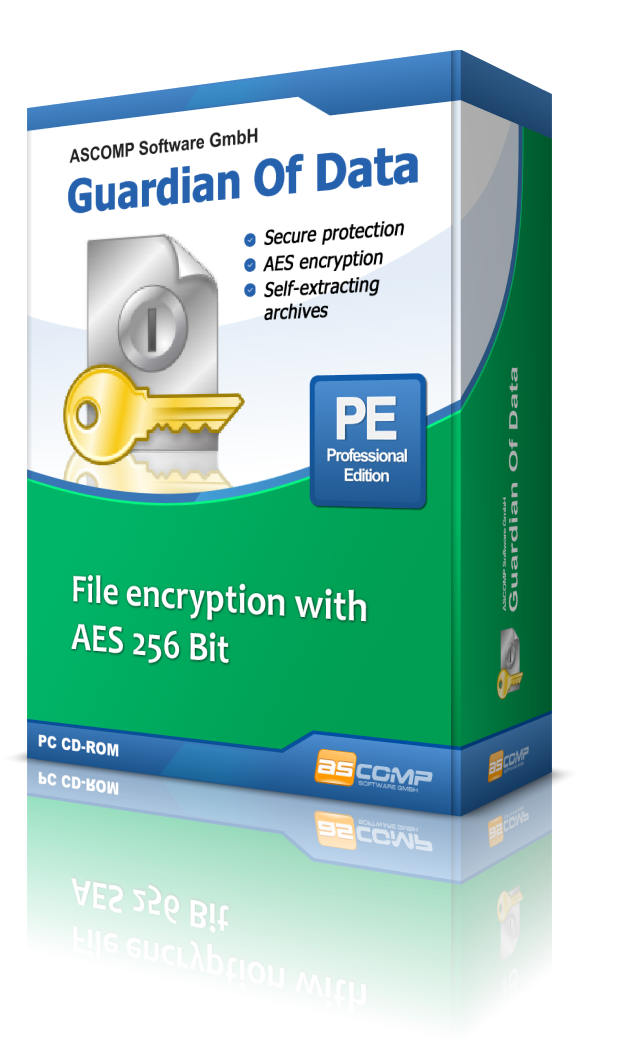
Guardian Of Data is a dedicated encryption utility designed to protect sensitive files directly within the Windows environment. The software integrates into the Windows Explorer context menu, allowing users to secure any document type with the AES (Rijndael) encryption algorithm. It supports encryption levels up to 256-bit, adhering to modern security standards for data protection.
For collaborative workflows, the application facilitates the creation of self-extracting files. This allows users to bundle multiple documents into a single encrypted archive that recipients can open without having the software installed, provided they have the correct password. This feature is intended for the secure distribution of data across unprotected communication channels.
Additionally, Guardian Of Data incorporates file compression to reduce the storage footprint of encrypted archives. To ensure complete privacy, the software includes a secure deletion function. Once a file is encrypted, the original, unencrypted version is wiped from the system using recognized deletion standards to prevent unauthorized recovery of the source data. The tool aims to simplify the encryption process while maintaining high-level security for both professional and personal use.
Top 5 Reasons To Download Guardian Of Data Professional
- Military-Grade Security with AES-256 Encryption: Guardian Of Data utilizes the Rijndael algorithm, providing up to 256-bit encryption to ensure your most sensitive documents remain impenetrable to unauthorized parties.
- Seamless Windows Explorer Integration: Forget bulky interfaces; you can encrypt and decrypt files directly from your right-click context menu, making security part of your natural workflow.
- Portable Self-Extracting Archives: Share encrypted files with anyone, even if they don't have the software installed, thanks to the creation of secure, self-extracting executable files.
- Integrated Data Compression: Save valuable disk space and reduce attachment sizes by compressing your files and folders at the same time you secure them.
- Certified Secure Deletion: Protect your privacy by permanently shredding unencrypted original files using recognized deletion standards, ensuring that "deleted" truly means gone forever.
In an era where digital privacy is under constant siege, the tools we use to protect our information must be both robust and remarkably easy to use. We have all been there: you have a sensitive spreadsheet, a legal contract, or a private letter that needs to be sent across the internet, but you are hesitant. You know that standard email is about as secure as a postcard, and cloud storage providers are always just one data breach away from exposing your life. This is where Guardian Of Data enters the frame. As a tech reviewer who has seen countless security suites come and go, I can tell you that this software is a breath of fresh air. It doesn't bloat your system with unnecessary features; instead, it focuses on doing one thing exceptionally well: keeping your data yours. Here is a deep dive into why you need to grab this giveaway immediately.
1. Military-Grade Security with AES-256 Encryption
When we talk about encryption, the "gold standard" is the Advanced Encryption Standard (AES), also known as the Rijndael algorithm. This isn't just a fancy marketing term; it is the same encryption standard adopted by the U.S. government and used globally to protect top-secret information. Guardian Of Data puts this exact level of protection into your hands. By supporting up to 256-bit encryption, this software ensures that your documents are wrapped in a layer of security that is practically impossible to crack using current technology. To put it in perspective, a brute-force attack on a 256-bit AES key would take millions of years for even the world's most powerful supercomputers to decipher.
For the average user, this means total peace of mind. Whether you are storing personal tax returns, medical records, or proprietary business plans, you are using the same level of defense as international banks and intelligence agencies. The software doesn't cut corners. It implements the algorithm flawlessly, ensuring that once you set a password, that document is a black box to everyone else. In the world of cybersecurity, "good enough" is never actually enough. You want the best, and Rijndael 256-bit encryption is precisely that.
2. Seamless Windows Explorer Integration
One of the biggest hurdles to digital security is "friction." If a security tool is difficult to use, or if it requires you to open a separate, clunky application every time you want to protect a file, most people simply won't use it. They will take the risk and send the file unencrypted. This is why the design of Guardian Of Data is so brilliant. It integrates directly into the Windows Explorer context menu. This means that to encrypt a file, you don't even have to leave the folder you are currently working in.
Imagine you have just finished a confidential report. Instead of opening a separate encryption suite, you simply right-click the file, select the Guardian Of Data option, enter your password, and you are done. It turns a complex cryptographic process into a two-second task. This seamless integration ensures that security becomes a habit rather than a chore. It is this "frictionless" approach to privacy that makes this software a must-have for anyone who values their time as much as their data. It feels like a native part of the Windows operating system, enhancing your workflow without ever getting in the way.
3. Portable Self-Extracting Archives
One of the most common problems with encryption software is the "recipient dilemma." If I encrypt a file using a specific program, the person I send it to usually needs to have that same program installed to open it. This is a massive headache for business professionals who need to send files to clients or partners who might not be tech-savvy. Guardian Of Data solves this brilliantly through the creation of self-extracting files. When you choose this option, the software packages your encrypted data into a small executable (.exe) file.
When your recipient receives this file, they simply double-click it. A secure prompt appears asking for the password. Once the correct password is entered, the file decrypts itself and opens. They never have to install Guardian Of Data. They never have to pay for a license. They just need the password you've provided through a secure channel. This feature alone makes the software incredibly versatile. It allows you to share confidential data over insecure channels—like standard email or public file-sharing links—with the absolute certainty that only the intended recipient can access the contents.
4. Integrated Data Compression
We live in a world of big data, and despite our hard drives getting larger, we are constantly fighting for storage space and struggling with email attachment size limits. Guardian Of Data provides a two-for-one solution by incorporating data compression into the encryption process. When you secure a document, the software also compresses it, reducing its physical footprint on your disk. This is particularly useful when you are dealing with large sets of documents, high-resolution PDFs, or folders full of images.
By compressing the data, you aren't just making it more secure; you are making it more portable. Smaller files upload faster to the cloud, send more quickly via email, and take up less room on your encrypted USB sticks. It is an efficiency boost that perfectly complements the security features. Most users find themselves using third-party zip tools followed by encryption tools—Guardian Of Data combines these steps into one efficient action, saving you time and streamlining your file management. It’s about working smarter, not harder.
5. Certified Secure Deletion
Most people don't realize that when you "delete" a file in Windows and empty the Recycle Bin, the file isn't actually gone. The operating system simply marks the space as "available," but the actual data remains on the physical disk until it is eventually overwritten by new data. This is a massive security loophole. If a hacker or an unauthorized individual gets access to your computer, they can use simple recovery software to bring those "deleted" sensitive documents back to life. Guardian Of Data closes this loophole permanently.
Included in the software is a secure deletion feature that follows recognized international standards. When you encrypt a document, you often want to get rid of the original, unencrypted version. Instead of just deleting it, Guardian Of Data shreds it. It overwrites the data multiple times with random patterns, making forensic recovery impossible. This ensures that no "ghosts" of your confidential data are left behind on your hardware. It is the digital equivalent of a high-security paper shredder. For anyone handling truly sensitive information, this feature is not just a "nice-to-have"—it is an absolute necessity for total data hygiene.
In conclusion, Guardian Of Data is a rare find in the software world. It offers professional-grade protection without the steep learning curve usually associated with high-end security tools. It respects your time through its context menu integration and it respects your recipients through its self-extracting archive feature. When you combine that with its compression capabilities and secure deletion standards, you have a comprehensive security suite that is lightweight, fast, and incredibly effective. In a world where your data is your most valuable asset, don't leave it unprotected. Download this giveaway, integrate it into your daily routine, and take control of your digital privacy today. You won't regret it.
Whether you are a freelancer protecting client contracts, a student keeping personal projects safe, or a business owner securing trade secrets, this tool is designed for you. It’s simple, it’s powerful, and for a limited time, it’s an opportunity you cannot afford to miss. Security doesn't have to be a headache, and Guardian Of Data is the proof. Turn your Windows Explorer into a fortress with just a few clicks.
Final Tech Reviewer Verdict: This is an essential utility for every Windows user. The balance between high-level AES-256 security and the sheer convenience of the right-click menu makes it a standout product. The self-extracting file feature alone is worth the download, as it removes the biggest barrier to encrypted communication. Secure your files, save space, and shred your traces. It is a 10 out of 10 for utility and ease of use. Don't wait—get your copy now and start protecting what matters most.

Reviews for Guardian Of Data Professional
Click Here to Read Reviews for Guardian Of Data Professional >> Click Here to Submit Reviews for Guardian Of Data Professional >>