What Does HDR Projects 7 Do?
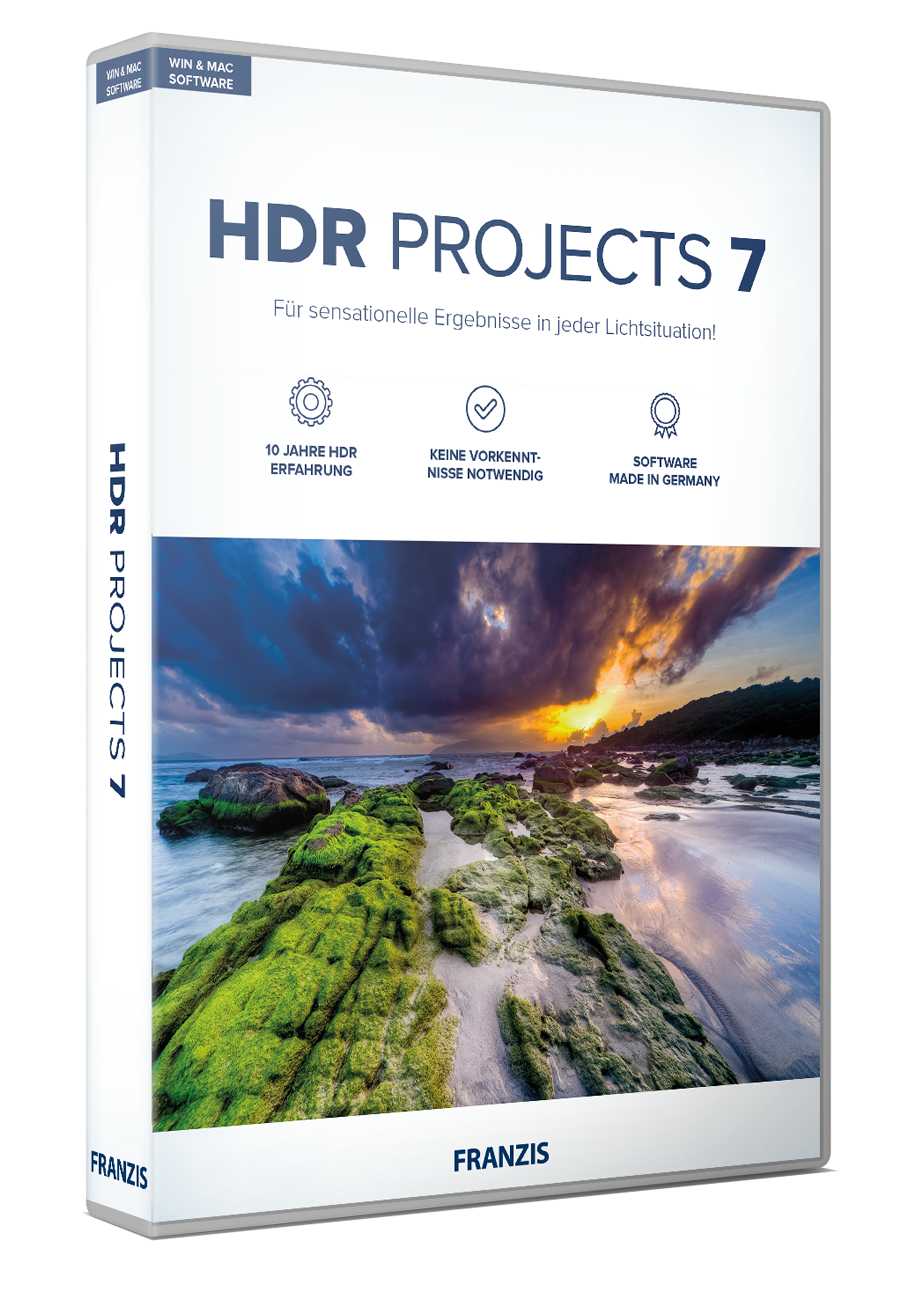
HDR projects 7 is a specialized image processing utility developed using over a decade of HDR research. The software is designed to enhance the detail, contrast, and color quality of digital photographs by extracting maximum data from image files. It processes information from either single exposures or series of exposure brackets to produce high-dynamic-range results.
The application introduces several technical enhancements for photographers, including:
- Highlight Boost: A feature designed to optimize drawing in highlights and increase overall image depth.
- Noise Reduction: Algorithms that eliminate digital noise and unwanted color casts during processing.
- Exposure Versatility: Full compatibility with both bracketed sequences and individual shots.
- Accelerated Performance: Optimized code for fluid real-time editing and faster workflow execution.
By automating the task of tonal mapping, the software allows users to achieve high-contrast images with fine details that are often lost in standard processing. The engine ensures that the final output remains clean and artifact-free. Whether working with multiple RAW files or a single JPEG, this tool provides a streamlined environment for photographers to expand the dynamic range of their work without requiring manual masking or complex layering techniques. This version focuses on technical precision and speed, making it a utility for those needing efficient high-dynamic-range output.
Top 5 Reasons To Download HDR Projects 7
- Highlight Boost technology for incredible image depth and detail in bright areas.
- High-contrast rendering that extracts the finest details from every pixel.
- Clean, professional results with specialized algorithms to eliminate noise and color casts.
- Total versatility with support for both professional exposure bracketing and single-shot enhancement.
- Accelerated performance for a fluid, lag-free creative workflow.
If you have ever been frustrated by the limitations of your digital camera, you are not alone. Even the most expensive mirrorless and DSLR sensors on the market today struggle to capture the world exactly as the human eye sees it. We see a vibrant sunset with rich oranges and deep, textured shadows; our cameras often see a blown-out white sky or a foreground that is nothing more than a black silhouette. This is the fundamental challenge of dynamic range, and it is exactly why HDR projects 7 is a tool that every photographer, from the casual smartphone snapper to the seasoned professional, needs in their digital arsenal.
HDR (High Dynamic Range) technology has come a long way over the last decade. It used to be a niche technique reserved for those who were willing to spend hours meticulously blending exposures in complex editors. But HDR projects 7 changes the game by drawing on more than ten years of specialized development experience. This isn't just another photo filter; it is a sophisticated engine designed to reconstruct the light and shadow of your memories with surgical precision. Below, I am going to break down the top five reasons why you need to jump on this giveaway right now and integrate this software into your creative process.
1. The Revolutionary Highlight Boost Technology
One of the most significant hurdles in digital photography is "clipping." This occurs when the bright areas of an image—the sun, clouds, or reflective surfaces—become so bright that the sensor can no longer record detail, resulting in a flat, lifeless white patch. HDR projects 7 introduces a powerful new Highlight Boost feature that is specifically designed to combat this issue. This isn't just a simple brightness slider; it is an intelligent algorithm that analyzes the surrounding data to reconstruct depth where it previously seemed lost.
When you apply Highlight Boost, you are essentially giving your image a sense of three-dimensionality that standard editors cannot match. Imagine a landscape shot where the clouds look like fluffy, textured entities rather than white blobs. This feature allows for an "optimal drawing" in the highlights, ensuring that the brightest parts of your photo still contain the intricate textures that make an image look realistic. For those who enjoy architectural photography or dramatic skywards shots, this feature alone is worth the download. It creates a level of image depth that makes the viewer feel as though they could step right into the frame.
The beauty of the Highlight Boost lies in its subtlety. Often, HDR software can over-process an image, making it look "radioactive" or fake. However, because HDR projects 7 leverages over a decade of experience, the Highlight Boost works with a level of nuance that respects the original intent of the photographer while maximizing the potential of the raw data. It’s about finding that "sweet spot" where the image looks both spectacular and believable.
2. High Contrast Images with the Finest Details
We live in a world of texture. From the rough bark of an ancient oak tree to the fine threads of a silk scarf, detail is what defines our visual experience. Standard photo processing often smoothes over these details in an attempt to balance the image, but HDR projects 7 does the opposite. It is engineered to identify and enhance micro-contrasts, bringing out the "finest details" that your camera sensor actually captured but failed to display prominently.
The software’s ability to handle high-contrast scenarios is where it truly shines. In a typical high-contrast scene—such as a dark interior looking out through a bright window—most software will struggle to maintain detail in both the shadows and the highlights. HDR projects 7 uses its advanced HDR engine to bridge that gap. It pulls information from the darkest corners of your shadows without introducing "muddiness," and it keeps the highlights crisp. The result is an image that pops with a clarity that is almost hyper-realistic.
This focus on detail is particularly important for photographers who like to print their work. When you upscale an image for a large print, any lack of detail becomes painfully obvious. By using the high-contrast tools in this software, you ensure that every blade of grass and every brick in a building is sharp and defined. It transforms a "flat" digital file into a rich, textured masterpiece that demands a second look. If you want your photos to have that "professional" edge that you see in galleries, this is the tool that gets you there.
3. Best Results: No Noise, No Color Cast
If you’ve experimented with HDR in the past, you’ve likely run into the two biggest enemies of the format: digital noise and weird color casts. Noise often appears as grainy, colored dots in the shadow areas when you try to "push" the exposure too far. Color casts occur when the HDR process shifts the white balance, leaving your beautiful landscape with an unnatural green or purple tint. HDR projects 7 has been specifically tuned to eliminate these headaches, offering what the developers call "Best Results" through years of algorithmic refinement.
The noise reduction built into this software is world-class. Instead of simply blurring the noise (which also blurs your detail), it uses intelligent mapping to distinguish between unwanted grain and the actual textures of your subject. This means you can brighten those deep shadows and reveal hidden elements of your photo while keeping the image as clean as if it were shot at a low ISO. It gives you the freedom to shoot in challenging lighting conditions—like late-night street photography—without fearing that your final product will be a grainy mess.
Furthermore, the software’s handling of color is impeccable. Many HDR tools struggle with the "halo effect" or strange color shifts around high-contrast edges. HDR projects 7 ensures that your colors remain true to life. If you want a warm, golden hour glow, that’s exactly what you get—not an orange-tinted artifact. By removing color casts automatically, the software saves you hours of color correction in post-production. You get a clean, professional base that looks great immediately, allowing you to spend more time on the creative aspects of your photography rather than fixing technical errors.
4. Works with Exposure Bracketing and Single Shots
One of the most common myths about HDR is that you must have a tripod and take five different exposures of the same scene to get the effect. While HDR projects 7 excels at processing professional exposure brackets, its true superpower is how it handles single shots. This flexibility is a game-changer for the modern photographer who is often on the move and doesn't always have the luxury of a complex setup.
For those who do use exposure bracketing (taking multiple shots at different brightness levels), the software’s alignment and blending tools are incredibly sophisticated. It can handle minor camera shakes and even "ghosting" caused by moving objects like cars or walking pedestrians. It merges these shots into a single 32-bit image that contains a massive amount of data, giving you unprecedented control over the final look.
However, many of us find ourselves in situations where we only have one shot—perhaps a candid moment or a quick snap from a hike. HDR projects 7 can take a single RAW or JPEG file and "interpret" the HDR data from it. It uses its 10 years of experience to simulate the dynamic range expansion, pulling out hidden details from that single frame. This means you can go back through your old photo library, take those "decent" shots that were slightly too dark or too bright, and breathe new life into them. This versatility makes the software an essential tool for every type of shoot, whether planned or spontaneous.
5. Accelerated Performance for Fluid Work
There is nothing that kills a creative flow faster than a "Loading..." bar. In the past, HDR processing was notorious for being resource-intensive, often causing even powerful computers to chug and lag. HDR projects 7 has been built from the ground up with accelerated performance in mind. The developers have optimized the engine to utilize modern hardware effectively, ensuring that your edits happen in real-time.
When you move a slider or change a preset, you see the result instantly. This "fluid work" environment is crucial because it allows you to experiment. When the software is fast, you are more likely to try different styles, adjust the contrast, or play with the Highlight Boost to see what looks best. If every change took ten seconds to render, you would likely settle for "good enough." With the speed of HDR projects 7, you can keep pushing until you reach "perfect."
This performance boost isn't just about the speed of the sliders; it’s about the entire workflow. From the moment you import your images to the final export, the process is streamlined and efficient. The interface is intuitive, meaning you don’t have to dig through endless menus to find the tools you need. It is a professional-grade tool that respects your time. Whether you are processing a single masterpiece or a batch of fifty photos from a weekend trip, the accelerated performance ensures that you stay in the "zone" and get your work done faster.
Conclusion: Why You Should Download It Today
In the world of digital imaging, the difference between a "snapshot" and a "photograph" often comes down to the tools used in post-processing. HDR projects 7 offers a unique combination of power, history, and ease of use that is rare in the software world. It isn't just about making things brighter or more colorful; it is about uncovering the hidden potential within your images. It’s about capturing the feeling of a place by replicating the full spectrum of light that your eyes saw at the moment you clicked the shutter.
By downloading this giveaway, you are getting access to a tool that draws on a decade of specialized HDR research. You are getting the Highlight Boost for incredible depth, the micro-contrast tools for "the finest details," and the noise-reduction algorithms that ensure "Best results." You are getting a program that is flexible enough to handle your professional brackets and your casual single shots, all while running smoothly on your machine thanks to its accelerated performance engine.
Photographers often spend thousands of dollars on lenses and sensors trying to get that perfect "look." This software provides a massive leap forward in image quality for the best possible price: free through this giveaway. Don’t let your photos stay trapped in the limitations of standard digital sensors. Download HDR projects 7, experiment with its deep feature set, and start creating images that truly stand out from the crowd. Whether you want to create dramatic, artistic HDRs or subtle, realistic enhancements, this tool gives you the power to do it all with confidence and speed. This is a must-have addition to your creative toolkit—don’t miss out on the chance to elevate your photography to the next level.
The giveaway process is simple, offering an instant download and direct delivery, so you can start transforming your photo library immediately. Your images deserve to be seen in their best light—literally. Take advantage of this offer and see what 10 years of HDR expertise can do for your vision.

Reviews for HDR Projects 7
Click Here to Read Reviews for HDR Projects 7 >> Click Here to Submit Reviews for HDR Projects 7 >>