What Does Perfect PDF 12 Reader and Creator with OCR Do?
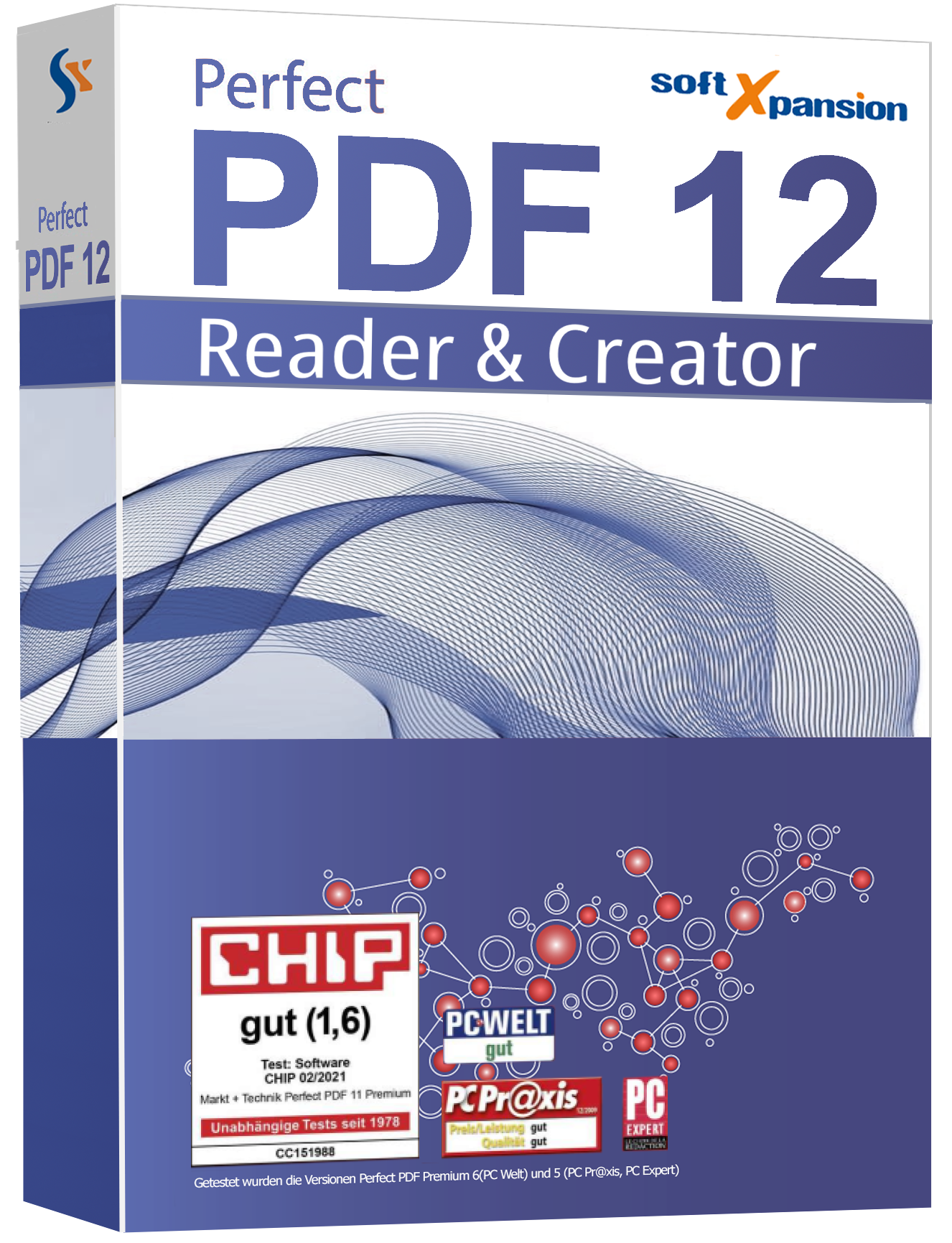
Perfect PDF 12 Reader and Creator is a document management utility designed for the Windows environment. The software functions primarily as a virtual printer, allowing users to generate PDF files from any application that supports a print command. This edition integrates Optical Character Recognition (OCR) technology, which processes scanned images to make the underlying text searchable and selectable.
The application supports a range of file formats beyond standard PDFs, including XPS, EPUB, FB2, and plain text. This makes it a multi-purpose reader for both professional documents and electronic books. Users can navigate files using various display modes, such as rotation and zoom, and perform text-based searches across individual files or entire folders. The software also provides access to detailed document properties and digital signature verification.
Key functionalities included in this edition are:
- Document Creation: Generate PDF files from any printable Windows application via a dedicated printer driver.
- Text Recognition: Utilize OCR to transform scanned documents into searchable content.
- Format Support: View and print PDF, XPS, EPUB, FB2, and standard text files.
- Form Handling: Fill out and process interactive PDF forms.
- Navigation: Use multiple viewing modes, including specific zoom and rotation settings, to examine documents.
- File Management: Search for specific text strings within open documents or across directory structures.
Perfect PDF 12 Reader and Creator provides a centralized interface for document conversion and viewing, focusing on utility and broad file compatibility for digital paperwork.
Top 5 Reasons To Download Perfect PDF 12 Reader and Creator with OCR
- A Universal PDF Creation Engine for Any Application
- Integrated OCR Text Recognition for Scanned Documents
- Comprehensive Multi-Format Support Including E-Books
- Advanced Interactive Form Filling and Digital Verification
- Sophisticated Search and Navigation Tools Across Entire Folders
If you have spent any significant amount of time working in a modern office environment or managing a digital library at home, you know the absolute frustration of dealing with fragmented document formats. We have all been there: you have a document in one format, a reader for another, and a printer that only seems to want to cooperate when the stars align. Finding a singular, cohesive solution that doesn't demand a hefty monthly subscription is like finding a needle in a digital haystack. That is precisely why I am so excited to dive into Perfect PDF 12 Reader and Creator Edition. This isn't just another lightweight viewer; it is a robust, Swiss-Army-knife style utility that bridges the gap between simple reading and professional-grade document creation.
When we look at giveaways in the tech world, we often see "lite" versions or tools that are stripped of their most useful features. However, the Perfect PDF 12 Reader and Creator Edition inclusive OCR text recognition is a different beast entirely. It packs the heavy-hitting features that power users actually need. Whether you are a student trying to organize research, a freelancer needing to sign contracts, or a business professional archiving decades of paper records, this software is designed to be your primary hub. Let’s break down exactly why you need to hit that download button right now and integrate this tool into your daily workflow.
1. A Universal PDF Creation Engine for Any Application
The core strength of Perfect PDF 12 lies in its incredible flexibility regarding document creation. Most of us are used to the "Save as PDF" option found in modern word processors, but what happens when you are working with a specialized CAD program, an ancient accounting software, or a niche graphic design tool that doesn't have native PDF export? This is where the Perfect PDF printer functionality becomes an absolute lifesaver. By installing a virtual printer driver onto your Windows system, this software allows you to "print" a PDF from literally any application that has a print command.
Think about the implications of this. You are essentially adding a high-quality PDF export feature to every single piece of software on your computer. This virtual printer doesn't just take a "snapshot" of your document; it creates a clean, professional, and standardized PDF file that maintains the integrity of your layout and fonts. For those of us who deal with complex spreadsheets or legacy software, this feature alone justifies the installation. It removes the "middleman" of file conversion. You don't have to save a file, upload it to a sketchy online converter, and hope for the best. You simply hit Print, select the Perfect PDF 12 printer, and your document is ready for the professional world.
Furthermore, the Creator Edition aspect of this software ensures that these PDFs aren't just static images. They are optimized for compatibility across all platforms. Whether the recipient is opening your file on a smartphone, a tablet, or a Linux workstation, the document will look exactly as you intended. In an era where "digital-first" is the standard, having a reliable, system-wide PDF creation engine is not just a luxury—it is a necessity for maintaining a professional image.
2. Integrated OCR Text Recognition for Scanned Documents
We have all dealt with "dead" PDFs—those documents that are essentially just a series of pictures of text. You can’t search for keywords, you can't highlight sections for study, and you certainly can't copy and paste the text into another document. Usually, the solution to this problem is a very expensive OCR (Optical Character Recognition) suite. However, Perfect PDF 12 includes OCR text recognition right out of the box. This is the feature that elevates the software from a simple viewer to a genuine productivity powerhouse.
Imagine you have a stack of old paper contracts or a set of printed research papers. You scan them into your computer, but they are just image files. By running them through the Perfect PDF 12 OCR engine, the software analyzes the shapes of the letters and converts them into "live," searchable, and selectable text. This transforms a static image into a dynamic document. For researchers and legal professionals, the ability to use Ctrl+F to find a specific clause or name in a scanned document is a game-changer that saves hours of manual reading.
The accuracy of the OCR in this edition is particularly impressive. It handles various fonts and layouts with ease, ensuring that your digitized archives are as functional as they are organized. By making your scanned documents searchable, you are effectively building a personal Google for your own files. You no longer have to remember which folder an old invoice is in; you can simply search for the vendor name across your entire PDF library. This is the kind of high-end feature that usually sits behind a paywall, making its inclusion in this giveaway a massive win for the user.
3. Comprehensive Multi-Format Support Including E-Books
One of the biggest drains on system resources and user patience is "software bloat"—having ten different apps to open ten different types of files. You have one app for PDFs, another for Windows XPS files, a third for EPUB ebooks, and maybe even a fourth for FB2 files. Perfect PDF 12 aims to declutter your digital life by acting as a universal viewer. It handles the standard PDF and XPS formats with ease, but its support for EPUB and FB2 is what really caught my eye as a reviewer.
For the avid reader, this means you can transition from reviewing a business report to reading your favorite novel without ever switching applications. The reading experience is smooth, with various display modes designed to reduce eye strain and improve focus. Whether you prefer a single-page view, a continuous scroll, or a side-by-side book layout, the software adapts to your preference. It even handles plain text files, making it a great "catch-all" for any text-based document you encounter.
This consolidation of formats is more than just a convenience; it is about creating a unified user interface. When you use the same navigation tools, zoom controls, and search functions across your technical manuals, e-books, and office documents, you build a level of muscle memory that makes you faster and more efficient. Perfect PDF 12 provides a consistent, high-performance environment for all your reading needs, regardless of the file extension. It is the only reader you will need to keep pinned to your taskbar.
4. Advanced Interactive Form Filling and Digital Verification
In our increasingly paperless world, the ability to handle interactive PDF forms is a critical skill. We have all received those PDF forms that we are expected to "print, sign, and scan back." It is a tedious, wasteful process that belongs in the last century. Perfect PDF 12 puts an end to that cycle by providing full support for interactive PDF forms. You can type directly into the fields, select checkboxes, and choose from dropdown menus with the same ease as using a web-based form.
But the software goes a step further by including tools to verify digital signatures and view document properties. In an age of digital fraud and document tampering, being able to verify the authenticity of a digital signature is a vital security feature. When you receive a signed contract, you don't have to take it on faith; you can use Perfect PDF 12 to check the cryptographic validity of the signature and ensure the document hasn't been altered since it was signed. This adds a layer of professional security to your home or small business office that is often missing from free PDF viewers.
Furthermore, the ability to view deep document properties allows you to see metadata, encryption levels, and version history. This is essential for anyone working in a regulated industry or anyone who simply wants to maintain high standards of digital hygiene. By allowing you to fill forms and verify signatures in one place, Perfect PDF 12 ensures that your digital transactions are as seamless as they are secure.
5. Sophisticated Search and Navigation Tools Across Entire Folders
We have all experienced the "lost file" syndrome. You know you have a document somewhere on your hard drive that mentions a specific project, but you can't remember the filename. While most PDF readers allow you to search for text within the currently open file, Perfect PDF 12 takes this to the next level by allowing you to search for text across entire folders. This is a "power user" feature that significantly changes how you manage your data.
By pointing the search tool at a specific directory, the software can scan through every PDF in that folder to find the keyword or phrase you are looking for. It is incredibly fast and efficient, acting as a local search engine for your personal archives. When combined with the OCR feature mentioned earlier, this becomes an unstoppable tool for data retrieval. Even those old scanned receipts can be found in seconds just by searching for a date or a company name.
In addition to the powerful search, the navigation and display modes are top-tier. The software offers a variety of ways to view your documents, including rotation and zoom controls that are responsive and intuitive. If you are working with a document that has a landscape-oriented chart in the middle of portrait-oriented text, you can rotate the view instantly without affecting the original file. The zoom levels are granular, allowing you to focus on the smallest fine print or get a bird's-eye view of a multi-page layout. These navigation features, combined with the folder-wide search, make Perfect PDF 12 an essential tool for anyone who deals with a high volume of digital documentation.
Final Thoughts: In the crowded marketplace of PDF software, it is rare to find a tool that balances power, versatility, and ease of use as well as Perfect PDF 12 Reader and Creator Edition. From its ability to turn any app into a PDF creator to its sophisticated OCR and folder-wide search capabilities, it offers a suite of features that are typically reserved for expensive enterprise software. This giveaway is a golden opportunity to upgrade your digital toolkit with a professional-grade solution. Don't let your documents remain static and unsearchable; download this software and take full control of your digital workflow today.
Whether you are looking to declutter your desktop by replacing multiple readers, or you need a reliable way to create and sign documents, Perfect PDF 12 delivers on every front. It is efficient, robust, and designed for the modern user who demands more from their software. This is one download you will not regret.

Reviews for Perfect PDF 12 Reader and Creator with OCR
Click Here to Read Reviews for Perfect PDF 12 Reader and Creator with OCR >> Click Here to Submit Reviews for Perfect PDF 12 Reader and Creator with OCR >>