What Does AVS Video ReMaker Do?
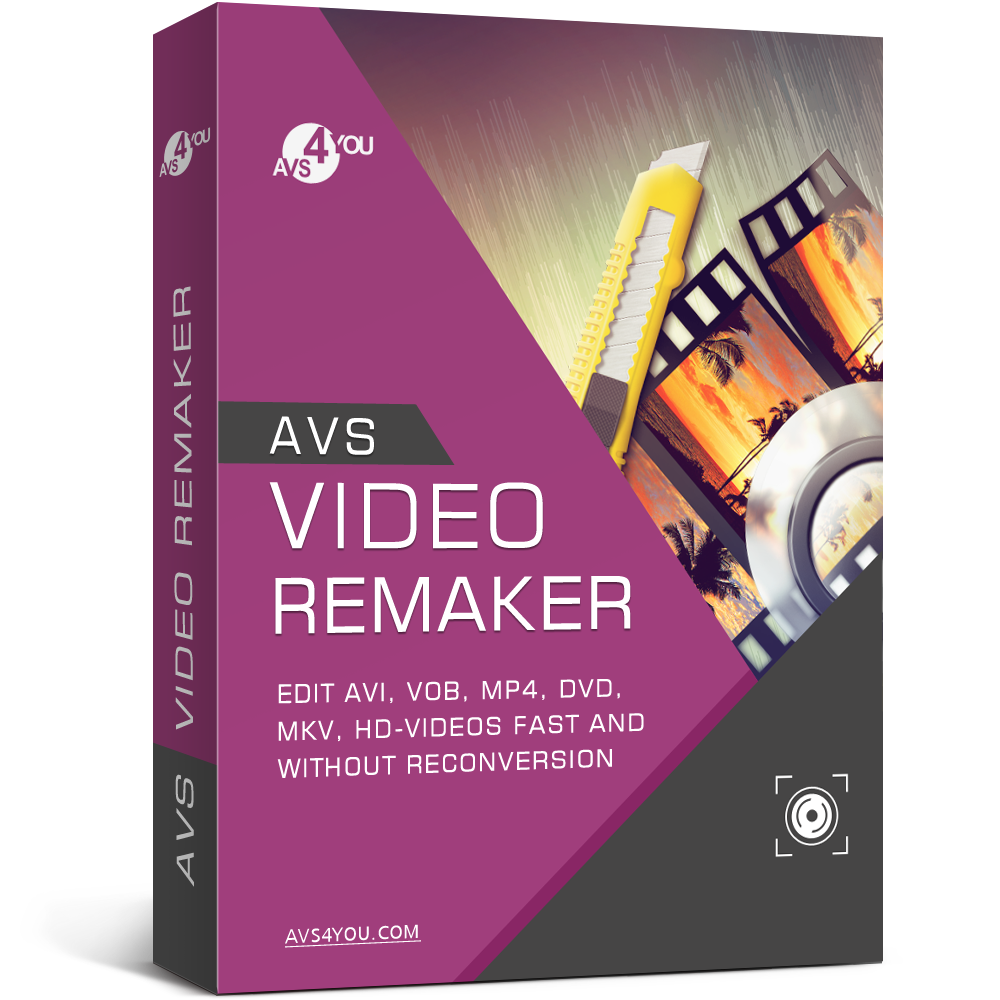
AVS Video ReMaker is a specialized utility designed for high-speed video editing through a process that bypasses traditional re-encoding. By avoiding reconversion, the software maintains the original source quality while allowing users to trim, cut, and delete unwanted segments from their footage. This approach significantly reduces processing time, especially when working with large high-definition files.
The application supports a wide array of formats and codecs, including MP4, DVD, MKV, WMV, MOV, and 3GP. It is compatible with H.265/HEVC and H.264 video standards, as well as AVCHD, MOD, and TS files. Users can reorganize scene sequences or merge multiple video clips together, provided the files share identical parameters. To enhance the final output, the software provides a selection of transitions that can be applied between segments.
In addition to post-production tasks, the software includes tools for capturing video directly from camcorders and external cameras to a local hard drive. This functionality is intended for creating tutorials or instructional content. For those requiring physical media, the program features a disc authoring suite. This allows users to split video projects into distinct chapters and apply stylized menu templates before burning the content directly to DVD or Blu-ray discs.
Top 5 Reasons To Download AVS Video ReMaker
- Lightning-Fast Editing Without Re-encoding: Save hours of processing time by cutting and joining videos without the need for a full system render.
- Lossless Visual Quality: Because the software does not re-compress the video stream, your output maintains the exact original quality of your source footage.
- Universal Format Support: From modern H.265/HEVC files to classic DVD formats and MKVs, this tool handles virtually any video file you throw at it.
- Complete Content Creation Suite: Beyond simple cutting, you can capture live footage from cameras, create tutorials, and add professional transitions seamlessly.
- Professional Media Authoring: Create high-end DVD and Blu-ray discs with custom menus, templates, and chapter structures for a polished final product.
If you have ever spent more than five minutes trying to trim a simple video clip, you know the absolute frustration of the "rendering" progress bar. You make one tiny cut to remove an awkward silence or a shaky camera movement at the beginning of a file, and suddenly your computer fans are spinning at maximum speed, your CPU usage hits 100%, and you are told to wait twenty minutes for a "re-conversion." It is a workflow killer, a productivity drain, and frankly, it is unnecessary. This is why you need to download this giveaway immediately. We are looking at a specialized tool designed to solve the single biggest headache in video production: the export phase. By focusing on a technology called "remuxing" or "stream copying," this software allows you to edit video with the speed of a file copy rather than the slog of a full render.
As a tech reviewer, I see hundreds of video editors. Most of them try to be everything to everyone, adding complex color grading wheels, 3D motion tracking, and AI-driven effects that most people will never use. While those tools have their place, they often sacrifice the one thing the average user needs: efficiency. This giveaway provides a breath of fresh air by focusing on precision, speed, and quality. Let’s dive deep into the five reasons why this software should be sitting in your applications folder right now.
1. Lightning-Fast Editing Without Re-encoding
The headline feature of this software is undoubtedly its ability to edit without re-encoding. To understand why this is such a game-changer, you have to understand how traditional video editing works. Usually, when you put a video into an editor and hit "save," the computer has to look at every single frame, recalculate the mathematical compression for that frame, and write a brand new file. This process is incredibly resource-intensive and slow, even on high-end gaming rigs.
This software utilizes a technology often referred to as "smart rendering" or "no-reconversion" editing. Instead of rebuilding the video file from scratch, it simply "cuts" the data stream at the points you specify and "pastes" the remaining parts together. Think of it like physical film editing from the old days—you are literally just cutting the tape and taping it back together. Because the software isn't changing the internal math of the video data, the "export" process takes seconds rather than minutes or hours. If you are a content creator who needs to trim down long gaming sessions, a parent looking to cut out the "dead air" in a school play recording, or a professional needing to quickly chop a presentation, the time you save here is invaluable. You aren't just downloading a tool; you are buying back hours of your life.
2. Lossless Visual Quality
In the world of digital video, every time you re-encode a file, you lose a little bit of quality. It is a phenomenon known as "generation loss." When you take a compressed MP4 file and put it through a traditional editor that re-renders the whole thing, the pixels are recalculated, often leading to artifacts, "blockiness," or a slight blurriness that wasn't there in the original. If you do this multiple times, the video eventually looks like a muddy mess.
Because this software avoids the re-encoding process entirely for the majority of your edits, the output is bit-for-bit identical to the input. If your source video is 4K with a high bitrate, your final edited clip will be 4K with that exact same bitrate. This is essential for anyone who cares about preserving memories or maintaining professional standards. You no longer have to worry about choosing the "right" export settings or fiddling with bitrates and codecs just to save a file. The software preserves the integrity of your media automatically. For those working with high-definition footage from AVCHD camcorders or modern H.265/HEVC devices, this lossless approach is the only way to ensure that your high-end hardware's quality actually makes it to the final screen.
3. Universal Format Support
The modern digital landscape is a "codec nightmare." You have smartphones shooting in HEVC, old camcorders using MTS or MOD files, DVDs in VOB format, and web downloads in MKV or MP4. Most free editors will choke on at least one of these formats, requiring you to download a third-party converter before you can even begin the editing process. This software eliminates that middle step by offering massive, native support for virtually every relevant format on the market today.
Whether you are dealing with MP4, DVD, MKV, WMV, MOV, or 3GP, the engine inside this tool can handle it. It is particularly impressive that it supports H.265/HEVC, which is the current standard for high-efficiency video but is notoriously difficult for many software packages to process without lag. It even handles niche formats like TS, AVCHD, and MOD, which are common for professional and semi-professional recording equipment. Having one tool that acts as a "universal key" for your video library is incredibly convenient. You won't have to search for "how to convert MKV to MP4" ever again; you just drag the file in, make your cuts, and save it in the format you need. It simplifies your workflow by being the only gatekeeper you need for your digital media collection.
4. Complete Content Creation Suite
While the speed of cutting is the star of the show, this software is much more than just a "trimmer." It is a surprisingly robust content creation suite. One of the standout features is the ability to transfer video directly from camcorders and video cameras to your hard drive. In an era where we often have old tapes or digital cameras sitting in drawers because we don't know how to get the footage off them, this feature is a lifesaver. It bridges the gap between your hardware and your digital storage.
Furthermore, the software is perfectly tuned for making tutorials and "how-to" videos. You can rearrange scene sequences with simple drag-and-drop actions, allowing you to tell a story or explain a process logically. To make your videos look more professional, you can add amazing transitions between clips. Unlike traditional editors where adding a transition might force a full re-encode of the entire movie, this software intelligently manages the process so that only the tiny fraction of the video containing the transition is processed, keeping the rest of your file in its original, pristine state. This allows you to produce polished, high-quality educational content or YouTube videos in a fraction of the time it would take in a heavy-duty editor.
5. Professional Media Authoring
In our cloud-based world, we often forget the utility of physical media. However, there are still many times when a DVD or Blu-ray is the best way to share a memory. Perhaps you want to give a wedding video to a grandparent who doesn't use a computer, or maybe you want a hard backup of a family vacation that can be played on any TV. This software includes a full-featured authoring suite that lets you move from raw footage to a finished disc in one sitting.
You can split your video into chapters, which is essential for long recordings like school plays or sports games. But the real "pro" touch comes from the rich library of menu templates. You can create a stylish, interactive menu that looks like a commercial Hollywood release, allowing viewers to jump to specific scenes or play the whole movie. The software doesn't just stop at the software side; it includes the burning engine to write those files directly to DVD or Blu-ray discs. It is an end-to-end solution. You capture the footage, you trim the boring parts, you add some transitions, you set up your menu, and you burn the disc. All within the same interface, and all optimized for speed.
Conclusion: Why You Should Download It Now
We often think that "more features" equals "better software," but in the world of video editing, "better" usually means "faster and easier." This giveaway provides a tool that respects your time. It eliminates the technical barriers that usually make video editing a chore. You don't need to be an expert in bitrates, you don't need to understand the difference between an I-frame and a P-frame, and you certainly don't need a five-thousand-dollar computer to get fast results.
By downloading this software, you are getting a specialized instrument that handles the heavy lifting of video manipulation with surgical precision. It is the perfect companion for the modern digital life, where we are constantly capturing video but rarely have the time to organize it. Whether you are cleaning up your hard drive, preparing a presentation for work, or archiving family memories to a Blu-ray disc, this tool makes the process painless. The ability to cut, trim, and merge without re-encoding is a "power user" feature that is usually hidden behind expensive enterprise software, but here it is in a user-friendly package. Don't miss out on this giveaway—it is the kind of utility that you might not realize you need today, but once you use it, you will wonder how you ever managed your video library without it.
Final Reviewer Note: In my years of testing software, I have found that the most used tools are the ones that do one or two things perfectly. This software does "fast editing" better than almost anything else on the market. It is lightweight, powerful, and incredibly efficient. If you value your time and the quality of your videos, this download is a no-brainer. Grab it while it's available, and start cleaning up those video folders!

Reviews for AVS Video ReMaker
Click Here to Read Reviews for AVS Video ReMaker >> Click Here to Submit Reviews for AVS Video ReMaker >>