What Does FTPie Pro Do?
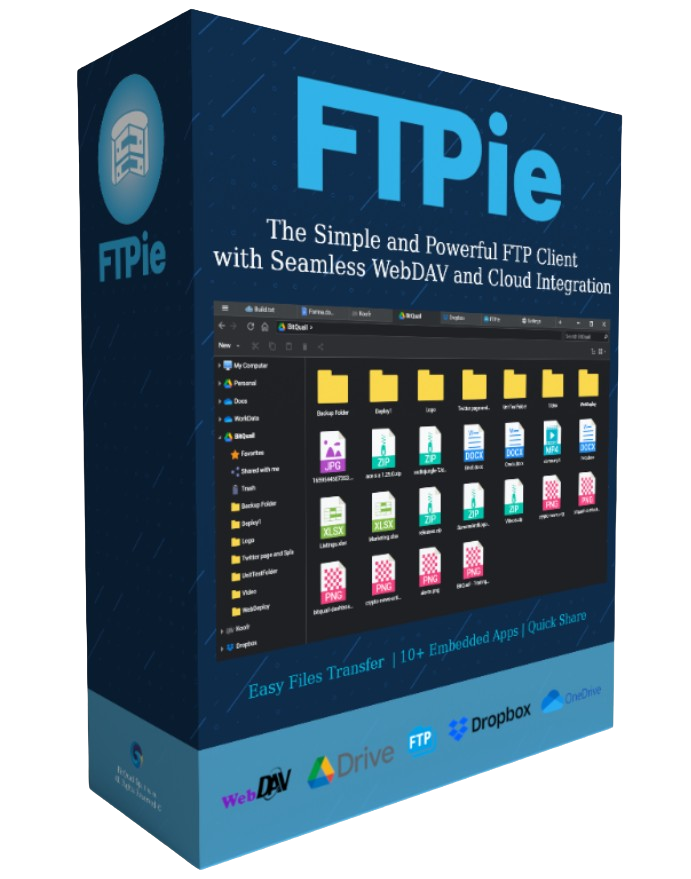
FTPie Pro is a streamlined file management utility designed to bridge the gap between traditional file transfer protocols and modern cloud storage environments. The software serves as a centralized hub, allowing users to connect various cloud services and manage assets through a unified interface. Beyond basic file operations like uploading, downloading, and moving data, the tool focuses on workflow efficiency.
One of the core features is the deep integration with Google Docs and Microsoft 365. Users can create, view, and edit documents, spreadsheets, and presentations directly within the application. This functionality eliminates the need to switch between multiple tabs or local programs, centralizing productivity tasks inside the client.
Additionally, the software includes native streaming capabilities for media files. It can relay audio and video content from cloud storage directly to a preferred local media player. This allows for immediate playback without the requirement of downloading large files to a local drive first, maintaining the original file quality. The platform also includes comprehensive search and sharing tools, making it a functional choice for users who need to maintain control over diverse digital assets across multiple storage providers.
Top 5 Reasons To Download FTPie Pro
If you have ever felt the frustration of managing files across multiple cloud platforms while trying to maintain a secure FTP connection for your professional projects, you know the digital struggle is real. Today, we are looking at a tool that promises to bridge the gap between old-school server management and modern cloud convenience. Here are the top five reasons why you need to download this giveaway immediately:
- Unified Cloud and FTP Management: Consolidate all your storage services into one powerhouse interface.
- Seamless Google Docs and Microsoft 365 Integration: Edit and manage your professional documents without leaving the app.
- High-Fidelity Media Streaming: Play audio and video directly from the cloud with zero loss in quality and no local storage impact.
- The All-in-One Document Suite: View and create PDFs, spreadsheets, and presentations natively within the platform.
- Intuitive Power-User Workflow: A user-friendly design that simplifies complex file operations like searching, moving, and sharing across different environments.
Now, let’s dive deep into why these features make this software a mandatory addition to your digital toolkit.
1. Unified Cloud and FTP Management: Your Centralized Command Center
In the modern era of computing, our data is scattered. You likely have personal photos on one cloud service, work documents on another, and perhaps a private FTP or SFTP server for your website or development projects. Jumping between browser tabs and standalone desktop clients is a recipe for a productivity nightmare. This is where FTPie Pro enters the conversation as a true game-changer.
The core strength of this application is its ability to act as a centralized command center. By allowing you to connect various cloud storages and FTP servers simultaneously, it eliminates the "silo" effect of modern data storage. You no longer have to download a file from a Google Drive folder just to re-upload it to a remote server. With this tool, the process is streamlined. You can move files between completely different ecosystems with the same ease as moving a file from one folder to another on your local desktop.
For the tech-savvy professional, this means total control. Whether you are managing a WordPress installation via FTP or pulling assets from a shared cloud drive, having everything in one window saves hours of cumulative time over a week. It’s not just about convenience; it’s about reducing the friction that leads to errors. When you can see your entire digital footprint in one intuitive list, managing it becomes a breeze rather than a chore.
2. Seamless Google Docs and Microsoft 365 Integration: Productivity Reimagined
We live in a world dominated by two major office suites: Google Docs and Microsoft 365. Usually, these services exist in their own walled gardens. If you want to edit a document stored on an FTP server using Microsoft Word, you typically have to download it, open it in Word, save it, and then upload it back. This giveaway changes that entire workflow.
The integration of these powerhouses directly into the FTP client is nothing short of revolutionary for remote workers and developers. Imagine clicking on a spreadsheet stored on a remote server and having it open with the full power of Microsoft 365 or Google Docs capabilities. This seamless integration means that your cloud-based tools are no longer separate from your file management tools. They are part of the same living ecosystem.
This feature is particularly beneficial for collaborative teams. When you can access and edit these files directly through the app, you maintain the "single source of truth." There are no confused versions of "Document_v2_Final" floating around because everyone is interacting with the same file via a unified interface. It turns a standard file transfer protocol client into a robust productivity suite that rivals any browser-based experience, with the added benefit of localized speed and stability.
3. High-Fidelity Media Streaming: Save Your Hard Drive
Let’s talk about a major pain point: local storage. With 4K video and high-resolution audio becoming the standard, our local hard drives are filling up faster than ever. The old way of handling media on an FTP or cloud drive was to download the entire file before you could even see if it was the right clip. FTPie Pro solves this by offering high-fidelity streaming directly from the source.
When we say "zero loss in quality," we mean it. The app is designed to stream video and audio files to your preferred media player without the compression artifacts often found in web-based viewers. This is a massive win for videographers, editors, and music producers. If you need to review a 2GB video file stored on a remote server, you can simply hit play. The app handles the buffering and data transfer in the background, allowing you to consume your media instantly.
This "no-download" philosophy is a fundamental shift in how we interact with remote data. It treats your cloud storage not as a cold archive, but as an extension of your local media library. You get the benefits of having terabytes of data available at your fingertips without the cost of a massive internal SSD. For anyone who manages large media libraries, this feature alone is worth the download.
4. The All-in-One Document Suite: No More App Switching
Context switching is the enemy of focus. Every time you have to leave your file manager to open a PDF viewer, an image editor, or a text reader, your brain loses a bit of its momentum. One of the most underrated features of this giveaway is the internal viewing and creation suite.
Inside the app, you can create and view documents, spreadsheets, presentations, and PDFs. Think about the utility of that for a moment. You are browsing a remote server, you find a PDF manual you need to check, and instead of triggering a system-level event that opens a heavy program like Adobe Acrobat, the document simply appears within the interface. It’s fast, it’s light, and it keeps you in the "flow" of your work.
Furthermore, the ability to create new documents directly within the app and save them instantly to your connected cloud or FTP storage is a power move. It bypasses the "Save As..." dialogue boxes and the search for the right destination folder. You are already in the folder where the file belongs; you simply create it, edit it, and you're done. This "Swiss Army Knife" approach to file management ensures that you spend less time managing your tools and more time actually doing your work.
5. Intuitive Power-User Workflow: Simplicity Meets Power
Many FTP clients fall into one of two traps: they are either so simple they lack essential features, or they are so complex they look like a flight simulator from 1995. This software strikes the perfect balance. It is user-friendly and intuitive, yet it doesn't sacrifice the deep functionality that power users crave.
The interface is designed for the modern user who expects drag-and-drop functionality, clear iconography, and a logical layout. Searching for a specific file across multiple cloud platforms and FTP servers is usually a nightmare, but here, it is integrated into a single, fast search bar. Copying, moving, and sharing files feels native to the operating system rather than a bolted-on feature.
But don’t let the pretty interface fool you—the power is there. Under the hood, the app manages complex connections and security protocols, ensuring that your data transfers are not only fast but secure. For those who have been intimidated by the technical hurdles of FTP in the past, this app provides a welcoming gateway. For the veterans, it provides a streamlined experience that cuts out the clutter and focuses on what matters: getting files from point A to point B as efficiently as possible.
Final Thoughts: Why You Need To Act Now
We often see software that tries to do everything and ends up doing nothing well. However, this giveaway is different. It identifies a specific problem—the fragmentation of our digital lives across various servers and clouds—and provides a surgical solution. By combining the "heavy lifting" of an FTP client with the "daily-use" flexibility of Google and Microsoft integrations, it creates a unique niche for itself.
As a tech reviewer, I see hundreds of apps, but few offer this level of practical utility. We are talking about a tool that saves you storage space, protects your focus by preventing app-switching, and simplifies the way you interact with your data. Whether you are a freelance developer, a creative professional managing giant media files, or just someone tired of having fifteen different tabs open to manage your clouds, this is the solution you’ve been looking for.
The "Pro" version offered in this giveaway unlocks the full potential of these features, giving you the "Seamless" experience that the developers promise. In an era where "subscription fatigue" is real, getting your hands on a powerful, all-in-one tool like this through a giveaway is an opportunity you shouldn't pass up. Download it, connect your accounts, and experience the relief of a truly organized digital workspace.
In summary, the ability to stream, edit, and manage all your files from a single, beautiful interface isn't just a luxury—it's a necessity in the modern workflow. The integration with Microsoft 365 and Google Docs is the "killer feature" that sets this apart from every other client on the market. Don't wait until you're buried under a mountain of disorganized files; take control of your cloud today.
This is more than just an FTP client. It’s a productivity engine, a media center, and a document suite all rolled into one. It is, quite simply, the way file management was meant to be. Make sure you grab this giveaway before it’s gone, and start working smarter, not harder.

Reviews for FTPie Pro
Click Here to Read Reviews for FTPie Pro >> Click Here to Submit Reviews for FTPie Pro >>