The AI features in this app have passed an audit!
The AI features in this app have passed an audit! The audit was conducted by an accounting firm.
The AI features in this app have passed an audit! The audit was conducted by an audit firm.
The AI features in this app have passed an audit! The audit was conducted by a CPA firm.
The AI features in this app have passed an audit! The audit was conducted by a tech firm.
The AI features in this app have passed an audit! The audit was conducted by an AI firm.
The AI features in this app have passed an audit! The audit was conducted by a consulting firm.
Get More Giveaways And Discounts
Official Product Description
This guide will focus on transforming the Raspberry Pi into a media center.
In this guide, we will cover the following topics:
- Downloading an operating system
- Installing an operating system to an SD card using Windows
- Install an operating system to an SD card using Linux
The Small Print
Terms and Conditions
- This is a guide, for commercial or noncommercial use
- You must register before this offer has ended
- May not be resold
You are allowed to use this product only within the laws of your country/region. SharewareOnSale and its staff are not responsible for any illegal activity. We did not develop this product; if you have an issue with this product, contact the developer. This product is offered "as is" without express or implied or any other type of warranty. The description and overview of this product on this page are not a recommendation, endorsement, or review; they are for marketing purposes. The quality and performance of this product is without guarantee. Download or use at your own risk. If you don't feel comfortable with this product, then don't download or use it.


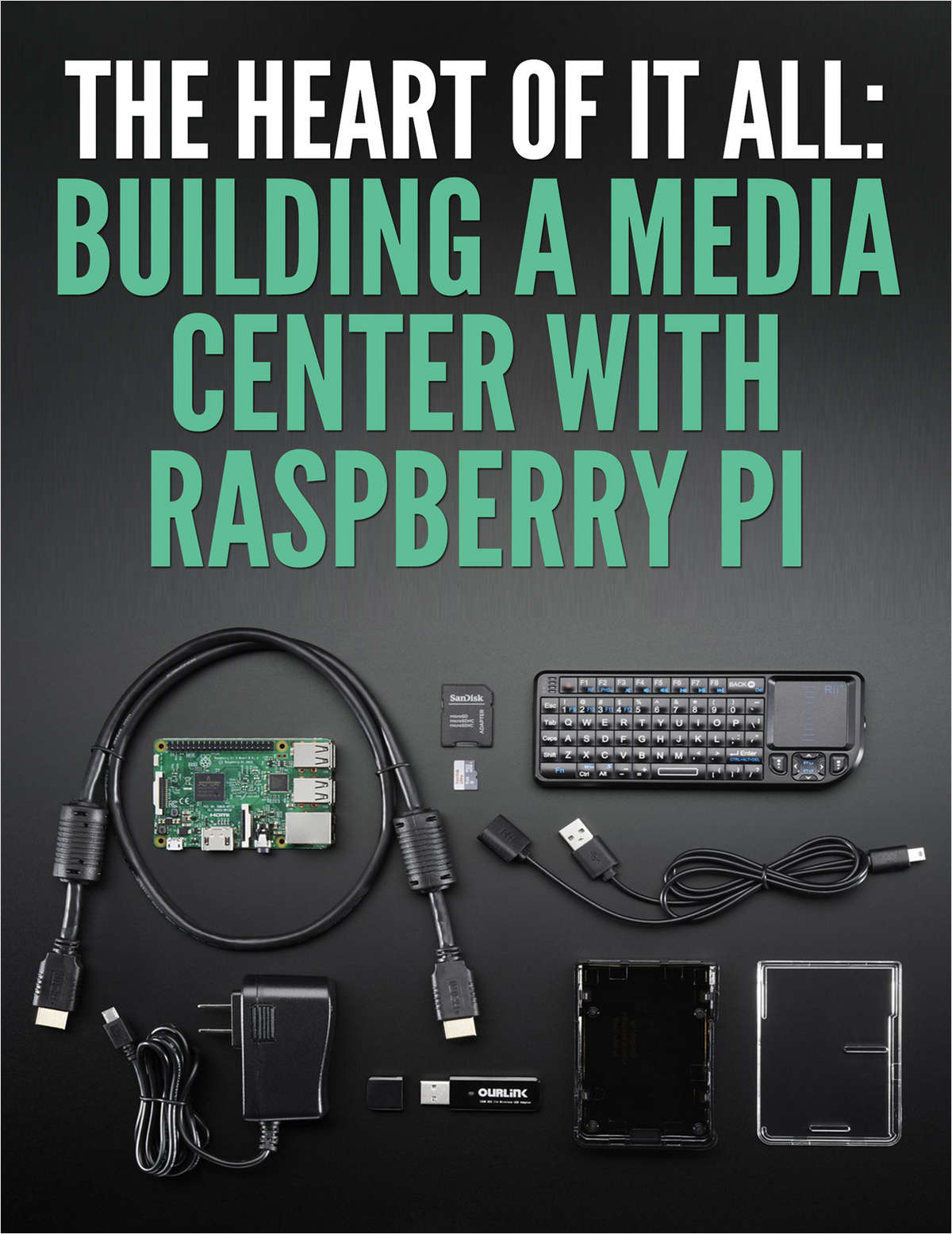
Reviews for How To Build a Media Center with Raspberry Pi
Click Here to Read Reviews for How To Build a Media Center with Raspberry Pi >> Click Here to Submit Reviews for How To Build a Media Center with Raspberry Pi >>