What Does PC Game Booster PRO Do?
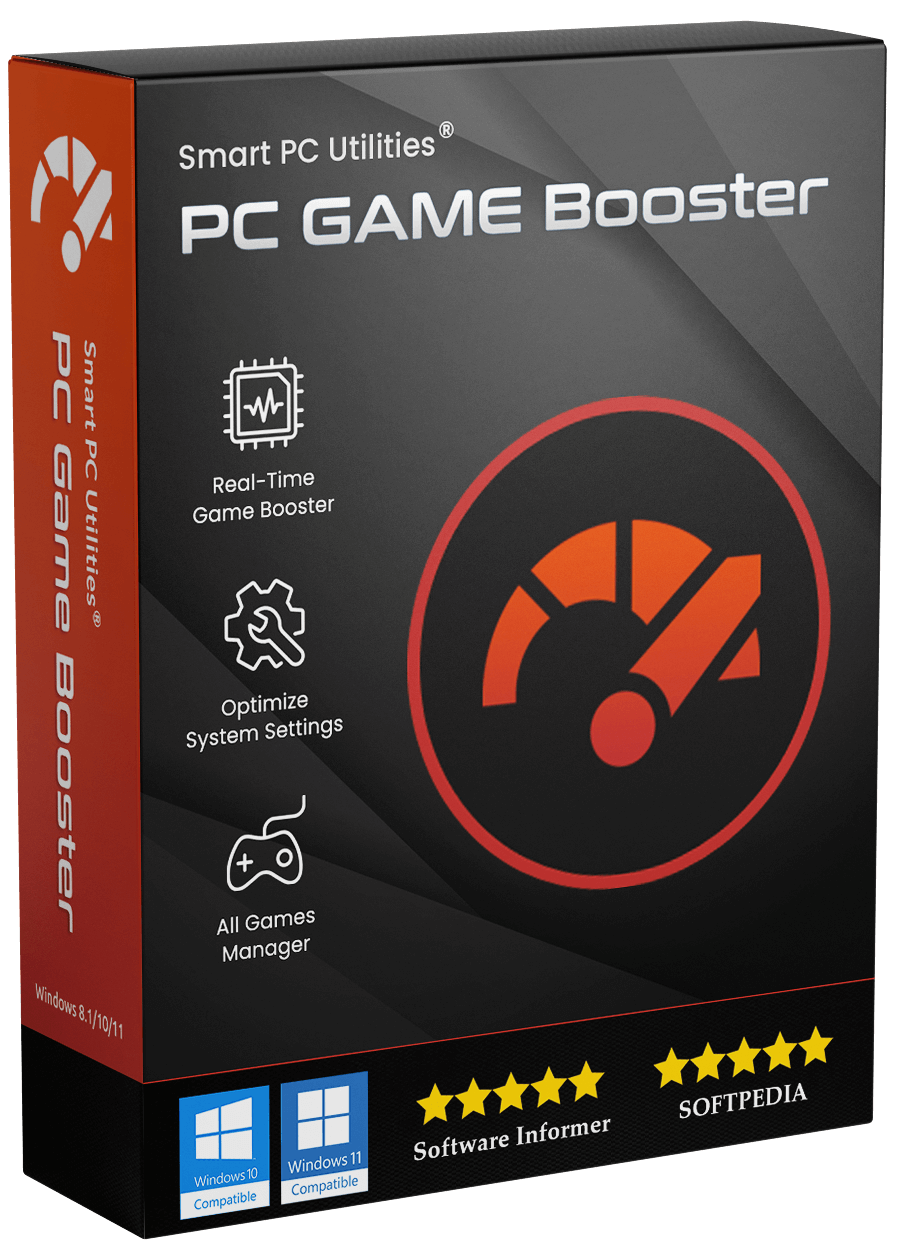
PC Game Booster, formerly known as Game Fire, is a system optimization utility designed to maximize hardware efficiency for gaming. The software streamlines Windows performance by reallocating system resources from background processes to active applications. It aims to increase frame rates and reduce latency through a series of automated system tweaks and network optimizations.
The application functions as a centralized hub for performance management, offering the following core features:
- Real-Time Optimization: The software identifies and suspends unnecessary background tasks and third-party services in real time, ensuring the active game receives priority access to CPU and RAM.
- Centralized Game Management: Users can manage and launch titles from various platforms, including Steam, Epic Games, and Ubisoft, within a single interface.
- System Tuning Tools: It includes a RAM optimizer, a dedicated "Game Mode" power plan, and the ability to adjust Windows visual effects to reduce system load.
- Hardware Monitoring: The tool tracks system health and provides real-time temperature data for the CPU and GPU, offering alerts if hardware exceeds safe thermal limits.
Unlike hardware overclocking, PC Game Booster focuses on software-level configurations and system service management. All optimizations are applied through a one-click interface and can be reversed to restore the system to its original state, ensuring stability and hardware safety.
Top 5 Reasons To Download PC Game Booster PRO
1. Instant Performance Elevation via One-Click Boosting: Effortlessly apply dozens of complex system optimizations and performance tweaks with a single click to eliminate stutter and increase frame rates.
2. Dynamic Real-Time Resource Management: Unlike static optimizers, PC Game Booster intelligently prioritizes your game in real-time, ensuring it receives maximum CPU and RAM resources while suspending non-essential background processes.
3. Comprehensive System and Network Tuning: Eliminate annoying lag and network-related interruptions by fine-tuning hidden Windows settings and network protocols specifically for online gaming stability.
4. A Unified Gaming Command Center: Consolidate your entire library from Steam, Epic Games, Ubisoft, and more into one streamlined interface that allows you to manage and launch boosted games from a single location.
5. Proactive Hardware Monitoring and Safety: Stay informed with real-time health statistics and temperature alerts, ensuring your system runs at peak performance without the risks associated with hardware overclocking.
As a tech reviewer who has seen countless "optimizer" tools come and go, I have developed a healthy skepticism toward software that promises to "make your computer faster." Often, these tools are nothing more than glorified shortcut creators or, worse, bloatware that ends up slowing you down more than the problems they claim to fix. However, every once in a while, a tool comes along that actually understands the architecture of Windows and the specific demands of modern gaming. PC Game Booster, formerly known as Game Fire, is that rare exception. It doesn't just promise a better experience; it systematically dismantles the barriers between your hardware and your favorite games.
If you have ever experienced a sudden frame drop during a crucial boss fight or felt the frustration of "micro-stuttering" even though your hardware meets the game’s requirements, you know that the Windows operating system isn't always a gamer’s best friend. Windows is designed to be a jack-of-all-trades, managing printers, update services, network discovery, and dozens of other background tasks that have absolutely nothing to do with rendering a high-fidelity environment. This is why you need a specialized tool to reclaim those resources. Here is a deep dive into why PC Game Booster is the essential download you’ve been looking for.
1. Instant Performance Elevation via One-Click Boosting
We live in an era where convenience is king. Most gamers don't want to spend three hours digging through the Windows Registry or manually disabling services in the Task Manager every time they want to play a round of their favorite shooter. The beauty of PC Game Booster lies in its One-Click Boosting functionality. It is designed to be accessible for the casual player while remaining powerful enough for the hardcore enthusiast.
When you trigger the boost, the software applies dozens of performance tweaks simultaneously. It looks at system reliability settings, disk priority, and visual effect overhead. Many users don't realize that Windows uses a significant amount of graphical power just to make your desktop look "pretty"—animations, shadows under windows, and transparency effects all eat into your GPU's overhead. PC Game Booster can automatically scale these back when you are gaming, ensuring that every single cycle of your graphics card is dedicated to the game world rather than a translucent taskbar.
This "one-click" philosophy extends to the complexity of the optimizations. It handles the heavy lifting of identifying which services are safe to pause and which are essential for system stability. For a user, this means you get the benefits of an expert-level system tune-up without needing a degree in computer science. You simply click, and the software transforms your PC from a workstation into a dedicated gaming machine.
2. Dynamic Real-Time Resource Management
Perhaps the most impressive feature of this software is the Real-Time Game Booster. Many performance tools are "set it and forget it," meaning they change a setting and leave it there. PC Game Booster is far more intelligent. It monitors your system activity while you are actually playing. If a background application—like a web browser you forgot to close or a cloud storage sync service—suddenly decides to spike in CPU usage, PC Game Booster steps in immediately.
It utilizes Third-Party Component Optimization to intelligently find and suspend unnecessary processes. Think of it as a dedicated traffic controller for your processor. It ensures that your game always has the "green light," while background apps are held at a "red light" until you are done playing. This real-time interaction is crucial because modern games are incredibly sensitive to CPU timing. Even a split-second delay caused by a background Windows Update check can result in a "hitch" or "stutter" in your gameplay. By suppressing these interruptions the moment they occur, PC Game Booster provides a much smoother, more fluid experience that hardware alone cannot always guarantee.
Furthermore, the RAM Optimizer works in tandem with this real-time monitoring. It identifies memory that is being "held" by inactive applications and frees it up, making it available for the game’s assets. This leads to faster loading times and fewer instances of assets "popping in" as you move through large open-world environments. It makes the entire system feel more responsive, which is exactly what you want when your reaction speeds are being tested.
3. Comprehensive System and Network Tuning
Low FPS is only one half of the "performance" struggle; the other half is latency. In the world of online gaming, your "ping" or "latency" is the difference between a win and a loss. PC Game Booster includes a System Optimizer that goes beyond just hardware management—it dives into the network stack. It tunes up network settings to prioritize gaming packets, ensuring that your connection to the server is as direct and efficient as possible.
Windows, by default, is configured for general web browsing and file downloading. It uses certain buffering techniques that are great for watching videos but terrible for real-time gaming because they introduce tiny delays. PC Game Booster helps eliminate these delays, reducing lag and providing a more stable connection. This is particularly vital for competitive players where every millisecond counts.
Beyond the network, the All-in-One Tweaker allows you to manage resource-heavy scheduled tasks. Windows has a habit of starting "maintenance tasks" at the most inconvenient times. With this tool, you can ensure that your PC isn't trying to defragment a drive or run a deep malware scan right when you’re in the middle of a high-stakes match. It puts the control back in your hands, allowing you to decide exactly what your computer should be doing at any given moment.
4. A Unified Gaming Command Center
One of the biggest headaches for modern PC gamers is the fragmentation of game launchers. Between Steam, the Epic Games Store, Ubisoft Connect, GOG, and the EA App, your games are scattered across a dozen different interfaces. It can be a chore just to remember where you installed a specific title. The My Games feature in PC Game Booster solves this by acting as a centralized hub.
From this one simple interface, you can see your entire library. But it’s not just a list of shortcuts; it’s an integrated launching platform. When you launch a game through the My Games dashboard, PC Game Booster automatically applies your chosen performance profile as the game starts. It streamlines the entire process: launch, boost, and play, all from one window.
This organization is a massive quality-of-life improvement. You can categorize your games, track your most-played titles, and ensure that every single one of them—regardless of which store you bought it from—receives the same high level of optimization. It’s about creating a seamless experience where the technology gets out of the way so you can focus on the gameplay.
5. Proactive Hardware Monitoring and Safety
Finally, we have to talk about safety and health. Many people are afraid of "optimization" software because they associate it with "overclocking," which can involve pushing your hardware beyond its rated limits, potentially causing permanent damage or voiding warranties. PC Game Booster is a Safe Game Booster. It does not overclock your hardware. Instead, it optimizes how your software uses that hardware. It is about efficiency, not brute force. All changes made by the software are completely reversible, giving you peace of mind that you can always return to your standard Windows configuration with a single click.
To further protect your investment, the app includes a sophisticated Performance Monitor and Hardware Monitor. It provides real-time data on your CPU and GPU usage, but more importantly, it tracks temperatures. Heat is the number one enemy of PC performance. When a component gets too hot, it "throttles" itself, intentionally slowing down to prevent physical damage. PC Game Booster can alert you if your temperatures exceed safe limits, allowing you to take action before your performance takes a hit or your hardware is put at risk.
The inclusion of a Game Mode Power Plan also ensures that your PC is utilizing its power-saving features correctly. In many cases, Windows "Balanced" power plan will put components into a low-power state to save electricity, but this causes a delay when they need to "wake up" for a demanding task. The Game Mode Power Plan keeps your hardware in a ready state, ensuring that there is no "wake-up lag" when the action gets intense.
Conclusion: Why You Need To Download This Today
In summary, PC Game Booster is not just another utility; it is a comprehensive toolkit for anyone who takes their gaming seriously. It addresses the three pillars of PC gaming performance: Resource Allocation, System Stability, and User Convenience. By clearing out the "digital cobwebs" of Windows and focusing every bit of power your PC has on your game, it provides an experience that feels like a hardware upgrade without the cost of new parts.
Whether you are playing on a high-end rig and want to push for those ultra-high refresh rates for competitive play, or you are on a modest laptop trying to make the latest blockbuster title playable, this software offers something for everyone. The combination of real-time optimization, network tuning, and hardware monitoring makes it a robust solution for the modern gamer.
The fact that this is currently available as a giveaway makes it an absolute "must-download." You have nothing to lose and a significantly better gaming experience to gain. By downloading PC Game Booster, you are choosing to stop fighting your operating system and start enjoying your games the way they were meant to be played: fast, smooth, and without interruption.
Don’t let background processes dictate your gaming experience. Take control, optimize your environment, and see what your PC is truly capable of with PC Game Booster.
Summary of Key Benefits:
- Maximize FPS: Redirect every ounce of power to your game.
- Reduce Latency: Specialized network tuning for online play.
- Stay Informed: Monitor heat and health in real-time.
- Stay Organized: One hub for all your launchers.
- Safe & Reversible: No overclocking, just pure optimization.
Make the most of your hardware today. Download the giveaway, click the boost button, and get back into the game with the performance you deserve.

Reviews for PC Game Booster PRO
Click Here to Read Reviews for PC Game Booster PRO >> Click Here to Submit Reviews for PC Game Booster PRO >>