What Does PC Internals 2 Do?
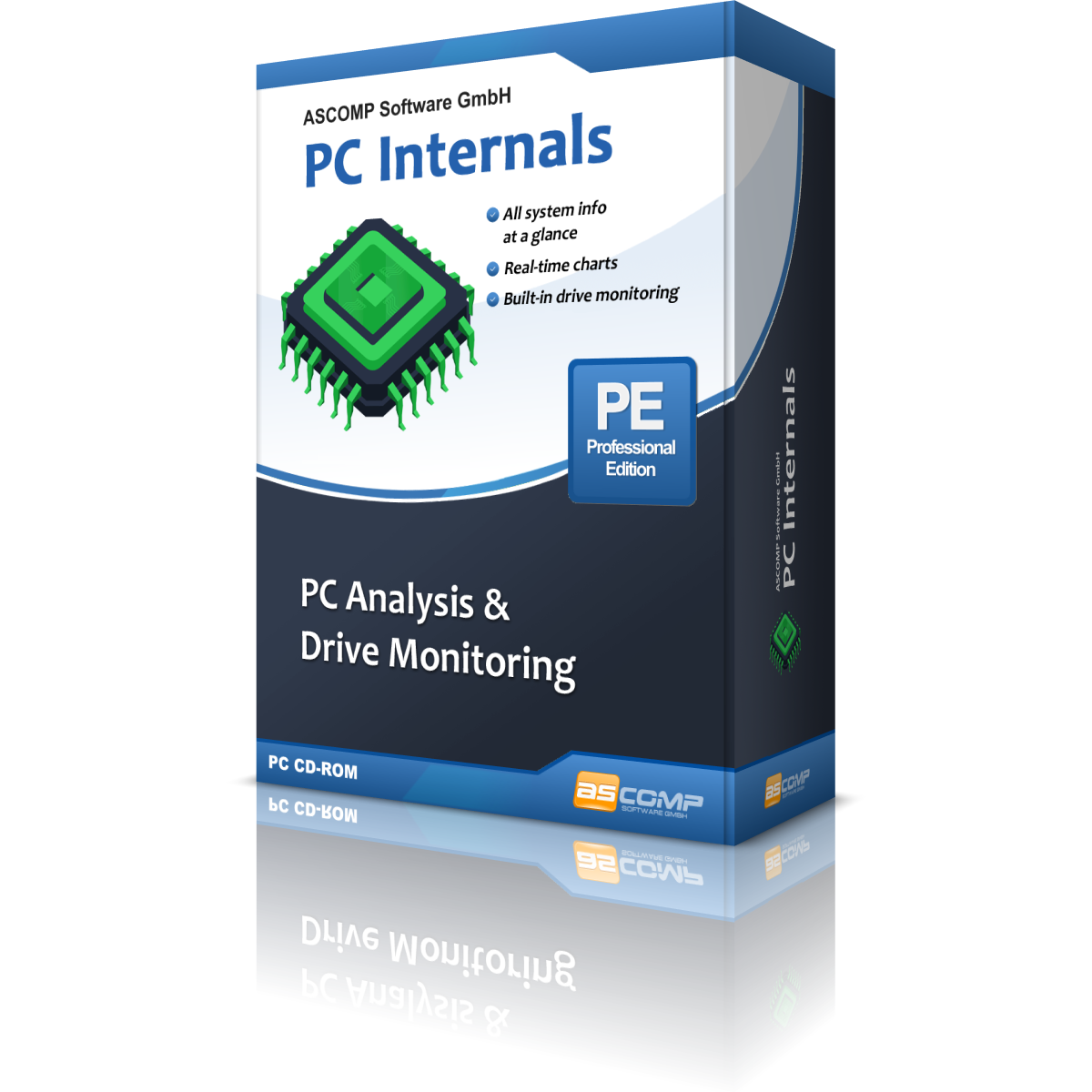
PC Internals is a diagnostic utility for Windows designed to provide real-time hardware telemetry and comprehensive system analysis. The software aggregates data from core components, including the processor, memory, and graphics cards, presenting a centralized overview of system health and performance specifications for tech enthusiasts and IT professionals alike.
The application offers the following capabilities:
- System Analysis: Generate detailed reports on hardware components and system configuration with a single click.
- Real-Time Monitoring: Track performance data and drive statuses as they fluctuate during operation.
- Drive Health Management: Utilize integrated SMART monitoring to observe disk temperatures and general health metrics for both HDDs and SSDs.
- Lifespan Tracking: Monitor SSD longevity to predict potential failures and manage storage replacement cycles.
A notable feature of the Professional Edition is its automated alert system. The software can be configured to notify users via Windows notifications or email when hardware values hit critical levels. This functionality allows for proactive troubleshooting, helping to prevent data loss by identifying overheating or failing components before they cease to function. By providing a transparent view of internal hardware metrics, PC Internals serves as a tool for maintaining system stability and performance over time.
Top 5 Reasons To Download PC Internals 2
- Complete System Transparency: Gain an exhaustive, detailed overview of every hardware component in your PC at the push of a button.
- Proactive Drive Health Monitoring: Protect your data using integrated SMART technology and SSD lifespan tracking to catch hardware failures before they happen.
- Real-Time Performance Analytics: Monitor your CPU, RAM, and GPU performance in real-time to identify bottlenecks and optimize your workflow or gaming experience.
- Advanced Thermal Management: Keep a close eye on internal temperatures to prevent overheating, thermal throttling, and long-term hardware degradation.
- Professional-Grade Automation and Alerts: Benefit from an early-warning system that notifies you of critical hardware issues via email or Windows notifications.
If you have ever spent a significant amount of money on a high-end workstation or a gaming rig, you know that your PC is more than just a tool; it is an investment. Like any high-performance machine, it requires regular check-ups and constant monitoring to ensure it is running at peak efficiency. Most users, however, treat their computers like a "black box"—they turn it on, use it until it breaks, and then scramble to figure out what went wrong. But what if you could peer inside that box with the precision of a surgeon? That is exactly what PC Internals allows you to do. As a tech reviewer who has seen countless diagnostic tools, I can tell you that finding a suite that balances deep technical data with an intuitive interface is rare. This giveaway is your chance to secure a professional-grade monitoring solution that could literally save your hardware from an early grave. Let’s dive deep into why this software needs to be on your drive today.
1. Complete System Transparency
The first reason you need to download PC Internals is the sheer depth of information it provides. Most of us know the basics: we know we have a certain amount of RAM or a specific graphics card. But do you know the clock speed of your memory modules? Do you know the specific revision of your motherboard’s chipset or the exact architecture of your processor? For tech enthusiasts and IT professionals, this information is vital. PC Internals provides a comprehensive analysis of your entire system at the push of a button. It strips away the mystery of your hardware, presenting a detailed inventory of your processor, RAM, drives, graphics cards, and other critical system areas.
Think of it as the ultimate encyclopedia for your specific machine. When you are looking to upgrade your components, you need to know exactly what you are currently working with to ensure compatibility. Instead of hunting through convoluted Windows menus or BIOS screens, PC Internals puts all that data in one place. It is not just about the names of the parts; it is about the *state* of the parts. This transparency allows you to troubleshoot issues with unmatched precision. If a driver is acting up or a component isn't performing to its rated specifications, you will see it here first. For anyone who takes pride in their build, having this level of insight is not just a luxury—it is a necessity.
2. Proactive Drive Health Monitoring
There is nothing more devastating in the digital age than a sudden hard drive or SSD failure. We store our lives on our computers: family photos, work projects, financial documents, and years of curated data. When a drive fails without warning, that data is often lost forever, or recoverable only at an astronomical cost. This is where PC Internals truly shines. The software includes an integrated SMART (Self-Monitoring, Analysis, and Reporting Technology) monitoring system. This is the industry standard for determining the health of a drive, and PC Internals translates this complex data into something you can actually use.
One of the most impressive features is the SSD lifespan monitoring. Unlike traditional hard drives, SSDs have a finite number of write cycles. They eventually wear out. PC Internals tracks this wear and tear, giving you a clear indication of how much life your drive has left. It monitors temperature, seek errors, and read/write speeds in real-time. By detecting these issues early, you are given the most precious commodity in tech: time. Time to back up your data. Time to order a replacement. Time to migrate your OS. By downloading this giveaway, you are essentially installing a 24/7 security guard for your most valuable data. It is proactive protection that every PC user deserves.
3. Real-Time Performance Analytics
Performance is the heartbeat of any computer. Whether you are a gamer looking for every possible frame per second, a video editor rendering 4K footage, or a power user with fifty browser tabs open, you need to know how your system is handling the load. PC Internals provides real-time performance data that allows you to see exactly how your resources are being utilized. It isn't just a static snapshot; it is a live look at the pulse of your machine. This real-time feedback is crucial for identifying "bottlenecks"—those moments where one component is holding back the rest of the system.
For gamers, this is particularly important. If you notice a sudden drop in performance, you can check PC Internals to see if your CPU usage is spiking or if your GPU is being throttled. For professionals, it helps in optimizing workflows. If you see that your RAM is constantly at 95% capacity, you know it’s time for an upgrade. The software monitors the load on your processor and the efficiency of your memory, giving you the data you need to make informed decisions about how you use your PC. It turns guesswork into science. You no longer have to wonder why your computer feels sluggish; you can see the data and address the root cause immediately.
4. Advanced Thermal Management
Heat is the silent killer of hardware. High temperatures lead to thermal throttling—where your computer intentionally slows itself down to prevent melting—and, over time, heat causes physical degradation of the silicon in your chips. If you want your PC to last for five to ten years instead of two or three, you must manage its thermals. PC Internals offers a robust temperature monitoring system that keeps you informed about the thermal state of your CPU, GPU, and drives. This is vital for anyone using a laptop or a compact desktop where airflow might be restricted.
By using PC Internals, you can establish a baseline for your "normal" operating temperatures. If you see those temperatures creeping up over weeks or months, it is a clear sign that you might need to clean out dust from your fans or re-apply thermal paste. Without this software, you might not notice your PC is running hot until it starts crashing or performing poorly. By then, the damage might already be done. This giveaway gives you the tools to be preventative rather than reactive. Keeping your hardware cool is the easiest way to ensure long-term stability, and PC Internals makes that process effortless by putting those critical thermal readings front and center.
5. Professional-Grade Automation and Alerts
Finally, we have to talk about the "set it and forget it" aspect of PC Internals, specifically the features found in the Professional Edition included in this giveaway. Most people don't have the time to sit and stare at hardware graphs all day. You have work to do, games to play, and videos to watch. PC Internals understands this, which is why its automated notification system is a game-changer. You can configure the software to monitor for critical values—such as a drive reaching a dangerous temperature or a SMART attribute indicating imminent failure—and have it notify you automatically.
The software can send these alerts through Windows notifications or even via email. Imagine being away from your computer and receiving an email alert that your server’s hard drive is overheating. That kind of professional-grade monitoring used to be reserved for expensive enterprise-level IT suites, but PC Internals brings it to your desktop. This automated early-warning system provides unparalleled peace of mind. You can go about your day knowing that if anything goes wrong under the hood, you will be the first to know. It is this combination of deep analysis and automated oversight that makes PC Internals the definitive choice for anyone serious about their computer's health.
Conclusion: Why You Should Act Now
In the world of PC maintenance, there is a very fine line between a minor hiccup and a catastrophic failure. Often, that line is defined by the tools you have at your disposal. PC Internals isn't just another system utility; it is a comprehensive health and diagnostic suite designed for the modern Windows user. It bridges the gap between complex, hard-to-read technical data and the user-friendly experience that everyday consumers need. From its detailed component analysis to its life-saving drive monitoring and thermal alerts, it covers every base of hardware maintenance.
As a reviewer, I always look for software that empowers the user. PC Internals does exactly that. It gives you the power to understand your machine, the power to protect your data, and the power to optimize your performance. Whether you are an IT professional managing a fleet of machines, a gamer pushing your hardware to the limit, or a casual user who just wants their computer to last as long as possible, this software provides immense value. This giveaway is a rare opportunity to get a professional-level diagnostic tool for your system. Don't wait for the "Blue Screen of Death" or a clicking hard drive to start caring about your hardware. Download this giveaway today, keep an eye on your hardware, and ensure that your PC stays healthy, fast, and reliable for years to come. Your computer—and your future self—will thank you.
Make sure to take advantage of this giveaway while it lasts. Comprehensive PC analysis and real-time monitoring are just a click away. Secure your hardware's future with PC Internals and experience the peace of mind that comes with total system transparency.

Reviews for PC Internals 2
Click Here to Read Reviews for PC Internals 2 >> Click Here to Submit Reviews for PC Internals 2 >>