What Does Picture to Painting Converter Do?
Photo To Painting is a specialized software utility from SoftOrbits designed to transform standard digital photographs into stylized artwork. The application automates the conversion process, allowing users to apply various artistic aesthetics to their image files through a series of dedicated algorithms.
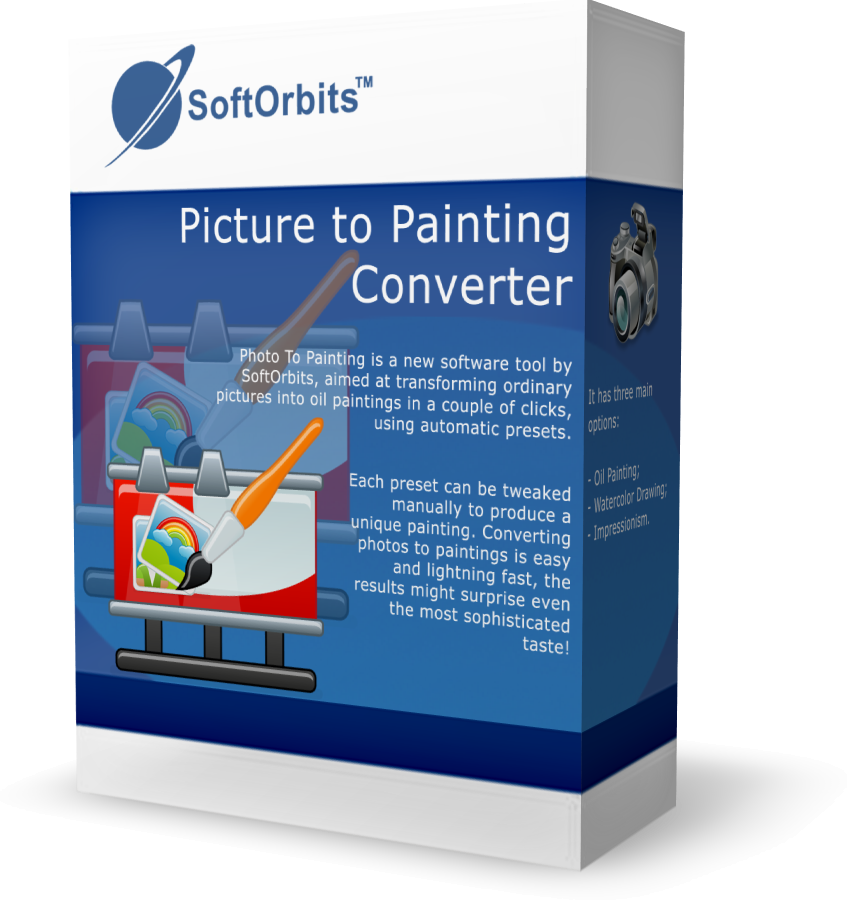
The software provides three primary conversion styles for users to choose from:
- Oil Painting: This mode emulates the heavy textures and distinct brushstrokes characteristic of traditional oil-on-canvas works.
- Watercolor Drawing: This setting mimics the fluid, translucent properties and soft edges associated with watercolor techniques.
- Impressionism: This preset applies the short, thick strokes and emphasis on light typical of the 19th-century Impressionist movement.
While the software features automatic presets for rapid results, it also includes manual controls for further customization. Users can adjust specific parameters within each style to alter the density, stroke length, and color intensity of the final render. The tool is designed for efficiency, processing image conversions quickly to produce high-resolution digital paintings.
By streamlining the transformation of pixels into painterly effects, the application serves as a tool for users looking to create artistic visuals without the need for manual painting skills or complex photo-editing software. The interface is built to accommodate both quick batch-style processing and individual manual tweaking for unique outputs.
Top 5 Reasons To Download Picture to Painting Converter
- Instant Artistic Transformation: Convert mundane photos into masterpieces with a single click using high-quality automatic presets.
- Three Distinct Artistic Styles: Choose between the heavy textures of Oil Painting, the delicate transparency of Watercolor, or the vibrant light of Impressionism.
- Granular Manual Control: Fine-tune every brushstroke, curvature, and color intensity to ensure your digital art matches your specific creative vision.
- Lightning-Fast Processing: Experience a seamless workflow that handles high-resolution images quickly without the lag typical of heavy graphic design suites.
- Professional Results for All Skill Levels: Create gallery-worthy art for printing, social media, or gifts without needing years of formal art training or complex software knowledge.
In an era where we are constantly bombarded by a digital deluge of snapshots, it is becoming increasingly difficult to make our visual memories stand out. We all have thousands of photos sitting on our hard drives—vacation shots, family portraits, and candid moments that, while special, often lack that "wow" factor. This is where the Photo To Painting software from SoftOrbits enters the fray. As a tech reviewer who has seen countless "filter apps" come and go, I can tell you that this isn't just another gimmick. This is a tool designed to breathe new life into your photography by bridging the gap between digital precision and classical artistry.
When I first sat down to test this software, I was skeptical. We have all seen those cheap mobile filters that just smudge the pixels and call it "art." However, the engine behind this giveaway is something entirely different. It doesn't just blur your image; it analyzes the structures, the lighting, and the edges to recreate the image as if a human hand were guiding a brush across a canvas. If you have ever wanted to see your favorite landscape as a Monet-style masterpiece or a portrait as a classic oil painting, you need to keep reading. Here is an in-depth look at why you should absolutely jump on this giveaway right now.
1. Instant Artistic Transformation
The first and perhaps most compelling reason to download this software is the sheer speed and ease of the transformation process. We live in a fast-paced world, and while we might appreciate art, not everyone has the time or the inherent talent to pick up a physical brush and learn the nuances of oil blending or watercolor layering. SoftOrbits has managed to distill centuries of artistic technique into sophisticated algorithms that do the heavy lifting for you.
The beauty of this software lies in its automatic presets. For the user who wants immediate gratification, you can simply drag and drop a photo into the interface, select a preset, and watch in real-time as the software "paints" your image. It is a mesmerizing process. These presets are calibrated to identify the focal points of your photo, ensuring that the most important details remain recognizable while the background and secondary elements take on a beautiful, painterly texture. It turns a ten-second smartphone snap into a piece of decor that looks like it belongs in a frame on your living room wall.
This "one-click" philosophy doesn't mean the results are generic. Because the software analyzes the unique color palette and light distribution of your specific photo, no two "paintings" ever look exactly the same. It is about democratizing art. Whether you are a busy parent wanting to create a unique gift or a hobbyist photographer looking to add a new dimension to your portfolio, the instant transformation capability is a total game-changer.
2. Three Distinct Artistic Styles
Versatility is key in any software tool, and Photo To Painting delivers this through its three primary modes: Oil Painting, Watercolor Drawing, and Impressionism. Each of these styles represents a completely different emotional tone and visual aesthetic, giving you a broad palette to work with depending on the subject matter of your photo.
The Oil Painting mode is all about texture and weight. It mimics the thick, buttery application of oil paints, complete with visible brushstrokes and a sense of depth. This is perfect for dramatic portraits or still-life photos where you want a sense of "gravitas." The software simulates the way oil paint catches the light, giving the final image a rich, professional feel that looks stunning when printed on actual canvas.
On the other end of the spectrum is the Watercolor Drawing mode. Watercolor is notoriously difficult to master in real life because of its transparency and the way colors bleed into one another. The software handles this beautifully, creating soft, ethereal images that feel light and airy. This mode is a fantastic choice for wedding photos, pictures of children, or delicate floral shots. It strips away the harsh digital edges and replaces them with a dreamlike quality.
Finally, the Impressionism mode is for those who love movement and light. Inspired by the greats like Monet and Renoir, this mode uses shorter, more vibrant strokes to capture the "impression" of a scene rather than a literal representation. If you have a landscape photo that feels a bit flat, running it through the Impressionism filter can give it a sense of energy and atmosphere that a standard photo simply cannot convey.
3. Granular Manual Control
While the presets are fantastic for quick results, the "power users" and the more creatively inclined will fall in love with the manual tweaking options. This software doesn't lock you into a "take it or leave it" situation. Once you have applied a basic style, you are presented with a variety of sliders and settings that allow you to take the driver's seat.
You can adjust the brush size, which is critical for controlling the level of detail. A smaller brush can preserve fine lines in a person's face, while a larger brush can be used to create broad, abstract sweeps of color in the sky or background. You can also manipulate the stroke length and curvature. This allows you to define the "energy" of the painting. Do you want long, flowing strokes that suggest calm, or short, jagged strokes that suggest excitement and chaos? The choice is yours.
Furthermore, the ability to tweak color intensity and saturation means you can go from a realistic interpretation to a wild, Fauvist explosion of color in seconds. This level of control is what separates Photo To Painting from simple mobile apps. It turns the software into a true digital studio. As a reviewer, I appreciate when developers trust the user with these kinds of tools. It allows for a level of personalization that ensures your final piece of art is truly unique and reflects your personal taste.
4. Lightning-Fast Processing
There is nothing that kills a creative spark faster than a "loading" bar that takes ten minutes to move. Many high-end graphic design programs are incredibly resource-heavy, requiring top-tier hardware and long wait times for rendering complex effects. SoftOrbits has clearly optimized this tool for performance. Even when working with high-resolution images—the kind you get from a modern DSLR or a high-end smartphone—the conversion process is remarkably quick.
The software is designed to handle the complex mathematics of stroke placement and color blending in the background, allowing you to see the results almost instantly. This speed encourages experimentation. Because you don't have to wait for a long render, you are more likely to try out five different versions of the same photo, tweaking a slider here and changing a style there, until you find the perfect look. This iterative process is how great art is made.
For those who have a large library of photos, this efficiency is a godsend. You can move through a dozen photos in a single session, turning an entire vacation album into a curated collection of digital paintings in the time it would take to finish a cup of coffee. In the world of tech, we often talk about "frictionless" experiences, and Photo To Painting fits that description perfectly. It gets out of your way and lets you focus on the fun part: creating art.
5. Professional Results for All Skill Levels
The final, and perhaps most important, reason to download this giveaway is the professional quality of the output. We have all tried tools that promised "artistic" results only to end up with something that looked like a blurry mess or a cheap cartoon. This software produces results that are genuinely sophisticated. The sophisticated taste mentioned in the product description is not an exaggeration; even someone who knows their way around an art gallery will be impressed by how the software handles light, shadow, and texture.
This makes the software an incredible asset for various practical applications. Are you looking for a unique way to decorate your home? Take a photo of your favorite local landmark, convert it to an oil painting using this tool, and print it on canvas. It looks like a custom commission that would cost hundreds of dollars. Are you looking for a heartfelt gift? A watercolor rendition of a family pet or a childhood home is something that will be cherished far more than a simple glossy print.
Moreover, for social media enthusiasts and content creators, this tool provides a way to create a consistent, high-end "aesthetic" for your feed. In a world of filtered selfies, a beautifully rendered digital painting stands out and commands attention. The best part is that you don't need any prior experience. The interface is intuitive, the buttons are clearly labeled, and the workflow is logical. It bridges the gap between the "pro" and the "amateur," giving everyone the power to create something beautiful.
Conclusion
As a tech reviewer, I see a lot of "free" software giveaways, but few offer the genuine value and creative potential of Photo To Painting by SoftOrbits. It isn't just about adding a filter; it's about reimagining your photos through the lens of classical art history. By combining ease of use with deep customization options and high-speed performance, it hits the "sweet spot" of what a modern utility app should be.
Whether you want to explore the thick, textured world of Oil Painting, the soft and subtle tones of Watercolor, or the light-filled energy of Impressionism, this software provides the tools you need to succeed. It removes the barrier of entry to the world of art, allowing anyone with a computer and a photo to become a digital painter. The results are fast, the process is fun, and the final images are nothing short of stunning.
Don't let your photos stay trapped in the mundane world of digital pixels. Give them the artistic soul they deserve. This giveaway is a fantastic opportunity to add a powerful, creative tool to your digital arsenal without any risk. Download it, experiment with your favorite images, and prepare to be surprised by the masterpiece you are about to create. Your photos have a story to tell—let this software help you tell it with the stroke of a brush.
In summary, Photo To Painting is a robust, user-friendly, and surprisingly powerful tool that turns the act of photo editing into a genuine creative journey. From the instant gratification of its presets to the deep control offered by its manual settings, it caters to everyone from the casual user to the serious digital artist. This is a must-download for anyone who values their photos and wants to see them in a whole new light. Grab this giveaway while you can and start transforming your digital world into a gallery of fine art.

Reviews for Picture to Painting Converter
Click Here to Read Reviews for Picture to Painting Converter >> Click Here to Submit Reviews for Picture to Painting Converter >>