What Does NEAT Projects 2 Do?
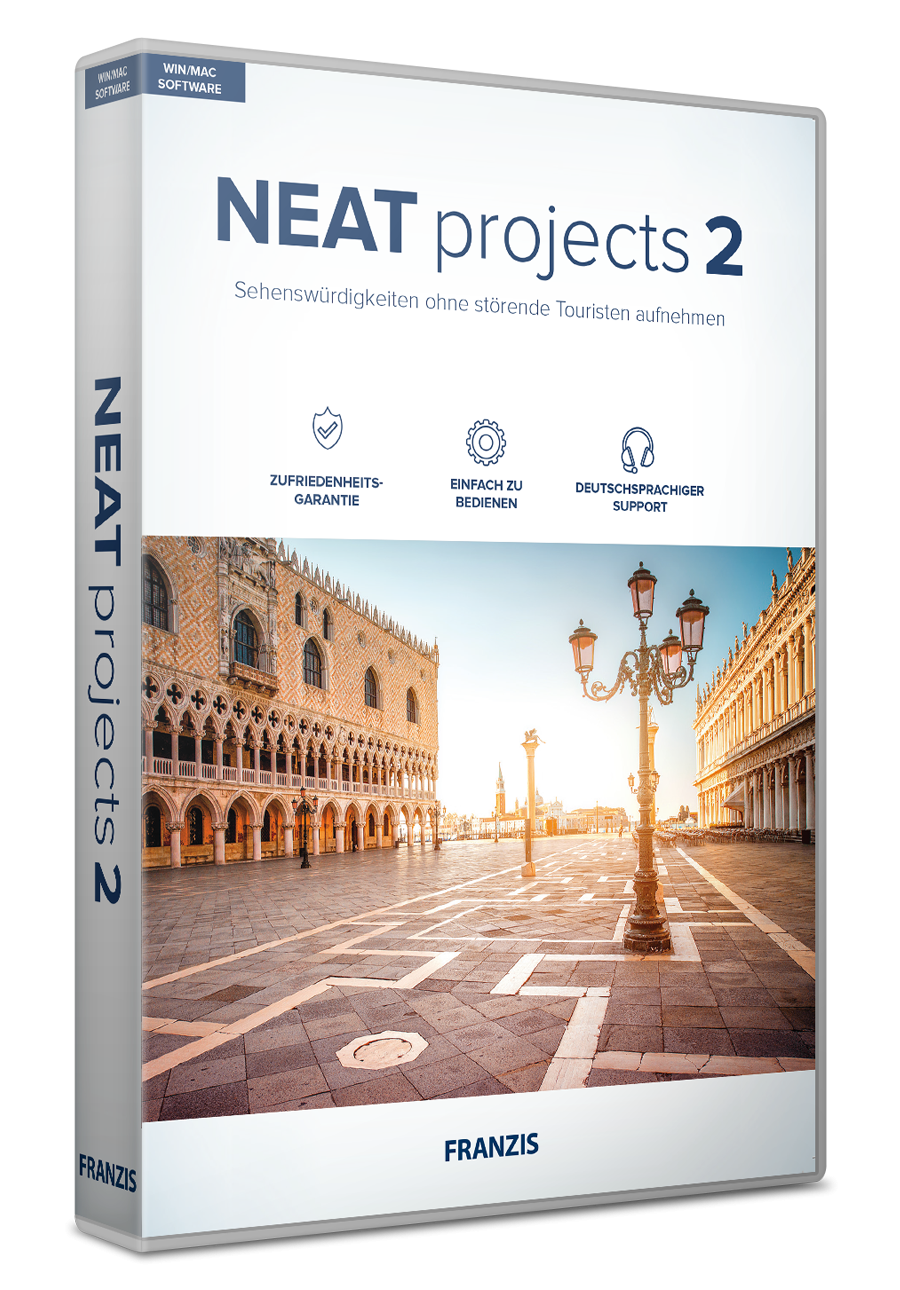
NEAT projects 2 is a standalone software application designed to remove moving objects from digital photographs. The tool targets common distractions in architectural and travel photography, such as pedestrians, tourists, and moving vehicles. By utilizing automated algorithms, the software synthesizes multiple images of the same scene to isolate the static background, effectively clearing busy squares or landmarks.
The application operates without the necessity of a tripod or manual post-processing. It identifies changes between frames and merges the static elements into a single final image. This functionality is applicable to both outdoor and indoor environments, including museums and religious sites, where crowds often obscure architectural details. The software provides the following capabilities:
- Portraits staged in front of major landmarks without background clutter.
- Capturing empty town squares or historical sites during peak hours.
- Documenting museum interiors and church architecture without visitor interference.
NEAT projects 2 is compatible with both Windows and macOS and functions independently of other image editing programs. It is designed for users who require rapid results without performing manual masking or layering techniques. The automated workflow ensures that clear, unobstructed images can be produced with minimal technical intervention.
Top 5 Reasons To Download NEAT Projects 2
- Effortless Crowd Removal: Automatically erase distracting tourists and moving objects from your photos to reveal the hidden beauty of landmarks and cityscapes.
- True Handheld Freedom: Capture perfect sequences without a heavy tripod; the software’s advanced alignment technology handles the movement for you.
- Versatile Indoor and Outdoor Performance: From bustling city squares to quiet, crowded museums and churches, it works in every environment where people congregate.
- Zero Image Editing Skills Required: Enjoy a fully automated workflow that delivers professional results instantly, making complex post-processing a thing of the past.
- Comprehensive Standalone Functionality: A powerful, dedicated tool for both Windows and Mac that doesn't require expensive monthly subscriptions or additional hosting software.
We have all been there. You have traveled halfway across the globe to see the Trevi Fountain in Rome, the Eiffel Tower in Paris, or the neon-soaked streets of Times Square in New York. You pull out your camera, frame the perfect shot, and wait. You wait for that one split second where the crowd parts, where the selfie-sticks disappear, and where the tourists in neon windbreakers finally move out of your frame. But that moment never comes. In our modern world of over-tourism, capturing a "clean" photo of a world-famous landmark has become almost impossible. You either have to wake up at 4:00 AM to beat the rush, or you have to spend hours in complex editing software meticulously cloning out people pixel by pixel.
But what if there was a better way? What if you could simply take a series of photos and let a sophisticated algorithm do the heavy lifting for you? This is exactly where NEAT projects 2 comes into play. As a tech reviewer, I see a lot of "one-click wonders" that promise the world but deliver a blurry mess. However, this software is different. It addresses the single most frustrating problem in travel and architectural photography with surgical precision. If you are looking for a reason to jump on this giveaway, I have five compelling arguments that will convince you that this is the most essential tool currently missing from your digital photography arsenal.
1. Effortless Crowd Removal: The Magic of Motion Detection
The primary reason you need to download NEAT projects 2 is its uncanny ability to make people disappear. This isn't just a simple blur tool or a basic "content-aware" fill like you find in generic editors. This software utilizes advanced motion detection algorithms that analyze a sequence of images. When you take multiple shots of the same scene, the static elements (the buildings, the statues, the pavement) remain in the same place, while the distracting elements (the people, the cars, the pigeons) are constantly moving.
The software compares these images, identifies what is moving, and calculates exactly what the background looks like behind those moving objects. It then "stitches" together the empty parts of each frame to create a single, pristine image that looks like you had the entire city to yourself. The result is a photo of a landmark that looks like a professional architectural shot taken on a closed set. For anyone who has ever felt their heart sink because a bus drove through their perfect long-exposure shot, this feature alone is worth the download. It transforms "busy" photos into serene works of art, emphasizing the architecture and composition rather than the chaos of the crowd.
Furthermore, this isn't just for busy outdoor squares. Think about portrait photography. If you want a stunning photo of your partner or friend in front of a famous building, you usually have to settle for twenty strangers in the background. With this software, you can keep your subject perfectly still while the background crowds move, and the software will isolate your subject while clearing the rest of the frame. It provides a level of control over your environment that was previously reserved for professional film sets with massive budgets.
2. True Handheld Freedom: Say Goodbye to the Tripod
Traditionally, if you wanted to perform "image stacking" (the technical term for combining multiple photos to remove noise or objects), you absolutely had to use a tripod. Even the slightest milliliter of movement between shots would ruin the alignment, resulting in "ghosting" or a blurry final image. For the average traveler, carrying a tripod is a massive burden. It’s heavy, it’s cumbersome, and in many high-traffic tourist areas or museums, they are actually banned for safety reasons.
This is where NEAT projects 2 truly shines as a modern tech solution. One of its most impressive features is its intelligent image alignment. You can take your sequence of shots handheld. As long as you try to keep your hands relatively steady, the software’s internal engine will detect the minute shifts in your perspective and automatically align every frame to sub-pixel accuracy. It compensates for the natural sway of the human body, meaning you can walk into a square, snap five or six quick photos, and be on your way.
This "run-and-gun" approach to high-end photography is a game-changer. It allows you to be spontaneous. You don't have to plan your day around "golden hour" or lug around carbon-fiber legs. You just shoot, and let the software handle the stabilization. This makes the software accessible not just to "pro" photographers, but to anyone with a camera or a smartphone who wants better memories of their travels. It turns a stressful technical process into a seamless part of your sightseeing experience.
3. Versatile Indoor and Outdoor Performance
While we often think of "crowds" in the context of outdoor plazas, some of the most frustrating photographic experiences happen indoors. Museums, cathedrals, and historical castles are notorious for being packed with people. Lighting is often dim, and the space is cramped. Taking a clean photo of a museum's grand hall or the intricate ceiling of a church is a nightmare when there are hundreds of heads and shoulders in your lower third.
NEAT projects 2 is specifically designed to work in these challenging indoor environments. Because it doesn't rely on long exposures (which would require a tripod and likely overexpose the image in high-contrast indoor settings), it can handle the varying light levels of a cathedral or a gallery. You simply take your bursts of photos, and the software clears out the other visitors, leaving you with a majestic, empty view of the history you came to see.
This versatility extends to urban photography at night. Imagine capturing a city street with all its neon lights, but without the distracting blur of car headlights or moving pedestrians. The software handles these different scenarios with ease. Whether you are dealing with the harsh sunlight of a Mediterranean square or the moody, low-light atmosphere of a Gothic church, the algorithms adapt to the specific "noise" of the environment to ensure the final product is crisp, clean, and distraction-free. It’s like having a "private viewing" button for every location you visit.
4. Zero Image Editing Skills Required: Quick Success Guaranteed
One of the biggest barriers to entry for high-level photography is the steep learning curve of professional editing software. Many people download complex suites only to find themselves staring at a wall of sliders, layers, and masks that look more like a flight simulator than a creative tool. NEAT projects 2 is built with a different philosophy: sophistication through simplicity.
The developers have promised that "no image processing is necessary," and they mean it. The software is designed to be fully automatic. You load your images, and the program's "intelligence" takes over. It identifies the best sequence, aligns the frames, detects the movement, and generates the final image without you having to touch a single complicated setting. This "quick success" guarantee is perfect for those who want professional results but don't have the time or interest to spend hours in a digital darkroom.
However, don't let the "automatic" label fool you into thinking it's basic. While the heavy lifting is done for you, the software still provides the high-quality output you would expect from a manual professional workflow. It’s the best of both worlds: the power of a pro-grade algorithm with the user interface of a modern, intuitive app. This makes it an ideal giveaway for hobbyists, social media influencers, and even professional photographers who want to speed up their workflow. You spend less time in front of a computer screen and more time out in the world taking photos.
5. Comprehensive Standalone Functionality: No Subscriptions Needed
In the current tech landscape, we are being "subscription-ed" to death. It seems like every minor app wants a monthly fee just to keep the lights on. One of the most refreshing aspects of NEAT projects 2 is that it is a stand-alone version. This means it is a fully functioning, independent piece of software. You don't need to own Photoshop, you don't need a Lightroom subscription, and you don't need to be part of any "cloud" ecosystem to make it work.
Available for both Windows and Mac, this software is built to utilize the full power of your desktop or laptop. Standalone software often performs better because it is optimized for its specific task rather than being a "plugin" that has to play nice with another program's memory usage. When you download this giveaway, you are getting a permanent tool for your kit that you can rely on whenever you return from a trip with a memory card full of crowded photos.
Having a dedicated tool also means the user interface is laser-focused on one task: making your photos "neat." There is no clutter, no unnecessary features to distract you, and no compatibility issues with other software updates. It’s a robust, reliable, and highly specialized utility that does one thing—remove distractions—better than almost anything else on the market. In a world of "jack-of-all-trades" apps, this "master-of-one" approach is exactly what a serious photographer (or an aspiring one) needs.
Why This Giveaway is a Must-Have for You
As a reviewer, I always look for the "pain point" that a piece of software solves. The pain point here is universal: the world is crowded, and our memories are often cluttered by the presence of people we don't know. Photography is supposed to be about capturing a specific vision, a specific moment, and a specific feeling. When that vision is obscured by a tour group or a delivery truck, the magic is lost.
NEAT projects 2 isn't just about "editing" photos; it's about reclaiming them. It allows you to see the world as it was meant to be seen—in its pure, architectural, and historical glory. The technical wizardry that allows for handheld, automatic crowd removal is something that, only a few years ago, would have required a professional studio and a massive budget. Now, it's being offered to you in a package that is as easy to use as a smartphone app but as powerful as a high-end workstation.
Imagine coming home from your next vacation. Instead of showing your friends photos and saying, "It was beautiful, but you should have seen the crowds," you can show them pristine, breathtaking images that look like they were taken for a travel magazine. You can show them the quiet majesty of a museum hall or the undisturbed peace of a mountain village. You are not just downloading an app; you are downloading the ability to fix your travel memories.
In conclusion, if you value your time, your gear, and your creative vision, this is a giveaway you cannot afford to pass up. The combination of automated processing, handheld alignment, and standalone reliability makes NEAT projects 2 a standout piece of technology. It solves a real-world problem with an elegant, high-tech solution. Whether you are a Windows user or a Mac enthusiast, a pro with a DSLR or a casual shooter with a point-and-shoot, this software will immediately improve the quality of your portfolio. Download it, try it out on your messiest travel photos, and prepare to be amazed as the crowds simply melt away.

Reviews for NEAT Projects 2
Click Here to Read Reviews for NEAT Projects 2 >> Click Here to Submit Reviews for NEAT Projects 2 >>