What Does How to Easily Remove Bloatware from Windows 10 Do?
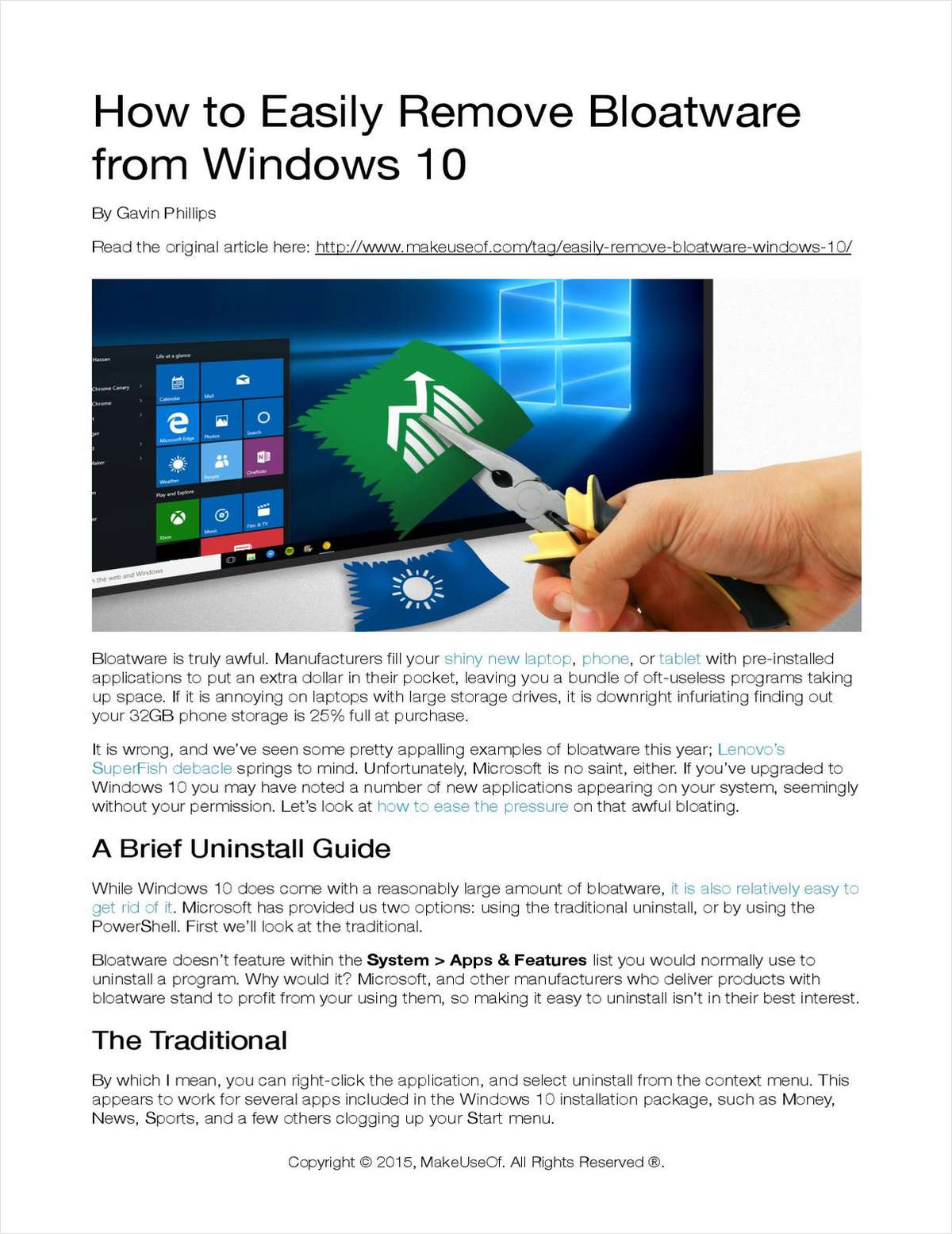
Bloatware is a common industry practice where manufacturers pre-install third-party applications on new hardware to generate additional revenue. These programs often consume significant storage space and system resources, which is particularly problematic for devices with limited internal capacity. While some pre-installed software is harmless, other instances have historically introduced security vulnerabilities or compromised user privacy.
Microsoft’s Windows 10 follows this trend by including various native applications and suggested software that appear on the system during or after the installation process. These applications are often difficult to remove through standard user interfaces. This giveaway resource, How to Easily Remove Bloatware from Windows 10, provides a structured methodology for identifying and eliminating these unwanted programs.
With this guide, users can perform the following actions:
- Identify integrated applications that do not appear in the standard "Uninstall a Program" menu.
- Execute specific procedures to purge system-level bloatware from the operating system.
- Reclaim storage space on solid-state drives and hard disks.
- Minimize unnecessary background processes to improve overall system responsiveness.
This technical walkthrough offers a direct solution for users looking to customize their Windows 10 environment and remove software that was installed without their explicit permission.
Top 5 Reasons To Download How to Easily Remove Bloatware from Windows 10
- Reclaim Your Hard-Earned Storage Space
- Massive Boost in System Boot Times and Overall Speed
- Eliminate Security Vulnerabilities and Privacy Risks
- Create a Clean, Professional, and Focused Workspace
- Extend the Physical Life of Your Battery and Hardware
We have all been there. You spend weeks researching the perfect laptop, tablet, or smartphone. You compare benchmarks, read endless reviews, and finally pull the trigger on a shiny new piece of hardware. The delivery truck arrives, you break the seal on the box, and you prepare yourself for that pristine "new computer" smell. But then, you hit the power button. Instead of a clean, lightning-fast interface, you are greeted by a cluttered desktop filled with trial antivirus software, "helper" utilities you never asked for, and casual games that you have no intention of ever playing. This, my friends, is the plague of bloatware, and it is time we took a stand against it.
Manufacturers are effectively selling "ad space" on your private device. To squeeze an extra few dollars out of every sale, they pre-install a mountain of garbage that serves no purpose other than to annoy you and generate revenue for the OEM (Original Equipment Manufacturer). Whether it is a budget phone or a high-end Windows 10 workstation, no device seems to be safe. This is why this giveaway is not just another utility—it is a liberation tool for your digital life. In this deep dive, I am going to explain exactly why you need to download this bloatware removal solution right now if you want to actually own the device you paid for.
1. Reclaim Your Hard-Earned Storage Space
Storage is one of the most expensive components of modern technology. Whether you are looking at NVMe SSDs in laptops or high-speed flash storage in smartphones, every gigabyte comes at a premium. As mentioned in the prompt, there is nothing more infuriating than buying a 32GB phone only to realize that 25% of that storage is already occupied by unremovable "zombie apps" before you even take your first photo. On a laptop, while drives are larger, the bloat is equally massive. Manufacturers bundle high-definition video demos, redundant backup tools, and massive trial versions of software suites that can easily eat up 10 to 20 gigabytes of space.
When you use a professional-grade removal tool like the one offered in this giveaway, you are performing a digital "eviction." This software identifies the hidden partitions and buried folders that Windows 10 or your mobile OS hides from the average user. By stripping away these useless files, you suddenly find yourself with enough room for hundreds of additional photos, several more 4K movies, or that large game you have been wanting to install but didn't have the space for. It is essentially like getting a storage upgrade for free. Why should you pay for 512GB of space and only get to use 450GB? It is your drive; it is time you got the whole thing back.
Furthermore, removing bloatware helps with file system efficiency. A drive that is nearly full performs slower than one with plenty of breathing room. By clearing out the junk, you allow your operating system to manage its swap files and temporary caches more effectively, leading to a smoother experience overall. It is not just about the raw numbers; it is about the health of your file system.
2. Massive Boost in System Boot Times and Overall Speed
Have you ever wondered why a computer that felt fast on day one starts to feel sluggish after just a few weeks? Often, it isn't "wear and tear"—it is the cumulative weight of background processes. Most bloatware is designed to "launch on startup." These programs sit in your system tray, eating up precious RAM and taxing your CPU even when you aren't using them. They are constantly checking for updates, sending telemetry data back to their parent companies, or simply waiting for you to accidentally click on them.
The beauty of this giveaway is that it targets these silent killers of performance. By removing these unnecessary applications, you are significantly reducing the number of processes your processor has to handle at any given moment. This results in a computer that boots up in seconds rather than minutes. It means that when you click on a web browser or a heavy application like Photoshop, your system has the RAM overhead available to snap those programs open instantly.
In the world of tech reviewing, we often talk about "latency." Bloatware is the primary cause of system latency. It creates tiny micro-stutters in your mouse movement and delays in your typing. When you use a dedicated removal tool, you are essentially "unclogging" the pipes of your operating system. The difference is night and day. If you want that "out of the box" speed to last for years instead of days, cleaning your system is the only way to achieve it.
3. Eliminate Security Vulnerabilities and Privacy Risks
This is perhaps the most critical reason to download this tool. Bloatware isn't just annoying; it can be dangerous. We have seen appalling examples in the recent past, such as the Lenovo SuperFish debacle. In that instance, a manufacturer pre-installed software that essentially broke the encryption of the web browser to inject ads, leaving users wide open to hackers and identity theft. When manufacturers install low-quality third-party software on your device, they are opening a "backdoor" that you never authorized.
Many of these pre-installed apps are rarely updated by their original developers. This means they become "vulnerability hotspots." A hacker doesn't need to find a flaw in Windows 10 if they can find a flaw in a poorly coded "Media Gallery" app that came pre-installed on your laptop. By using this tool to purge your system of these uninvited guests, you are drastically reducing your attack surface. You are closing the windows and locking the doors that the manufacturer left wide open.
Then there is the issue of privacy. Microsoft and other manufacturers have become increasingly aggressive with telemetry—data collection that monitors how you use your device. Windows 10 is notorious for "phoning home." Many of the apps that appear on your system without your permission are there specifically to track your habits and serve you targeted content. This giveaway provides you with the power to silence those trackers. It puts a "do not disturb" sign on your digital life, ensuring that your data stays on your device where it belongs, rather than on a server in a corporate basement.
4. Create a Clean, Professional, and Focused Workspace
The psychology of a workspace is a real thing. If your physical desk is covered in trash and unwanted mail, you can't focus. The same applies to your digital desktop. Windows 10 often pushes "suggested apps" into your Start Menu, turning a tool for productivity into a billboard for mobile games. It is distracting, it looks unprofessional, and it makes finding the tools you actually use a chore.
When you download this bloatware remover, you are taking back control of your User Interface (UI). Imagine a Start Menu that only contains the programs you installed. Imagine a system tray that only shows your battery, your Wi-Fi, and your volume—not twelve different icons for "Update Assistants" and "Registration Reminders." This clean environment reduces "cognitive load." When you sit down to work or play, you aren't bombarded by pop-ups telling you that your "free trial of antivirus is about to expire" (even though you already have a better one installed).
A decluttered system is a more productive system. For professionals who use their laptops for presentations or client work, having a clean, bloat-free interface is essential. It shows that you are in control of your technology. This tool allows you to customize your OS to be a lean, mean, working machine, tailored specifically to your needs and nothing else.
5. Extend the Physical Life of Your Battery and Hardware
Many people don't realize that bloatware has a physical cost. Every single unnecessary background process requires CPU cycles. The CPU is the "brain" of your computer, and when it works, it generates heat and consumes electricity. If you have ten different bloatware apps running in the background, your CPU is working harder than it needs to, 24/7.
On a mobile device or a laptop, this means your battery life takes a direct hit. You might find your laptop dying after four hours when it should have lasted six. That "missing" two hours of battery life is often being eaten by apps you don't even want. By stripping away the bloat, you are reducing the constant drain on your battery, meaning you can stay mobile for longer without hunting for a power outlet.
Furthermore, heat is the number one enemy of hardware longevity. A CPU that is constantly running hot because of background bloat will degrade faster over time. The cooling fans will have to spin more often and at higher speeds, leading to mechanical wear and a noisier environment. By cleaning your system, you are actually making your hardware run cooler and quieter. You are effectively extending the lifespan of your investment. Why let a useless "Weather Widget" or a "News Ticker" shorten the life of your expensive laptop? It is a waste of money and resources.
Conclusion: Why You Need to Act Now
The tech industry has reached a point where we can no longer trust that a device is "ready to go" out of the box. From the storage-hungry apps on our phones to the privacy-invading telemetry on Windows 10, the user is under constant siege. Bloatware is a systemic issue, and while companies like Microsoft and Lenovo continue to prioritize their bottom line over your user experience, you have to be your own advocate.
This giveaway is your secret weapon. As a tech reviewer, I see hundreds of "utilities" every year, but few are as essential as a high-quality bloatware removal tool. It addresses the five most critical aspects of computing: storage, speed, security, focus, and hardware health. It turns a "leased" experience back into an "owned" experience.
Remember, your device should work for you, not for the advertisers and software developers who paid for a spot on your hard drive. Don't let your 32GB phone stay 25% full of trash. Don't let your Windows 10 machine become a slow, cluttered mess. Download this tool, run the cleaning scripts, and experience what your hardware is actually capable of when it is unburdened by the weight of manufacturer greed. You paid for every gigabyte, every megahertz, and every milliampere-hour of that battery—it is time you started using all of them.
In a world where software is increasingly designed to take things away from the user—whether it's space, privacy, or time—it is rare to find a tool that gives those things back. That is exactly what this bloatware remover does. It is the ultimate digital "spring cleaning," and the best part is, you can start right now. Reclaim your system, protect your data, and finally enjoy the fast, clean, and secure device you were promised on the day you bought it.
Take back control. Download this giveaway and kill the bloat today!


Reviews for How to Easily Remove Bloatware from Windows 10
Click Here to Read Reviews for How to Easily Remove Bloatware from Windows 10 >> Click Here to Submit Reviews for How to Easily Remove Bloatware from Windows 10 >>