What Does SoftMaker Office NX Home Do?
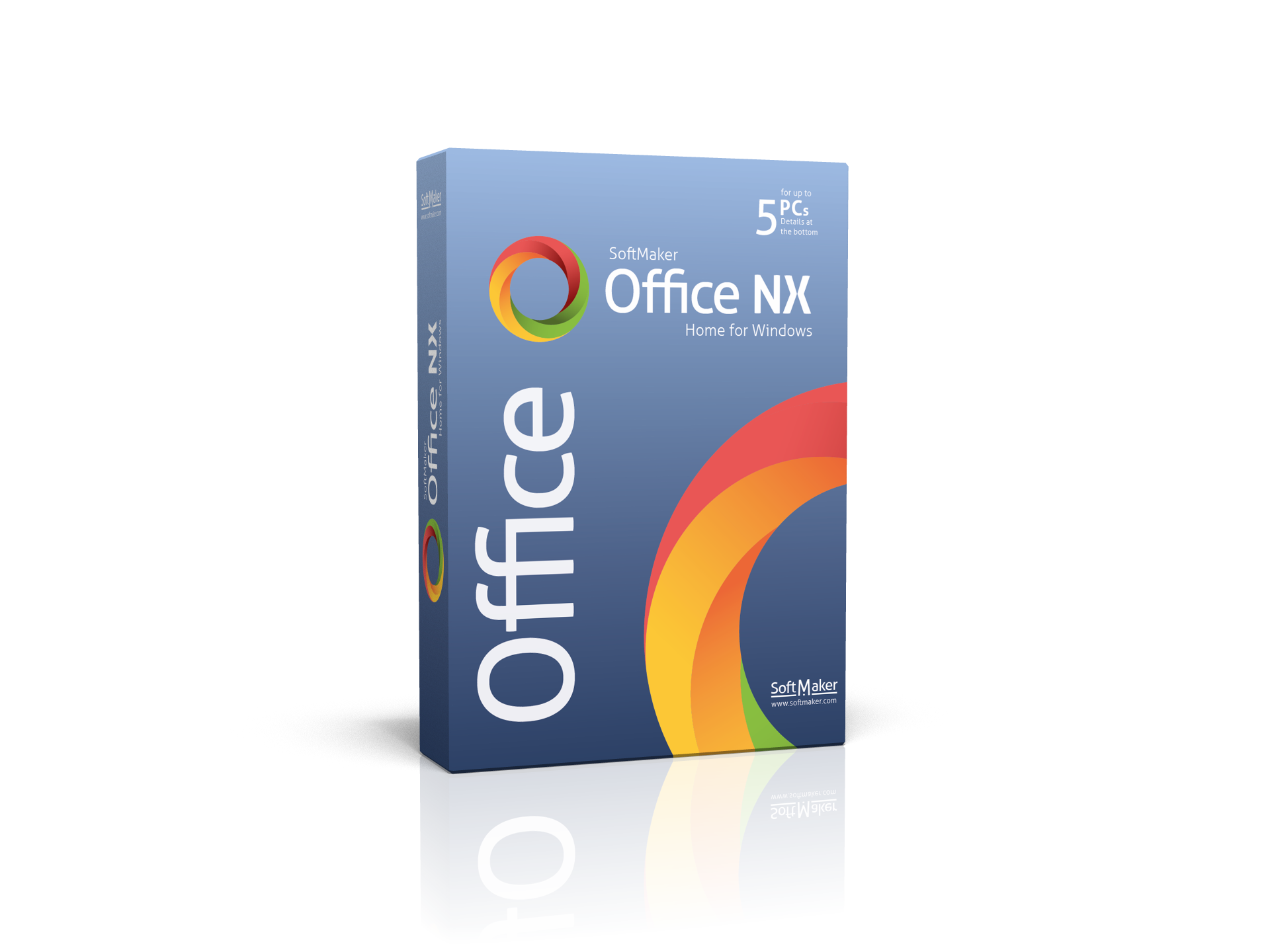
SoftMaker Office NX Home for Windows is a professional productivity suite designed as an alternative to Microsoft Office and LibreOffice. The software focuses on high-speed performance and seamless compatibility with industry-standard file formats. Users can open, edit, and save documents in native DOCX, XLSX, and PPTX formats, ensuring that formatting remains consistent when sharing files with Microsoft Office users.
The suite includes a comprehensive set of tools for word processing, spreadsheet management, and presentation design. One of its primary technical advantages is its low system resource consumption, which allows the application to maintain a fast workflow on both modern and legacy hardware. For users who require mobility, SoftMaker Office NX Home supports installation directly onto a USB flash drive. This portable configuration enables the software to run on any compatible Windows PC without requiring a local installation process.
The interface is designed for reliability and ease of use, bridging the gap between advanced professional features and a streamlined user experience. It provides a stable environment for creating complex documents, financial data sheets, and visual presentations while maintaining full interoperability across different platforms. This giveaway provides a complete office solution that emphasizes efficiency and cross-platform file integrity.
Top 5 Reasons To Download SoftMaker Office NX Home
If you have been looking for a reason to ditch your expensive monthly subscriptions or move away from clunky, open-source office software that feels like it was designed in the late nineties, your search ends today. SoftMaker Office NX Home for Windows is currently available, and it is a game-changer for anyone who values productivity, speed, and cross-platform compatibility. This is not just another "budget" alternative; this is a professional-grade power tool that stands toe-to-toe with the industry giants.
Before we dive into the deep technical details and the user experience, let’s look at the core benefits. Here are the top five reasons why you need to download this giveaway immediately:
- Seamless Native Compatibility: It uses DOCX, XLSX, and PPTX as its native formats, ensuring your documents look perfect in Microsoft Office and vice versa.
- Lightning-Fast Performance: It features incredibly low system requirements, making it snappy on high-end rigs and reviving older hardware.
- Unmatched Portability: You can install the entire suite onto a USB flash drive and take your office with you to any PC without needing a full installation.
- Intuitive User Interface: It offers a familiar, modern, and highly customizable ribbon interface that eliminates the steep learning curve found in other suites.
- Reliability and Professionalism: It is widely considered the No. 1 alternative to both Microsoft Office and LibreOffice, offering a more stable and polished experience than open-source competitors.
Now, let’s break these down and explore exactly why SoftMaker Office NX Home is the upgrade your digital life deserves.
1. Seamless Native Compatibility with Microsoft Office
We have all experienced the "formatting nightmare." You spend hours meticulously crafting a complex document in a free office suite, carefully placing images, setting up tables, and choosing the perfect fonts. You save it, email it to a client or colleague who uses Microsoft Word, and when they open it, it looks like a digital explosion. The images are overlapping the text, the margins have shifted, and the fonts have been replaced by generic alternatives. It’s embarrassing and unprofessional.
SoftMaker Office NX Home solves this problem at its very core. Unlike other office suites that "import" and "export" Microsoft formats, SoftMaker uses DOCX, XLSX, and PPTX as its native file formats. When you save a document in TextMaker (the suite's word processor), it is saved directly as a DOCX file. There is no conversion process happening behind the scenes that could scramble your data. This means you can collaborate with Microsoft Office users with 100% confidence. You can pass files back and forth, and they will look exactly the same on every screen.
This compatibility extends beyond just text. PlanMaker (the spreadsheet application) handles complex Excel formulas and pivot tables with ease, while Presentations ensures that your slide transitions and animations remain fluid and consistent when played on a machine running PowerPoint. For a professional, this level of reliability is worth more than the software itself. It eliminates the friction that usually comes with using "alternative" software.
2. Lightweight Performance and Resource Efficiency
Modern software has a tendency to become "bloated." Each year, developers add more features that the average person never uses, and in the process, the software becomes slower and consumes more RAM. Microsoft Office and even some open-source alternatives have become notorious for their long load times and heavy resource consumption. If you are working on a budget laptop, an older desktop, or even a modern machine while juggling fifty browser tabs, you need software that respects your hardware.
SoftMaker Office NX Home is famously resource-friendly. It is incredibly lean, meaning it launches almost instantly. Whether you are opening a massive spreadsheet with thousands of rows or a three-hundred-page manuscript, the software remains responsive and fluid. This efficiency is a breath of fresh air for power users who hate waiting for their tools to catch up with their thoughts.
Furthermore, because the system requirements are so low, this giveaway is the perfect solution for users who want to keep their older machines functional. Instead of struggling with modern suites that chug and freeze, SoftMaker allows you to maintain a professional workflow on nearly any hardware setup. It is optimized code at its finest, proving that you don’t need a supercomputer to handle professional productivity tasks.
3. The Power of Portability: Office on a Stick
One of the most innovative and underrated features of SoftMaker Office NX Home is its ability to be installed on a USB flash drive. In a world where we are often jumping between different computers—from the home office to the workplace, or from a library computer to a friend’s laptop—having your entire office environment in your pocket is a massive advantage.
By installing the suite onto a USB drive, you take your software, your settings, and your documents with you. You can plug that drive into any Windows PC and start working immediately without having to install anything on the host machine’s hard drive. This is particularly useful for freelancers, students, or anyone who works in an environment where they don't have administrative rights to install new software.
Moreover, this portability offers an added layer of privacy and security. You aren’t leaving traces of your documents or your software preferences on a public or shared computer. When you’re done, you simply unplug the drive, and the host computer is exactly as you found it. It is a level of flexibility that Microsoft 365 simply cannot match, as it relies heavily on cloud logins and local installations. With SoftMaker, you are in total control of where and how you work.
4. An Intuitive and Familiar User Experience
There is nothing more frustrating than downloading a new piece of software only to realize you need to watch five hours of tutorials just to find the "Save as PDF" button. Some office suites try to be "different" just for the sake of it, moving menus around and using obscure icons that confuse the user. SoftMaker Office NX Home takes a different approach: it focuses on usability.
The interface is incredibly intuitive. If you have ever used a modern version of Microsoft Office, you will feel at home within seconds. The ribbon interface is clean, logical, and aesthetically pleasing. However, SoftMaker goes a step further by offering customization options that the "big players" often lock down. You can switch between ribbons and classic menus if you prefer the old-school way of working, ensuring that the software adapts to you rather than forcing you to adapt to the software.
The suite is comprised of three main components: TextMaker, PlanMaker, and Presentations. Each one is designed with a focus on streamlining the user's workflow. TextMaker includes a powerful spell checker and high-quality synonyms, PlanMaker offers stunning charts and data visualization tools, and Presentations makes it easy to create cinematic slide decks. Everything is right where you expect it to be, allowing you to focus on your work rather than the tools you are using to create it.
5. Reliable, Professional, and No. 1 for a Reason
When we talk about "alternatives," people often assume they are getting a "watered-down" version of a product. That is absolutely not the case here. SoftMaker Office NX Home is widely recognized as the No. 1 alternative to Microsoft Office for a very simple reason: it is reliable. While LibreOffice is a fantastic community-driven project, it can sometimes suffer from stability issues or inconsistent UI elements. SoftMaker, on the other hand, is a polished, commercially developed product designed for professional environments.
This software is built for people who cannot afford for their office suite to crash five minutes before a deadline. It is built for people who need their spreadsheets to calculate with absolute precision and their presentations to run without a hitch. By downloading this giveaway, you are gaining access to a suite that balances the best of both worlds—the professional polish of a paid product with the accessibility of a giveaway.
In addition to its stability, the suite is packed with high-end features. We are talking about things like an integrated PDF export that gives you granular control over your output, advanced mail merge capabilities, and a database module for managing large sets of information. It is a comprehensive ecosystem that handles everything from a simple grocery list to a complex corporate annual report with equal grace.
The Verdict of a Tech Reviewer:
I have tested dozens of office suites over the years. Some are too heavy, some are too basic, and some are just plain frustrating. SoftMaker Office NX Home strikes the perfect balance. It feels premium, it runs fast, and it doesn't try to lock you into a proprietary ecosystem that makes it hard to share your work. The fact that it uses Microsoft formats natively is its greatest strength, but its speed and portability are what will make you fall in love with it.
If you are tired of the subscription model that most software has moved toward, or if you are simply looking for a more efficient way to handle your documents, this is the giveaway you have been waiting for. It is rare to find software that is this "feature-complete" while still being so easy on your system resources. Whether you are a student, a small business owner, or a home user, SoftMaker Office NX Home provides the tools you need to succeed in a digital-first world.
Don't settle for "good enough" when you can have the best alternative on the market. Download SoftMaker Office NX Home, install it on your PC or your USB drive, and experience what a truly optimized office suite feels like. You’ll wonder why you ever used anything else. This is a must-have download for anyone who takes their digital productivity seriously. Grab it while you can and transform the way you work forever.
The time of bloated, slow, and overpriced office software is over. Embrace the speed, the compatibility, and the sheer power of SoftMaker. Your computer—and your productivity—will thank you.

Reviews for SoftMaker Office NX Home
Click Here to Read Reviews for SoftMaker Office NX Home >> Click Here to Submit Reviews for SoftMaker Office NX Home >>