What Does AI Photo Object Eraser Do?
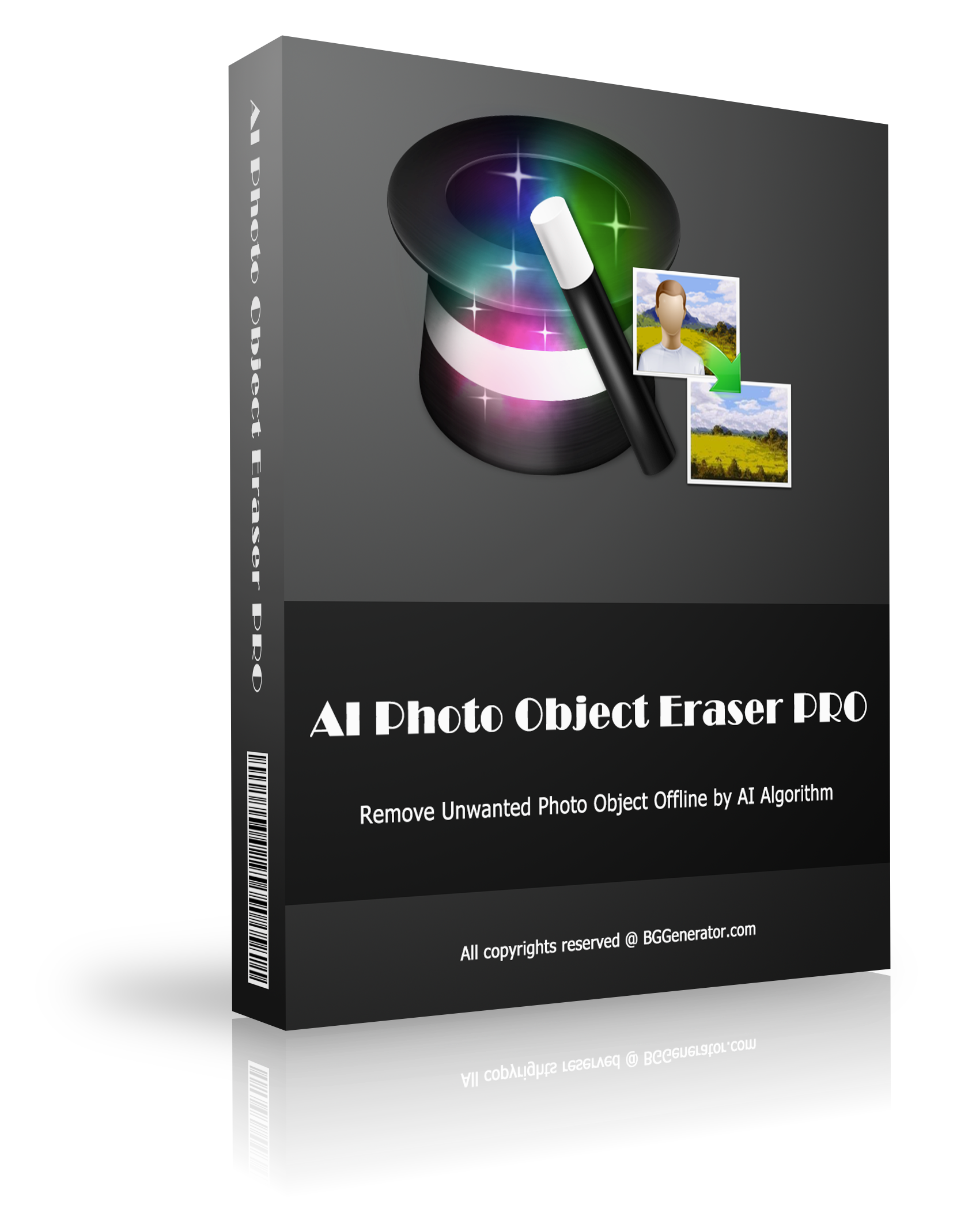
AI Photo Object Eraser is a Windows desktop application designed to remove unwanted elements from digital photographs. The utility utilizes a compact, locally-trained artificial intelligence model and deep learning algorithms to process images without requiring an active internet connection. By performing all operations on the user's local hardware, the software ensures data privacy and eliminates the need for external server uploads.
The software is engineered for efficiency, featuring a 32 MB installation footprint and minimal system resource requirements. This optimization allows the application to function on hardware with lower specifications while maintaining fast processing speeds. The program is capable of handling standard image formats as well as more complex file types.
Key functional capabilities include:
- Local Image Processing: Erases objects, people, or watermarks entirely offline to maintain data security.
- Format Versatility: Supports standard JPG and PNG files for diverse editing needs.
- Transparency Preservation: Processes transparent PNG files without compromising the alpha channel or the underlying image quality.
- Low System Overhead: Operates effectively on older or less powerful Windows configurations due to its optimized AI model.
This tool is suited for users who require a localized, lightweight solution for image retouching on Windows systems, particularly when disk space or privacy is a priority.
Top 5 Reasons To Download AI Photo Object Eraser
- Total Privacy and Offline Security: Unlike cloud-based AI tools, this software processes everything locally on your machine, ensuring your private photos never leave your hard drive.
- Extreme Hardware Efficiency: Featuring a compact 32 MB installer and a highly optimized AI model, it runs lightning-fast even on older Windows computers or low-spec laptops.
- Advanced Deep Learning Precision: It utilizes sophisticated in-painting algorithms to intelligently reconstruct backgrounds, making object removal look natural rather than "smudged."
- Full Transparent PNG Support: It is one of the few dedicated erasers that maintains alpha channel transparency, making it a dream tool for web designers and digital artists.
- Zero Learning Curve Architecture: The streamlined interface focuses entirely on the task at hand, allowing you to achieve professional results in seconds without a subscription or complex tutorials.
In the modern era of digital photography, we have all been there. You capture the perfect shot of a sunset, only to realize there is a stray power line cutting through the sky. You take a beautiful portrait of a loved one, but a stranger in a neon jacket is photobombing in the background. In the past, fixing these issues required a steep investment in time to learn complex software like Photoshop, or a steep investment in money for monthly subscriptions. However, a new player has entered the field, and it is changing the game for Windows users. AI Photo Object Eraser is a specialized tool that leverages the power of localized deep learning to make these frustrations a thing of the past. If you have been looking for a way to clean up your image library without the headache of "Big Tech" cloud bloat, this giveaway is something you absolutely cannot afford to miss.
As a tech reviewer who has tested hundreds of "AI-powered" utilities, I have grown skeptical of the term "AI." Too often, it is a buzzword used to mask a simple tool that actually sends your data to a remote server. But AI Photo Object Eraser is different. It is a lean, mean, object-removing machine that lives entirely on your desktop. Let’s dive deep into why this specific tool deserves a permanent spot on your Windows taskbar.
1. Total Privacy and Offline Security
We live in an age where our data is the most valuable commodity on the planet. Most modern AI photo editors require you to upload your images to their servers for "processing." While this might seem convenient, it poses a massive privacy risk. Do you really want your personal family photos, or perhaps sensitive work-related images, sitting on a third-party server where they might be used to further train models or be subject to a data breach? For many of us, the answer is a resounding "no."
The standout feature of AI Photo Object Eraser is its offline-first philosophy. Because the software uses a small, pre-trained AI algorithm that resides locally on your computer, you never have to connect to the internet to use it. You can be in the middle of a flight, in a remote cabin without Wi-Fi, or simply in a high-security office environment, and the tool will work perfectly. Your photos remain on your hard drive, your privacy is respected, and you have total control over your digital assets. In a world where "software as a service" is trying to take over everything, having a powerful, local tool is a breath of fresh air.
Furthermore, the lack of internet dependency means there is no lag. You aren't waiting for a file to upload, waiting for a queue on a server, and then waiting for a download. The speed of the edit is limited only by your local hardware, and as we will discuss next, this software is so optimized that even that isn't much of a bottleneck.
2. Extreme Hardware Efficiency
One of the biggest complaints about modern creative software is "bloat." It is not uncommon for a simple image editor to take up several gigabytes of disk space and consume half of your RAM just to open a single file. AI Photo Object Eraser takes the opposite approach. The installer is a mere 32 MB. To put that in perspective, that is smaller than some high-resolution RAW photos. It is an incredible feat of engineering to pack a deep learning model into such a small footprint.
This efficiency extends to how the program runs. Many AI tools require expensive NVIDIA graphics cards with thousands of CUDA cores to function at a reasonable speed. This tool, however, has been optimized to run smoothly on lower configurations. Whether you are using a high-end gaming rig or a five-year-old budget laptop, the "small trained AI" ensures that the object removal process is snappy. It consumes very little system resources, meaning you can keep it open in the background while you work on other tasks without noticing any system slowdown. This makes it the perfect utility for users who want performance without having to upgrade their hardware.
3. Advanced Deep Learning Precision
So, how does it actually look? In the old days, object removal was done via "cloning" or "healing." You would essentially copy pixels from one part of the image and paste them over the unwanted object. This often resulted in repetitive patterns or "smudges" that made it obvious the photo had been edited. You could always tell where the "ghost" of the deleted object used to be.
AI Photo Object Eraser utilizes Deep Learning algorithms to perform what is known as "image in-painting." Instead of just copying nearby pixels, the AI actually "understands" the context of the photo. If you remove a person standing in front of a brick wall, the AI analyzes the pattern of the bricks, the lighting, and the shadows to reconstruct what should have been behind the person. The result is a seamless transition that looks natural to the human eye. It doesn't just erase; it creates. This level of sophistication used to be reserved for high-end studio software, but now it is available in a compact Windows tool that anyone can use.
The "small trained model" mentioned in the software description is the secret sauce here. By focusing the AI on the specific task of object recognition and background synthesis, the developers have created a tool that punches way above its weight class in terms of visual quality. Whether you are removing a small blemish on a skin portrait or a large sign in a landscape, the algorithm adapts to the complexity of the textures involved.
4. Full Transparent PNG Support
This is a feature that many casual users might overlook, but for power users and designers, it is a total game-changer. Most basic photo erasers treat every image as a flat "layer." If you try to edit a transparent PNG—like a logo or a character cutout—the software will often fill the transparent areas with white or black, effectively ruining the file's transparency. This forces the user to go back into another program to re-mask the image.
AI Photo Object Eraser fully supports transparent PNG files. It respects the alpha channel, meaning you can remove unwanted elements from a transparent graphic without losing the transparency information. This is incredibly useful for web designers who might have a graphic with an unwanted watermark or a stray pixel that needs to be gone, but they need to keep the background transparent for use on a website. Being able to manipulate these files directly without affecting the quality or the transparency state is a professional-grade feature that you rarely see in a tool this lightweight.
Beyond transparency, it also handles the standard JPG and PNG formats with ease, ensuring that your metadata and color profiles remain intact. It is a versatile tool that fits into any workflow, whether you are a hobbyist or a professional digital artist.
5. Zero Learning Curve Architecture
The final reason you need to download this giveaway is the sheer simplicity of the user experience. We have all downloaded software that felt like it required a PhD to operate. AI Photo Object Eraser is designed for the "get it done" user. The interface is clean, intuitive, and distraction-free. There are no complicated nested menus, no "pro" versions nagging you to upgrade, and no account creation screens.
You simply open your photo, highlight the object you want to disappear, and let the AI do the heavy lifting. The software is built around a single, powerful purpose: making unwanted things go away. This "minimalist efficiency" is exactly what a utility should be. It is a tool, not a lifestyle. It’s the kind of program you keep on your desktop because you know that when you need it, it will work instantly, every time, without fail.
In a tech landscape dominated by "all-in-one" editors that try to do everything poorly, there is something deeply satisfying about a tool that does one thing exceptionally well. This giveaway provides you with a lifetime utility that will save you hours of tedious editing work. It turns a chore into a simple click.
Final Thoughts: Why You Should Act Now
The evolution of AI has brought us many wonders, but it has also brought complexity and privacy concerns. AI Photo Object Eraser represents the best of both worlds. It gives you the cutting-edge power of deep learning and artificial intelligence, but it keeps that power under your control. It respects your hardware, your time, and your privacy. It is rare to find a software package that is only 32 MB yet capable of performing such complex visual tasks.
Think about your current photo library. Think about all those "almost perfect" photos that are currently sitting in a folder because they have a distracting element in them. With this tool, you can go back through your history and "save" those memories. You can clean up your professional portfolio, prepare your social media posts with better clarity, and ensure your private images stay private.
As a reviewer, I see a lot of "flash-in-the-pan" apps that disappear after a year or stop working when their servers go down. Because this is a local Windows program, it is a permanent addition to your toolkit. It doesn't rely on a company's cloud staying online. It is yours to keep and use forever. When you consider the speed, the privacy, the transparency support, and the low system requirements, the conclusion is clear: this is a must-download. Don't wait until you have a photo emergency to look for a solution. Download AI Photo Object Eraser now while this giveaway is available, and take the first step toward a cleaner, more professional digital life.
In summary, if you value your privacy, your time, and your hard drive space, this software is the ultimate solution for object removal. It’s fast, it’s smart, and it’s local. It is everything a modern Windows utility should be.
- Fast: Processes images in seconds.
- Light: Only 32 MB and uses minimal RAM.
- Private: No internet required; works 100% offline.
- Smart: Deep learning AI understands background patterns.
- Versatile: Supports JPG, PNG, and transparent PNG files.
Make sure to grab this giveaway today and see for yourself how powerful a small AI can be. You will wonder how you ever managed your photo library without it.

Reviews for AI Photo Object Eraser
Click Here to Read Reviews for AI Photo Object Eraser >> Click Here to Submit Reviews for AI Photo Object Eraser >>