What Does Easy Slideshow Do?
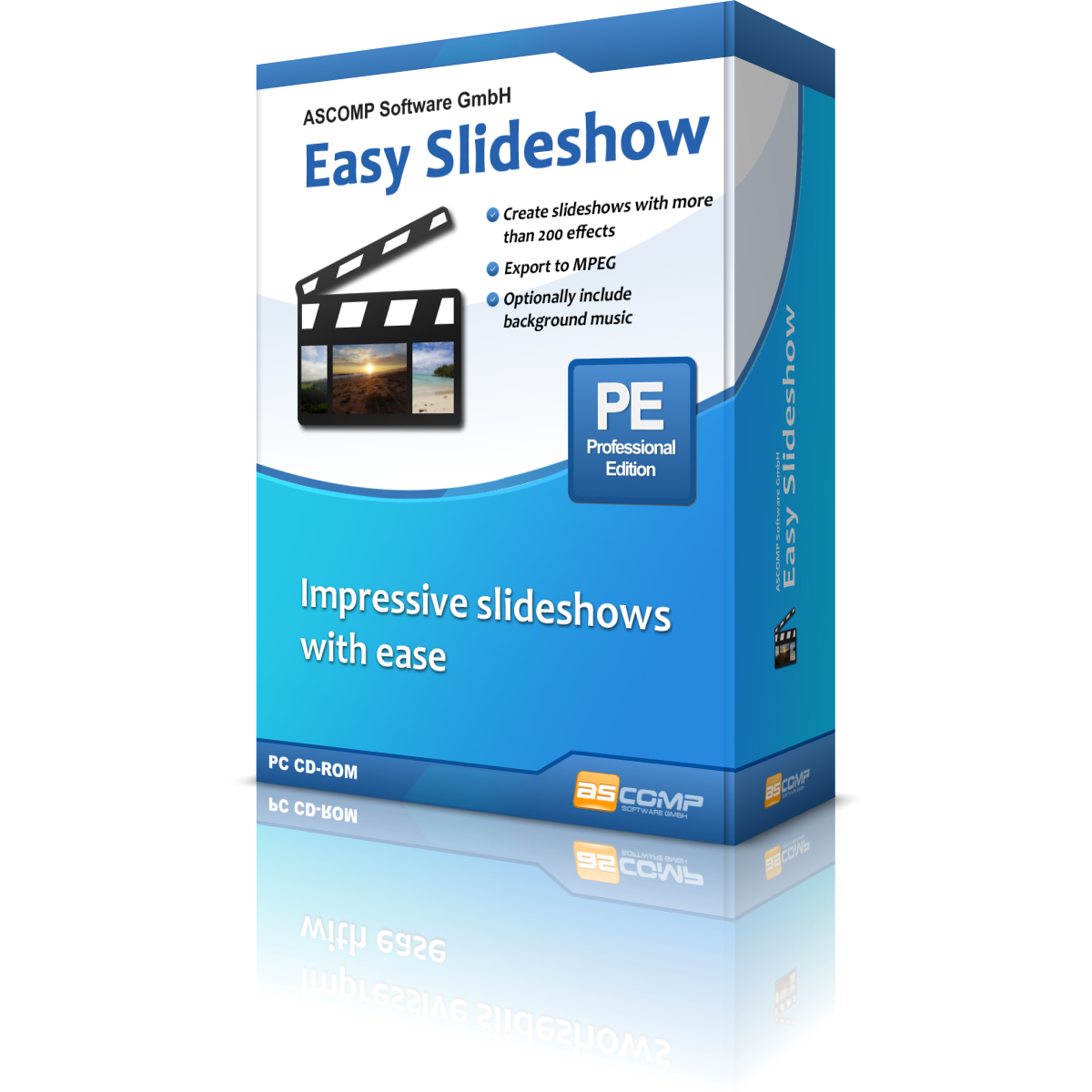
ASCOMP’s Easy Slideshow is a specialized utility designed to convert digital photo collections into polished video presentations. The software operates through a straightforward drag-and-drop interface, allowing users to quickly import image files and arrange them in a preferred sequence. Users have granular control over the pacing of the presentation, with options to set specific display durations for individual slides or the entire project.
The application features a comprehensive library of over 200 transition effects, providing a wide range of creative options for moving between images. To enhance the viewing experience, the software includes integrated MP3 support, enabling the addition of background music or narration to the visual timeline. Furthermore, users can add context to their images by inserting custom subtitles and captions directly onto the slides during the editing process.
Regarding output and distribution, Easy Slideshow supports high-resolution video exports. Users can render their finished projects as MPEG videos in industry-standard formats, including Full HD and 4K. For more specific requirements, the software also allows for custom resolution settings, ensuring compatibility with various playback devices and digital screens. This combination of automated tools and manual configuration options is intended to facilitate high-quality visual storytelling without the complexity of a traditional non-linear video editing suite.
Top 5 Reasons To Download Easy Slideshow
- Unrivaled Visual Variety with Over 200 Transition Effects
- Cinema-Grade 4K and Full HD Export Capabilities
- Seamless Audio Integration for Emotional Impact
- Hyper-Efficient Drag-and-Drop Workflow
- Precision Control Over Captions and Timing
In the digital age, we are all curators of our own lives. Between our smartphones, digital cameras, and tablets, we capture thousands of moments every year. But let’s be honest with ourselves: most of those photos sit in a folder, gathering digital dust, never to be seen again. We take the pictures, we save them to the cloud, and then we forget they exist. When we do want to show them off, we find ourselves scrolling endlessly through a gallery app, which is hardly an engaging experience for our friends or family. This is where a truly specialized tool becomes an absolute necessity. If you have been looking for a way to breathe life back into your digital archives, you need to pay attention to Easy Slideshow. As someone who has tested countless media utilities, I can tell you that this software hits the sweet spot between professional-grade output and entry-level accessibility. It isn't just a utility; it is a storytelling engine.
The giveaway currently available for this software is something you simply cannot afford to pass up. We often see "lite" versions of software that hold back the best features for a paid upgrade, but what we are looking at here is a robust, feature-rich package that transforms static images into cinematic experiences. Whether you are a hobbyist looking to preserve family memories, a traveler wanting to showcase your latest expedition, or even a small business owner needing a quick way to create promotional content, this software is the answer. Let’s dive deep into the five primary reasons why you need to download Easy Slideshow right now and how it will change the way you interact with your photo library.
1. Unrivaled Visual Variety with Over 200 Transition Effects
The biggest problem with most slideshow creators is that they are boring. We’ve all seen those basic slideshows where one image just awkwardly cuts to the next, or perhaps there is a single, repetitive "fade" effect that makes the viewer lose interest after thirty seconds. Visual fatigue is a real thing, and to fight it, you need variety. Easy Slideshow comes packed with over 200 different transition effects. This isn't just a number; it is a creative toolkit that allows you to match the "vibe" of your photos with the movement of the video.
Think about the difference between a high-energy vacation montage and a sentimental wedding tribute. A wedding tribute might require soft, elegant dissolves and gentle wipes that suggest a passage of time and a sense of romance. Conversely, a montage of your latest mountain biking trip or a fast-paced city tour demands dynamic, energetic transitions that keep the viewer’s adrenaline pumping. With over 200 options, you are never stuck with a "one size fits all" solution. You can experiment with geometric patterns, artistic blurs, and sophisticated 3D-style movements that give your slideshow a professional polish that looks like it was edited in a high-end production suite.
Moreover, having this many effects means you can keep the viewer engaged for longer durations. By varying the transitions, you create a visual rhythm. The software allows you to be the director, choosing exactly how each "scene" evolves into the next. In the world of tech reviews, we often talk about the "user experience" of the person making the content, but the "viewer experience" is just as important. These transitions ensure that your audience isn't just looking at pictures; they are watching a movie.
2. Cinema-Grade 4K and Full HD Export Capabilities
There is nothing worse than taking a beautiful, high-resolution photo on a 20-megapixel camera and then having it downgraded to a blurry, pixelated mess because your slideshow software can't handle high-definition exports. We live in a world of 4K monitors and giant 65-inch OLED televisions. If you are going to show your work, you need it to look sharp. This is where Easy Slideshow truly stands out from the competition. It supports export in Full HD and, more importantly, 4K resolution.
Exporting in 4K isn't just about "future-proofing" your memories; it’s about clarity and detail in the present. When you view a 4K slideshow on a large screen, you can see the texture of the sand in your beach photos, the individual leaves on a tree, and the crisp expressions on people's faces. The software uses the MPEG format, which is the gold standard for compatibility. This means your exported file will work on your smart TV, your laptop, your tablet, and even your smartphone without needing specialized codecs or players.
Furthermore, the ability to set custom resolutions is a hidden gem for social media enthusiasts. If you need a specific aspect ratio for a unique display or a particular platform, you aren't locked into a few presets. You have the technical freedom to define the output that fits your specific needs. As a reviewer, I always look for software that doesn't "gatekeep" quality. By providing 4K export in this giveaway, the developers are giving you the keys to a high-definition kingdom that usually costs a premium.
3. Seamless Audio Integration for Emotional Impact
They say that sound is 50 percent of the movie-going experience, and the same applies to slideshows. A silent slideshow feels like a clinical presentation; a slideshow with a curated soundtrack feels like an emotional journey. Easy Slideshow offers robust support for MP3 files, allowing you to layer your favorite music directly onto your visual project. This integration is seamless and incredibly intuitive.
The power of music cannot be overstated. When you pair a series of childhood photos with a nostalgic acoustic track, or your graduation photos with an upbeat, triumphant anthem, you are guiding the audience's emotions. The software makes it easy to sync your audio with your visuals, ensuring that the music begins and ends exactly where you want it to. This adds a layer of "production value" that makes your work stand out from the amateur "auto-generated" clips that most smartphones create.
What I find particularly impressive is how the software handles the balance between the audio and the visual. Because you can set the display duration of each slide (which we will discuss shortly), you can actually "edit to the beat." This is a technique used by professional editors to make videos feel more cohesive and professional. If you have a song with a specific tempo, you can adjust your photo durations so that the transitions happen in time with the music. This level of synchronization is what separates a "slideshow" from a "production."
4. Hyper-Efficient Drag-and-Drop Workflow
We are all busy. No one wants to spend five hours reading a manual just to figure out how to import a photo. The mark of great software is that you can open it for the first time and understand exactly what to do within sixty seconds. Easy Slideshow achieves this through its "Select Photos, Create Slideshows, Make an Impression" philosophy. The core of this is the drag-and-drop functionality.
You don't have to navigate through complex file trees or deal with "import wizards" that take forever. You simply find the photos you want on your computer, highlight them, and drag them into the software interface. From there, you can easily rearrange the order. Want the sunset photo at the end instead of the beginning? Just click and drag it to the end of the timeline. It is tactile, visual, and incredibly fast. This ease of use encourages creativity because the "cost" of making a mistake or changing your mind is zero. You can experiment with different sequences in seconds.
This efficiency extends to the settings for display duration. You have total control over how long each image stays on the screen. Maybe you want a breathtaking landscape to linger for ten seconds so the viewer can take in the detail, but you want a series of action shots to flash by in two seconds each to create a sense of movement. This software gives you that granular control without making the interface feel cluttered or overwhelming. It is the perfect tool for someone who wants professional results without the professional learning curve.
5. Precision Control Over Captions and Timing
While a picture is worth a thousand words, sometimes a few actual words are necessary to provide context. Where was this photo taken? Who is that in the background? What was the significance of this moment? Easy Slideshow allows you to add subtitles and captions to your slides, transforming your video into a documentary-style narrative. This is particularly useful for travelogues or educational presentations where the "what" and "where" are just as important as the "how it looks."
The captioning tool is designed to be clean and unobtrusive. You can add text that complements the image rather than distracting from it. This is also a fantastic feature for creating "thank you" videos or birthday messages, where you can include personalized notes to the recipient right on the screen. It adds a personal touch that a standard photo album simply cannot replicate. You are no longer just showing pictures; you are telling a story with a beginning, a middle, and an end.
Combine these captions with the ability to set the order and duration of each slide, and you have a powerful communication tool. You can ensure that your captions appear for just the right amount of time for the viewer to read them before the next transition sweeps them away. This level of precision is usually reserved for much more expensive and complicated video editing suites. To have this functionality in a streamlined, easy-to-use package—and as a giveaway—is a massive win for any user.
In conclusion, the Easy Slideshow giveaway is an essential download for anyone who takes photos. It bridges the gap between the static world of photography and the dynamic world of cinematography. By providing over 200 transitions, 4K export, MP3 support, a drag-and-drop interface, and captioning tools, it empowers you to create something truly impressive with minimal effort. Don't let your memories stay locked away in a boring folder. Download this software, gather your best shots, and start making an impression today. This is the tool your photo library has been waiting for, and as a reviewer who values both quality and efficiency, I cannot recommend it highly enough. Turn those digital files into a legacy that you can actually share and enjoy with the people who matter most.
We often overlook how much a simple slideshow can mean to someone. Whether it's a look back at a child's first year, a memorial for a loved one, or a celebration of a major milestone, the emotional weight of these presentations is immense. Having a reliable, high-quality tool like Easy Slideshow ensures that the technical side of things never gets in the way of the emotional impact. The software handles the heavy lifting—the rendering, the transitions, the file formats—leaving you free to focus on the creative side: choosing the best photos and the perfect music. In a world of complex, subscription-based software, finding a gem like this that just works and provides such high-end output is a rare treat. Grab it while you can and start transforming your digital life.

Reviews for Easy Slideshow
Click Here to Read Reviews for Easy Slideshow >> Click Here to Submit Reviews for Easy Slideshow >>