What Does MSTech Folder Icon Do?
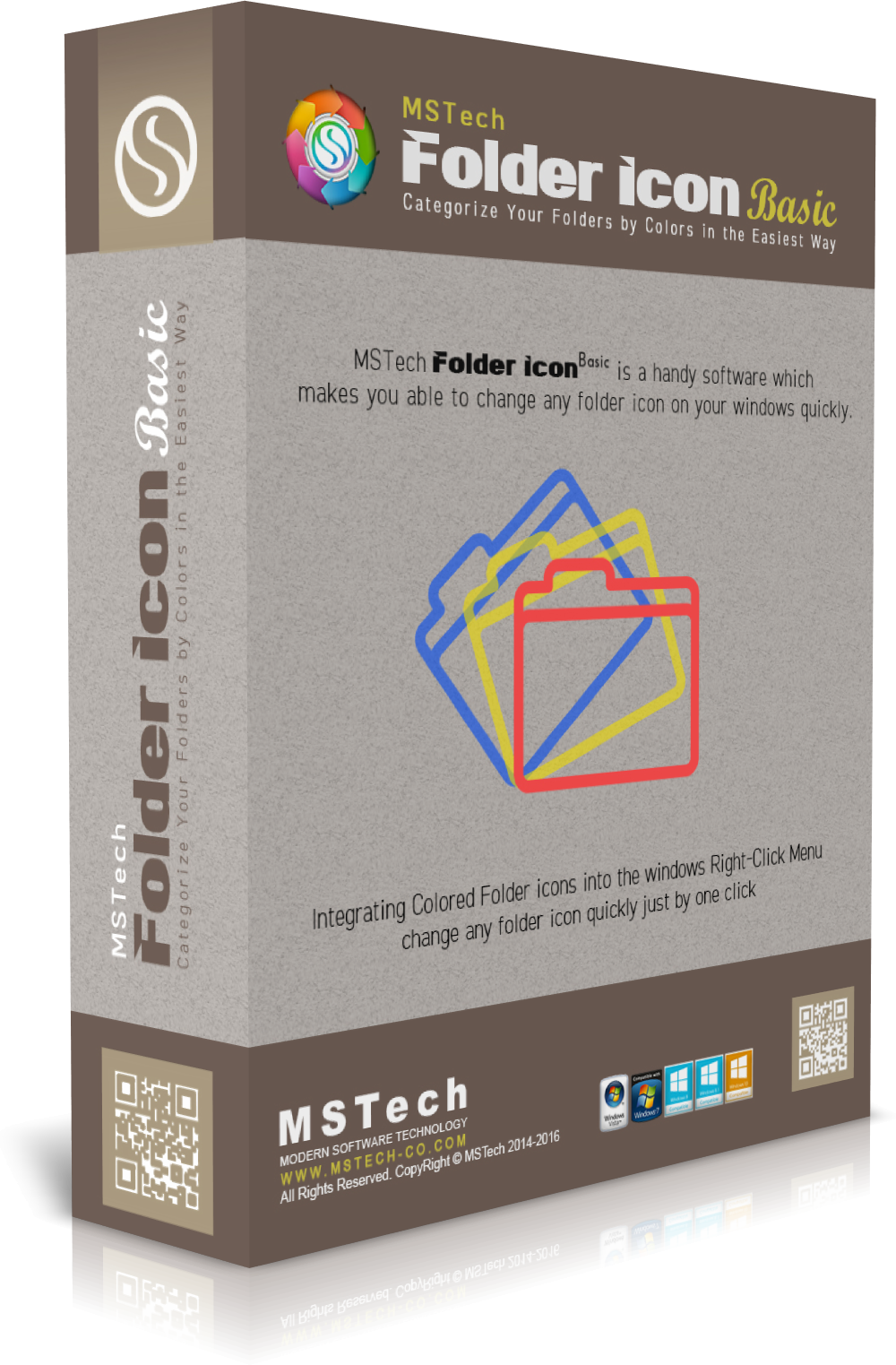
MSTech Folder Icon is a desktop utility designed to modify the visual appearance of directory icons within the Windows operating system. The software provides a structured interface for replacing standard folder graphics with custom images or alternative system icons. This functionality allows users to create a more distinct visual hierarchy within their file systems, facilitating quicker identification of specific folders and projects.
The application simplifies the customization process by allowing changes to be applied in as few as two clicks. Users can import their own images or choose from a built-in library of specialized icons and color variations. The software is built to handle specific file formats for icons while also offering tools to convert standard images into compatible directory markers. Additionally, the tool includes features for batch processing, enabling the simultaneous modification of multiple directories to maintain a consistent aesthetic across the drive.
The primary capabilities of MSTech Folder Icon include:
- Image Integration: Converting standard image files into functional folder icons.
- Color Coding: Applying different hues to standard Windows folder templates for organizational purposes.
- Icon Library Access: Utilizing pre-designed icon packs categorized by professional or personal usage.
- Workflow Efficiency: A streamlined interface that reduces the technical steps required to change system visuals.
By providing a technical solution for directory visualization, the tool assists in organizing complex data structures through visual cues rather than relying solely on text-based labels.
Top 5 Reasons To Download MSTech Folder Icon
1. Instant Visual Recognition: Transform your workflow by replacing generic yellow folders with unique icons and colors that allow your brain to identify directories in milliseconds.
2. Unrivaled Ease of Use: Change any folder icon in just two clicks, thanks to a seamless integration into the Windows environment that requires zero technical expertise.
3. Unlimited Customization Assets: Use any image file or existing Windows icon to create a truly personalized desktop experience that reflects your style or project requirements.
4. Professional-Grade Organization: Categorize your work by priority, project type, or status using a color-coded system that mimics high-end physical filing methods.
5. Lightweight and Non-Intrusive: Enjoy a powerful customization suite that operates without slowing down your system or cluttering your background processes.
Introduction: Escaping the Sea of Yellow
Let’s be honest for a second: the standard Windows folder icon is boring. It has been some variation of a yellow Manila folder for decades. While it is functional, it is also incredibly inefficient for power users. When you open your "Documents" folder or your "Work" drive, you are often met with a "sea of yellow"—dozens, if not hundreds, of identical icons that require you to manually read every single label just to find the project you were working on five minutes ago. This is a cognitive drain that we have all just accepted as a part of modern computing. But what if you didn’t have to? What if your computer worked with your brain’s natural ability to process colors and shapes?
This is where the MSTech Folder Icon giveaway comes into play. As a tech reviewer who has tested hundreds of "productivity" tools, I rarely get excited about simple utility software. However, MSTech has managed to take a basic concept—folder customization—and turn it into a streamlined, professional-grade tool that solves one of the most persistent annoyances in digital file management. This isn't just about making your desktop look "pretty" (though it certainly does that); it is about creating a visual language for your data. In this article, I am going to break down exactly why you need to jump on this giveaway right now and how it will fundamentally change the way you interact with your PC.
Reason 1: Instant Visual Recognition
The human brain is wired to process visual information significantly faster than text. In fact, studies suggest we process images up to 60,000 times faster than written words. When you are looking for a specific folder among twenty others, your eyes have to scan the text labels, decode the letters, and match them to your memory. This takes a few seconds. Now, imagine if your "Financials" folder was a bright, metallic green, and your "Family Photos" folder featured an actual thumbnail of a camera. You wouldn't need to read the labels; your hand would move the mouse toward the color or image before you even consciously realized you had found it.
By using MSTech Folder Icon, you are essentially "hacking" your own productivity. You can assign specific colors to different stages of a project. For example, use red for urgent tasks, yellow for ongoing work, and green for completed archives. This visual hierarchy allows you to assess your workload at a single glance. When you open a directory, you immediately see the status of your files without clicking a single thing. This giveaway provides you with the full suite of tools to implement this system across your entire hard drive, turning a chaotic mess of folders into a streamlined, color-coded command center.
Reason 2: Unrivaled Ease of Use
One of the biggest hurdles with customization software is the "effort-to-reward" ratio. Most users don't want to spend twenty minutes digging through system settings or registry files just to change how a folder looks. MSTech understood this perfectly when designing their interface. The software is built around the philosophy of the "two-click" change. Once installed, the tool integrates directly into your Windows shell. This means you don't even have to open the main program to make changes.
You simply right-click the folder you want to modify, select the icon or color from the context menu, and you’re done. It is that simple. This ease of use is critical because it encourages you to actually use the tool. If it were difficult, you might only change one or two folders and then give up. Because it is effortless, you will find yourself organizing your entire digital life in minutes. Whether you are a student organizing semesters, a photographer sorting shoots, or an accountant managing clients, the low barrier to entry makes this software a must-have for anyone who values their time.
Reason 3: Unlimited Customization Assets
While Windows does allow for some basic icon changes natively, the process is clunky, and the library of available icons is dated and limited. MSTech Folder Icon blows these native options out of the water. This software allows you to use virtually any image file as a folder icon. If you have a specific PNG, JPG, or ICO file that you love, you can apply it to a folder in seconds. This opens up a world of personalization that simply isn't possible with standard OS tools.
But it isn't just about using your own images. The software comes packed with an array of professionally designed icons and a sophisticated color palette. You can choose from various styles—ranging from sleek, modern "Windows 11" style icons to more classic or even playful designs. The ability to work with a wide array of images and colors means your desktop can finally reflect your personality. Want a minimalist, monochromatic look? You can do that. Want a vibrant, high-contrast workspace? It’s just as easy. This giveaway gives you the keys to the kingdom, allowing you to move beyond the limitations of default system icons and create a workspace that is uniquely yours.
Reason 4: Professional-Grade Organization
If you use your computer for work, your file structure is your digital office. Imagine walking into a physical office where every single filing cabinet was the same color and had no labels. You would be fired for that level of disorganization! Yet, we accept this on our computers every day. MSTech Folder Icon allows you to bring professional filing standards to your digital environment. For freelancers and creative professionals, this is a game-changer.
Think about the "Client" folder. Instead of just a list of names, you can use the client’s logo as the folder icon. When you are looking for "Client X," you look for their logo. It’s intuitive, it’s fast, and it looks incredibly professional. If you ever have to share your screen during a presentation or a Zoom call, having a beautifully organized and customized file system sends a clear message to your colleagues and clients: you are organized, you are tech-savvy, and you pay attention to the details. This tool helps you move from "finding files" to "managing assets," which is a crucial distinction for anyone looking to level up their professional workflow.
Reason 5: Lightweight and Non-Intrusive
As a tech reviewer, my biggest pet peeve is "bloatware"—software that promises great features but eats up 500MB of RAM and slows down your boot time. I am happy to report that MSTech Folder Icon is the exact opposite. It is a lightweight utility that stays out of your way until you need it. Because it works primarily by changing how Windows displays the folder (utilizing the native desktop.ini functionality but making it user-friendly), it doesn't need to run heavy processes in the background.
Once you change an icon, the change is "permanent" in the sense that Windows remembers it, even if the software isn't actively running. This means you get all the benefits of a highly customized, beautiful interface without any of the performance hits associated with desktop "skinning" software. It is efficient, it is stable, and it respects your system resources. For those of us running high-demand applications like video editors or games, we can't afford to waste CPU cycles on eye candy. With this tool, you don't have to choose between aesthetics and performance; you get both.
The Psychology of a Clean Workspace
Beyond the technical reasons, there is a psychological component to this software that shouldn't be overlooked. There is a concept in psychology called "cognitive load." Every small, annoying task you have to do—like squinting to read a folder label—adds to your cognitive load. By the end of an eight-hour workday, these micro-stresses add up, leading to mental fatigue and decreased productivity. By color-coding and iconizing your workspace, you are removing those micro-stresses. You are creating a "path of least resistance" for your brain.
Furthermore, there is the "Broken Window Theory" of digital spaces. If your desktop is a mess of generic icons and unsorted files, you are more likely to keep making it a mess. It feels like a junk drawer, so you treat it like a junk drawer. However, once you take the time to customize your folders and make them look intentional and beautiful, you are much more likely to maintain that organization. It creates a sense of pride in your digital environment. You’ll find yourself sorting files more often, cleaning out old downloads, and keeping your projects on track simply because the environment you’ve created feels "worth" keeping clean.
Why You Should Download This Giveaway Today
Usually, a tool this refined comes with a price tag that might make the casual user hesitate. While it is worth every penny of its retail price for the time it saves, getting it as a giveaway is an absolute no-brainer. This is your chance to upgrade your computing experience for free. You aren't just downloading a "folder changer"; you are downloading a more efficient way to interact with your data.
MSTech Folder Icon is one of those rare utilities that you don't realize you need until you’ve used it for a week. Once you experience the speed of clicking on a red folder for "Urgent" or a blue folder for "Personal" without having to read a single word, you will wonder how you ever survived in the sea of yellow. The software is robust, the icon library is extensive, and the integration is flawless. It works on modern versions of Windows and handles high-resolution displays with ease, ensuring your icons look crisp and professional no matter your screen size.
Final Thoughts: A Tech Reviewer’s Verdict
In the world of software, we often look for the "next big thing"—the AI-powered assistant or the revolutionary cloud platform. But sometimes, the most impactful changes come from the simplest tools. MSTech Folder Icon is a testament to the power of thoughtful utility design. It takes a core part of the user interface that has been neglected for years and gives the power back to the user.
If you are tired of the clutter, if you are tired of the monotony of the Windows interface, and if you want a faster, more intuitive way to navigate your files, this is the solution. It’s easy, it’s beautiful, and it’s currently available for you to grab. Don't let your folders stay yellow and boring for another day. Download this giveaway, spend ten minutes customizing your most-used directories, and I guarantee you’ll feel the difference in your productivity by the end of the first hour. This is a must-download for anyone who spends more than two hours a day on their computer. Your brain—and your desktop—will thank you.
Embrace the color, master your organization, and turn your directory structure into a work of art with MSTech Folder Icon.

Reviews for MSTech Folder Icon
Click Here to Read Reviews for MSTech Folder Icon >> Click Here to Submit Reviews for MSTech Folder Icon >>